
Disclosure: This page may contain affiliate links. Prices were checked on the date shown and may change.
An introduction to Soundiron Snack The Cat, based on information from the maker and distributors: what it does, how to use it and who it may suit. It is not scored.
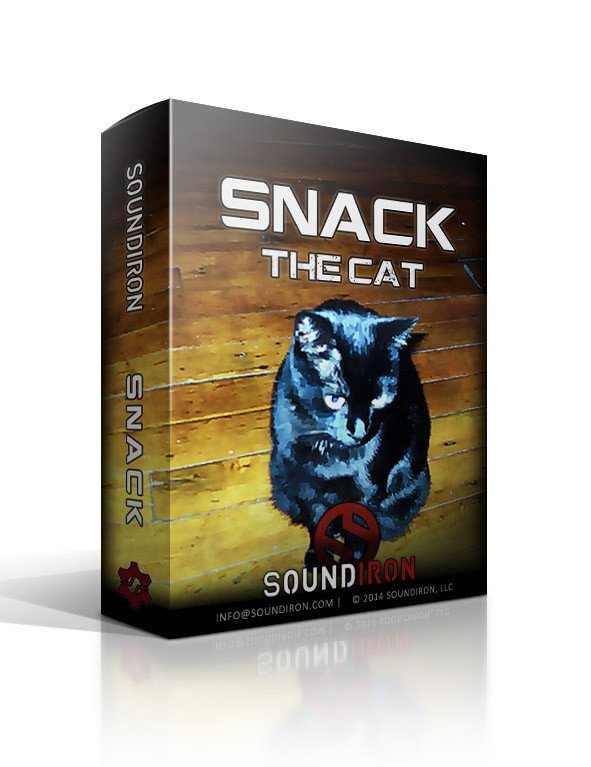
Mike's (Soundiron Partner) cat Snack is a rather vocal and demanding studio companion.
— Soundiron official site
What is Snack The Cat?
Snack The Cat is a Kontakt instrument library from Soundiron. The Plugin Boutique product page carries the headline "Welcome to Soundiron's Snack The Cat library!".
The main figures on the product page are: size: 39MB; samples: 24 (per the maker).
The description points to vocals, sound effects material. Formats mentioned: Kontakt, WAV.
Listen to the maker's demos to see whether the sounds fit your tracks before you choose.
Key features
Features on the product page
Simple cat meows; Snack "Organs" (ambient pad instruments); Snack "Electro Kit" (glitchy percussion drumkit elements); Product Specs (as listed).
Audio format
Listed as 16bit/44.1kHz.
Specifications
| Item | Details |
|---|---|
| Size | 39MB |
| Formats | Kontakt, WAV |
| Audio | 16bit/44.1kHz |
What is included and system requirements
- samples: 24
- This library is designed for the full retail version of Kontakt 3.5 or later. Kontakt is an industry-standard advanced virtual instrument / software sampler platform
- Check out screenshots of our custom graphical user interface for Kontakt in the image gallery above (located by clicking the right arrow by the main product graphics) – they provide a wide range of sound shaping parameter controls and each one is totally automation-ready within your host environment, or Kontakt's stand-alone mode
- This is a standard Kontakt open-format library, so the free Kontakt Player doesn't support this open-format Kontakt library. However, the sample directories are fully accessible to allow user customization, import and mapping into other wav-compatible software, sampler and synth formats
- The special Libraries tab doesn't support this open-format Kontakt library, but you can use th
How to use it
- Download from your Plugin Boutique account after purchase.
- Save the files where your DAW can read them.
- Load them into the included player, or into your DAW sampler or audio tracks.
- Audition a few items at your project tempo.
- Layer the ones you like to build the backbone of a track.
Where it may come in handy
Sketching ideas
It may help you sketch the backbone of a vocals, sound effects track quickly.
Who it may suit
- Producers making vocals, sound effects tracks who need material
- People who want to build ideas quickly from ready-made material
- People whose taste matches the maker's demos
Good to know before you buy
- Supported operating systems, formats and required software are listed in the system requirements section of the Plugin Boutique product page.
- Prices and sales change over time.
Price
Please check the official page for the price.
See Snack The Cat on the product page
More of the same kind
Other introduction articles of the same kind.
- Ueberschall Reggae Journey
- Ueberschall Acoustic Guitar Ballads 2
- Ueberschall Jazz Trip
- Ueberschall Downtempo Tunes
- Boom Superheroes – Speed & Strength Construction Kit
- Ueberschall Funky Acoustic Guitar
We have introduced 1 other product from Soundiron.
Sources: pluginboutique.com (checked 2026-11-19)










Comments