
Disclosure: This page may contain affiliate links. Prices were checked on the date shown and may change.
An introduction to Cinematique Instruments Colors: Free Version, based on information from the maker and distributors: what it does, how to use it and who it may suit. It is not scored.
Cinematique have made this free version especially for you to give you the opportunity to try out the convincing instrument concept of Colors.
— Cinematique Instruments official site
What is Colors: Free Version?
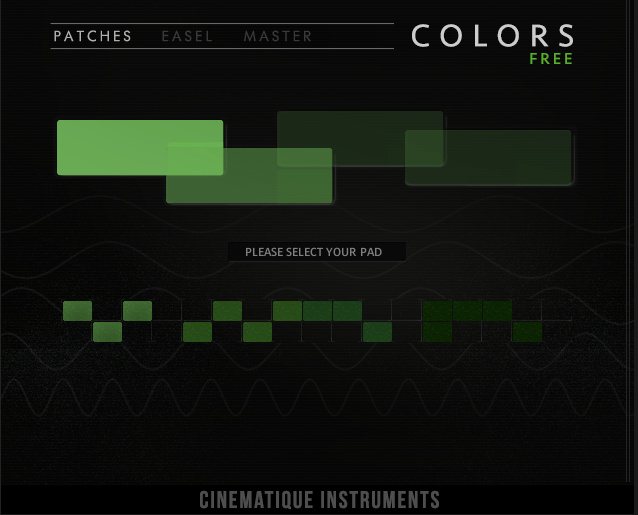
Colors: Free Version is a Kontakt instrument library from Cinematique Instruments. The Plugin Boutique product page carries the headline "This is Cinematique's Free version of Colors!".
The main figures on the product page are: presets: 15 (per the maker).
Check the system requirements on the product page for supported formats.
Listen to the maker's demos to see whether the sounds fit your tracks before you choose.
Key features
Features on the product page
See the features section of the product page.
What is included and system requirements
- presets: 15
- The FULL Version of Kontakt 5.6.8 or higher is required in order to use this instrument.
- Installation Instructions
- Installation Instructions
How to use it
- Download from your Plugin Boutique account after purchase.
- Save the files where your DAW can read them.
- Load them into the included player, or into your DAW sampler or audio tracks.
- Audition a few items at your project tempo.
- Layer the ones you like to build the backbone of a track.
Where it may come in handy
Sketching ideas
It may help you sketch the backbone of a track quickly.
Who it may suit
- Anyone looking for a Kontakt instrument library
- People who want to build ideas quickly from ready-made material
- People whose taste matches the maker's demos
Good to know before you buy
- Supported operating systems, formats and required software are listed in the system requirements section of the Plugin Boutique product page.
- Prices and sales change over time.
Price
Please check the official page for the price.
See Colors: Free Version on the product page
More of the same kind
Other introduction articles of the same kind.
- Ueberschall Tenor Saxophone
- Frontline Producer Electric Blues – Rhythm & Lead Guitars
- Singomakers Sounds Latam Tech House 2
- Ueberschall Latin Summer
- Just Add Drums Just Add Modern Drums – Slate Trigger 2
- Sonuscore Moroccan Vocal Phrases
Sources: pluginboutique.com (checked 2026-11-19)










Comments