
A loudness meter is a tool that measures how loud a song sounds to the human ear (loudness, in LUFS). Streaming services such as YouTube and Spotify automatically adjust the volume to even out songs. A song that is raised too much gets turned down, so it is reassuring to measure the loudness before you publish a cover song or your own track.
This list compares 10 loudness meters on 3 criteria: streaming checks, measurable values, finding problems. Scores are decided by how well each product serves its purpose, using the conditions for each criterion, and the basis is official manufacturer information. Price is not part of the score.
Disclosure: This page contains affiliate links. If you buy through them, SoundBounty may earn a commission at no extra cost to you. Prices are as of the date checked and can change.
Picks by purpose
- If you want to start for free: Youlean Loudness Meter (rank A). Even the free version measures the main numbers such as loudness and true peak.
- If you want to check exported songs in bulk: EXPOSE 2 (rank S). Drop in files to analyze them, and it also gives advice on how to fix them.
- If you want to compare with streaming guides during the mix: LEVELS (rank S). It has streaming-service presets and a display when you go outside the guide.
- If you want to try how it actually sounds on streaming: MasterCheck (rank A). You can audition the effect of automatic volume adjustment and audio compression.
Picks by budget
The highest-scoring product in each price range. Prices are the regular prices in US dollars shown on Plugin Boutique on October 10, 2026; sale prices change often, so check the store page. Price is not part of the score.
- Free: Youlean Loudness Meter, MLoudnessAnalyzer.
- $50 to $149: EXPOSE 2 (rank S, $80). The highest-scoring product in this price range.
- $150 and over: Insight 2 (rank A, $199). The highest-scoring product in this price range.
Tier list by rank
Ranks are based on the manufacturer's official features and specifications, not on sound quality. Within a row, products are ordered by score. The basis is explained in How we rate specifications.
Tier table by criterion
Products with the same overall rank can have different strengths. Click a column heading to sort by the rank on that criterion, and use it when you choose by the feature you want.
| Product | Overall | Streaming checksWhether you can check against the targets of streaming services | Measurable valuesHow many of loudness, loudness range, true peak and PLR or dynamic range it can measure | Finding problemsAnalysis and advice beyond volume |
|---|---|---|---|---|
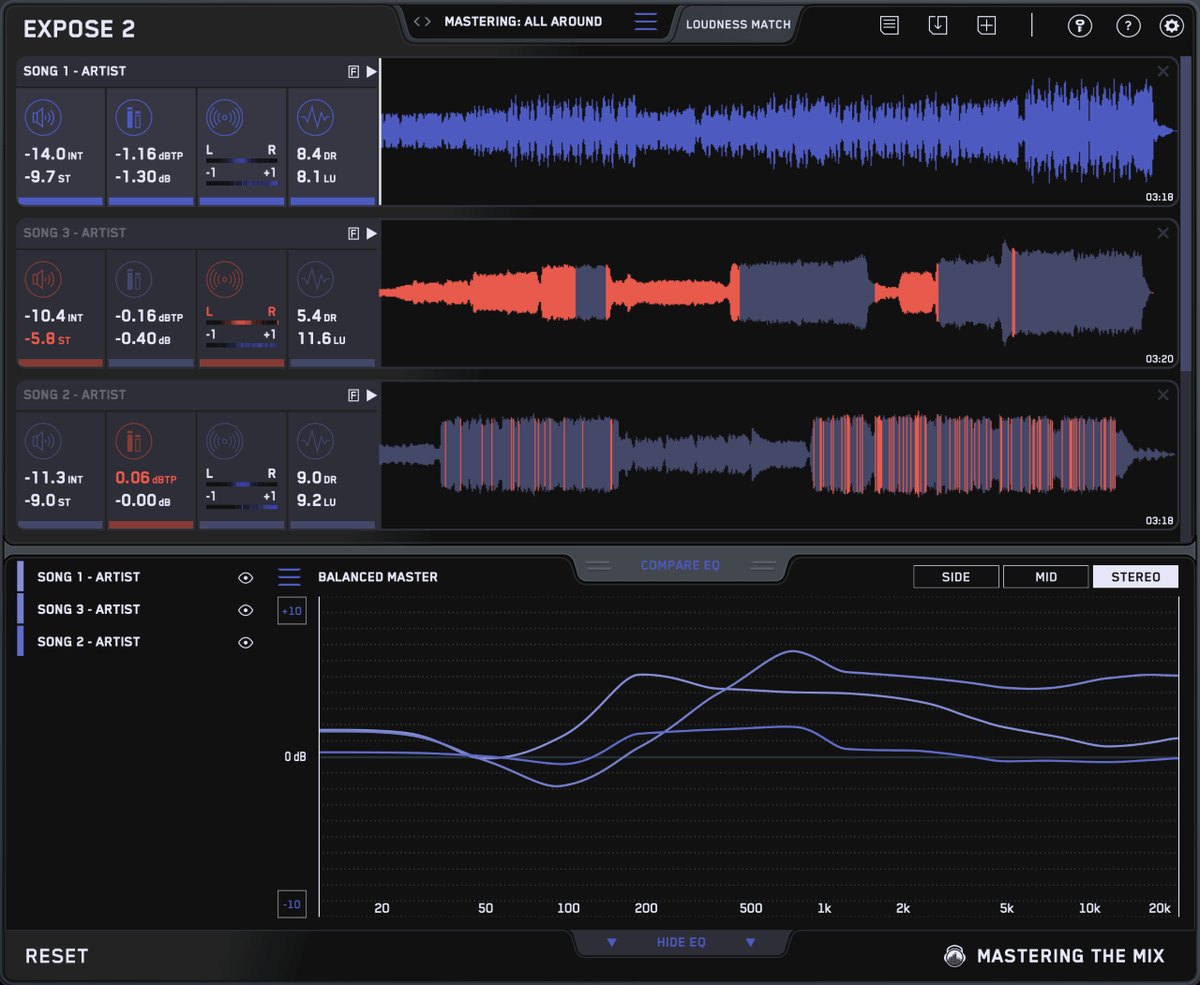 Mastering The MixEXPOSE 2 Mastering The MixEXPOSE 2 | S4.5 | AChoose the destination | SAll four | SAnalysis + fix advice |
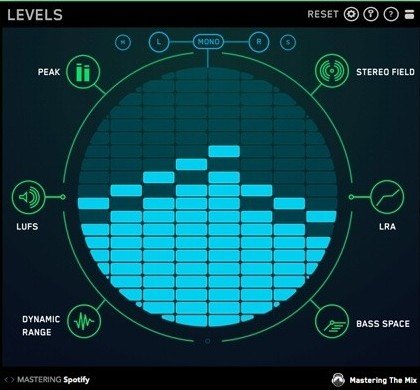 Mastering The MixLEVELS Mastering The MixLEVELS | S4.3 | AStreaming presets | SAll four | AWidth, bass, dynamics |
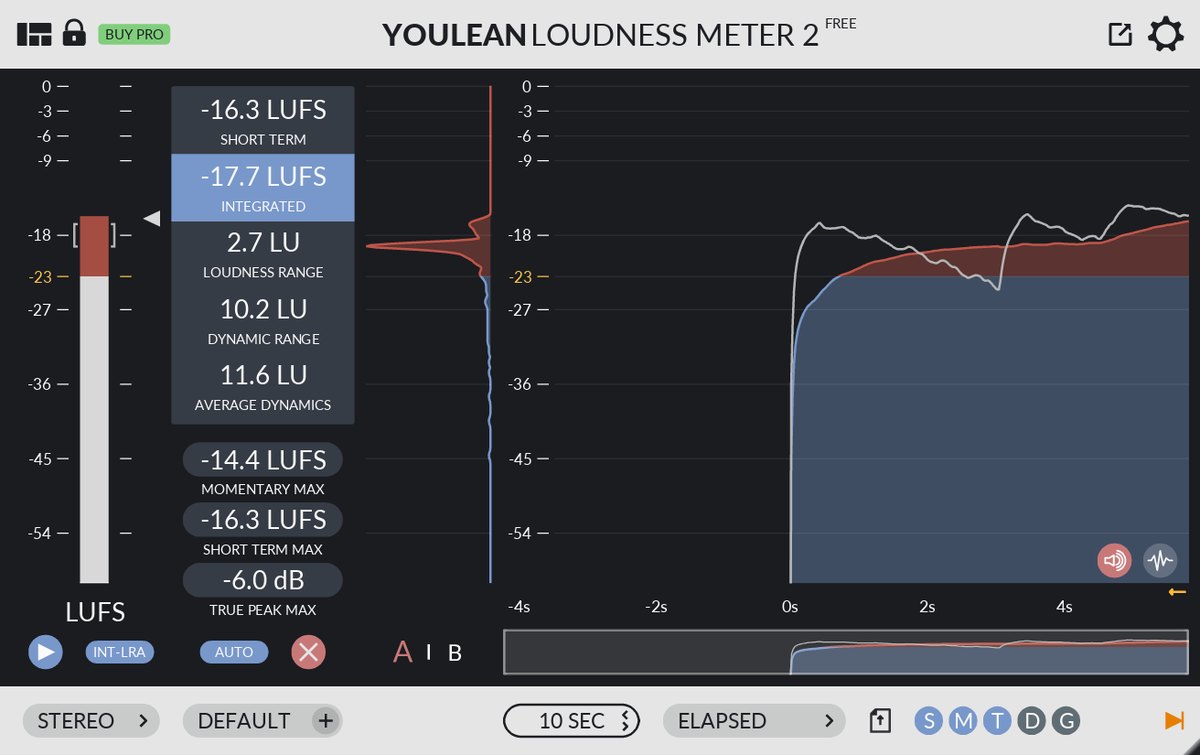 YouleanYoulean Loudness Meter YouleanYoulean Loudness Meter | A4.0 | AStreaming presets | SAll four | BDynamics |
 NUGEN AudioMasterCheck NUGEN AudioMasterCheck | A4.0 | SPreview auto-adjust and compression | ALUFS, TP, PLR | CMainly volume |
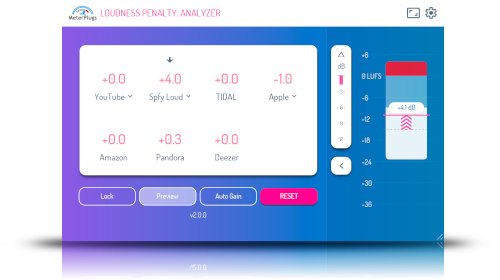 MeterPlugsLoudness Penalty 2 MeterPlugsLoudness Penalty 2 | A4.0 | SAudition automatic adjustment | ALUFS, TP, LRA | CNone |
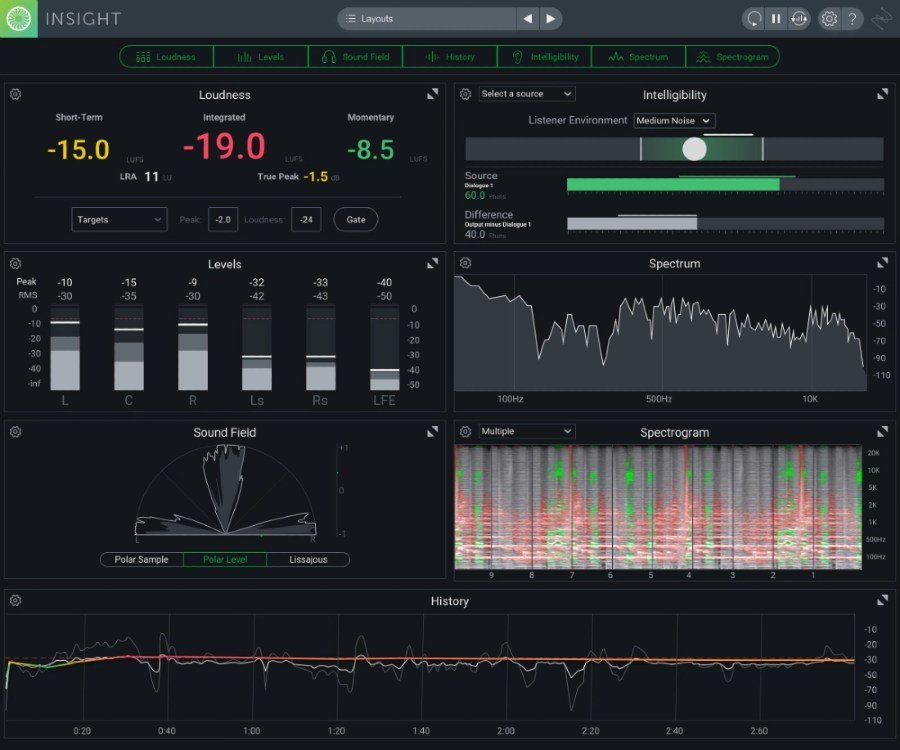 iZotopeInsight 2 iZotopeInsight 2 | A3.8 | AStreaming targets | BLUFS, LRA | AWidth, spectrum, intelligibility |
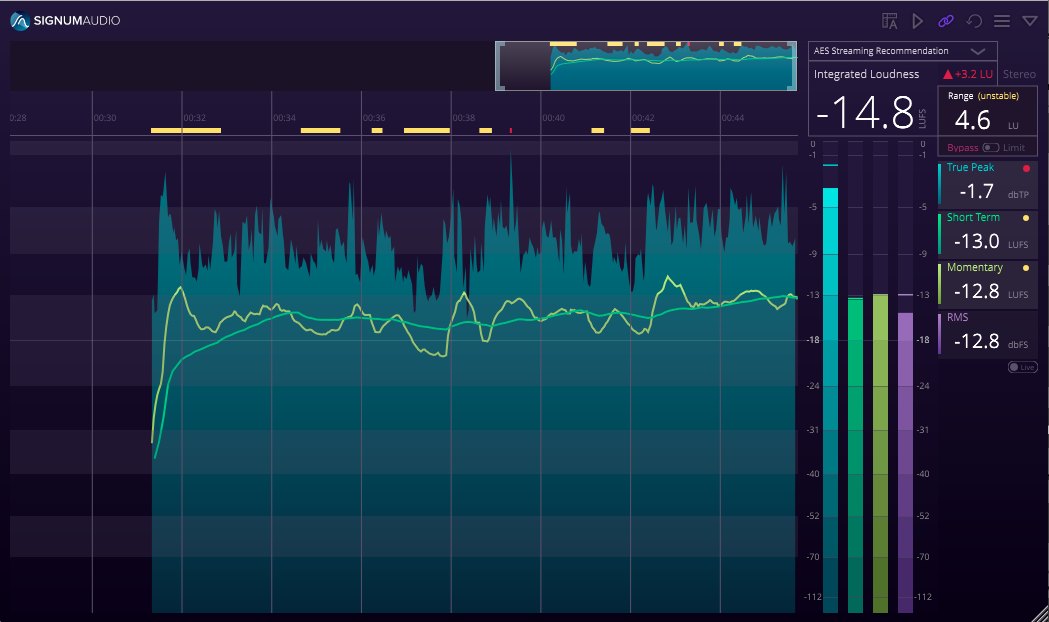 Signum AudioBUTE Loudness Analyser 2 Signum AudioBUTE Loudness Analyser 2 | B3.3 | AStreaming service presets | BLUFS, TP | CNone |
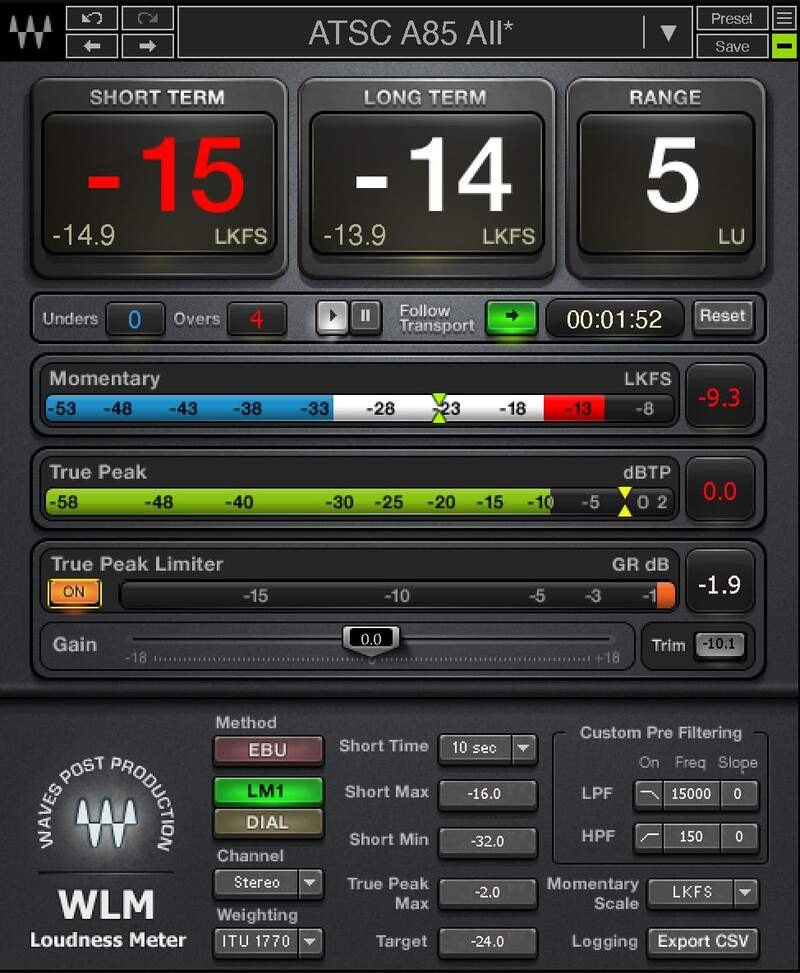 WavesWLM Plus WavesWLM Plus | B3.0 | BSupports broadcast standards | ALUFS, TP, LU | CNone |
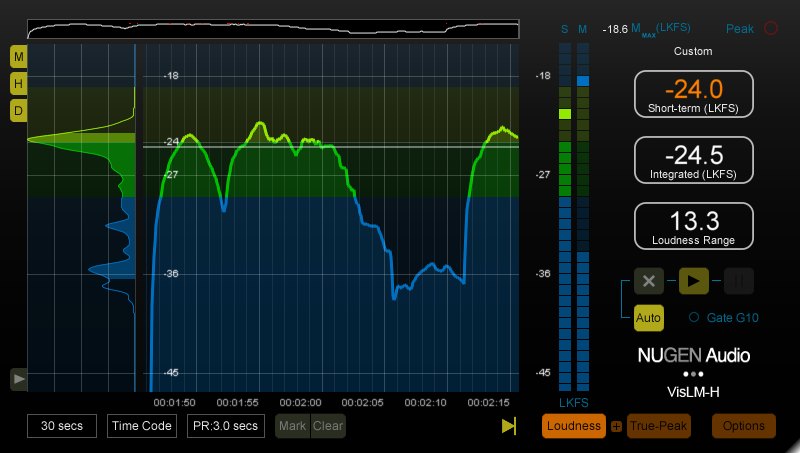 NUGEN AudioVisLM NUGEN AudioVisLM | B2.8 | BSupports broadcast standards | BLUFS, TP | CNone |
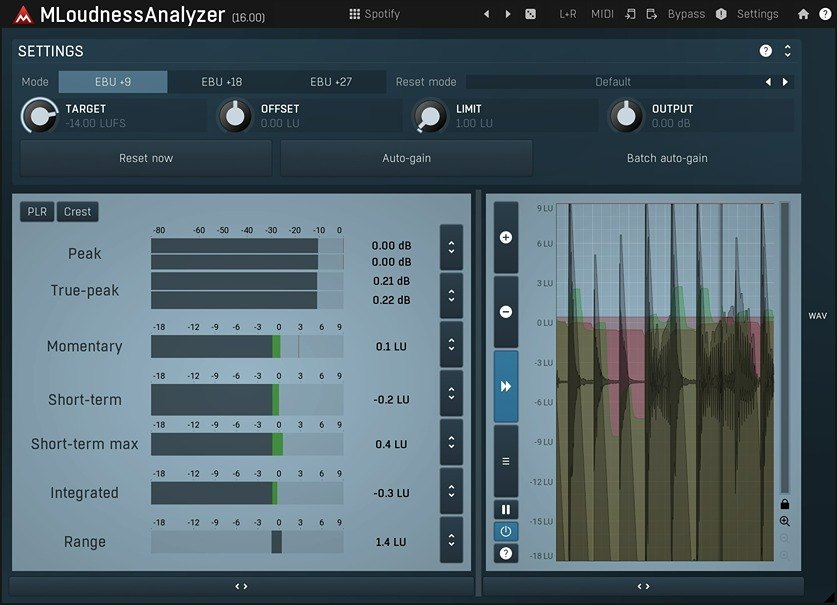 MeldaProductionMLoudnessAnalyzer MeldaProductionMLoudnessAnalyzer | C2.3 | CMeasures only | BLUFS, LRA | CNone |
Click a column heading to sort by that criterion (click again to reverse). Each cell shows the score (1 to 5) on that criterion as 5 = S, 4 = A, 3 = B, 2 or lower = C. A dash means the criterion is not scored. This is a rating of the manufacturer's official features and specifications, not of sound quality. See How we rate specifications.
Top-scoring products
 EXPOSE 2Rank S
- LEVELSRank S
- Youlean Loudness MeterRank A
- MasterCheckRank A
- Insight 2Rank A
- MLoudnessAnalyzerRank C
Up to 9 products in order of score. Images are the manufacturers’ official press images or Plugin Boutique images. The overall order and the basis for each rank are in the tier tables above and on each product’s page.
Free ways to start
If you want to try something without spending money, or are looking for your first one, you can start with a product that is free to use. Check the free scope and conditions on each product’s page.
- Youlean Loudness Meter (rank A, free)
- MLoudnessAnalyzer (rank C, free)
How to choose a loudness meter
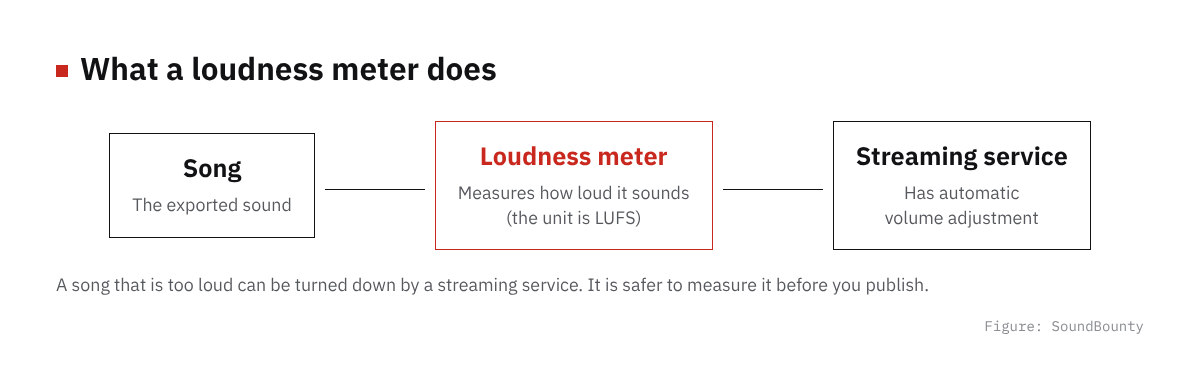
Figure: SoundBounty
Does it show the guides of streaming services?
A meter with a guide (preset) for each streaming service lets you check at once whether your song fits that guide.
Numbers you can measure
If it can measure not only the loudness of the whole song (LUFS) but also true peak, a guide to distortion, and the difference in volume within the song (loudness range), it is easier to notice problems.
Use it during the mix, or check exported songs?
Some types are DAW plug-ins you watch during the mix, and some analyze exported files in bulk. Choose the one that fits how you work.
A word on each product
Prices in the headings are regular prices in US dollars shown on Plugin Boutique on October 10, 2026. They are not part of the score.
EXPOSE 2 (rank S, $80)
Mastering The Mix’s EXPOSE 2 is an app (a standalone app, not a DAW plug-in) that analyzes loudness (how loud a person perceives the sound), peak, stereo width and phase, and dynamic range just by dropping a song file onto the screen. You can choose where you will release it, such as Spotify or YouTube, compare the balance of the sound with a reference track and see advice on how to fix problems.
LEVELS (rank S, $80)
Mastering The Mix’s LEVELS is a meter in which you choose streaming-service or broadcast targets as presets and check loudness, true peak (a guide to the clipping that happens when exporting or converting for streaming), loudness range (the spread of volume within a song) and dynamic range. It also shows stereo width and the amount of low end (Bass Space), and tells you when a value is outside the target.
Youlean Loudness Meter (rank A)
Youlean’s Youlean Loudness Meter measures how loud a song sounds (loudness) following ITU-R BS.1770. Even the free version displays loudness, true peak (a guide to the clipping that happens when exporting or converting for streaming), loudness range (the spread of volume within a song), PLR and dynamic range, and the PRO version adds streaming presets for services such as Spotify and YouTube, a dynamics graph and analysis by simply dropping in a file.
MasterCheck (rank A)
NUGEN Audio’s MasterCheck is a plug-in that, at the finishing stage, lets you listen to how streaming services’ automatic volume adjustment (loudness normalization) and audio compression (codecs) change the sound. It can also measure loudness (how loud a person perceives the sound), true peak (a guide to the clipping that happens when exporting or converting for streaming), PLR and more.
Loudness Penalty 2 (rank A)
The MeterPlugs loudness meter Loudness Penalty 2 shows how much a song’s volume will be turned down on YouTube, Spotify, Apple Music, Amazon Music, TIDAL, Deezer and Pandora. You can listen to a recreation of the limiter of Spotify’s “Loud” mode.
Insight 2 (rank A, $199)
iZotope’s Insight 2 is a set of meters that measure loudness (how loud a person perceives the sound) as well as stereo width (phase), a spectrogram, and the intelligibility of dialogue. It has profiles for the industry-standard loudness specifications and supports Atmos up to 7.1.2.
BUTE Loudness Analyser 2 (rank B)
The Signum Audio loudness meter BUTE Loudness Analyser 2 has many presets (settings prepared in advance) for broadcast, streaming and game standards. It shows a history of up to 10 hours of loudness (how loud people perceive a sound to be) and automatically measures again when you change something in your DAW.
WLM Plus (rank B)
The Waves loudness meter WLM Plus measures loudness (how loud people perceive a sound to be) to ITU, EBU and ATSC standards. It also has a true peak limiter (true peak is a guide to the clipping that can happen when exporting or when a streaming service converts the file) and a gain trim, so you can adjust the level after measuring.
VisLM (rank B)
The NUGEN Audio loudness meter VisLM is made for broadcast, post-production and games. It supports international standards, national broadcast standards and Netflix, and has a feature called ReMEM that records up to 24 hours of loudness (how loud people perceive a sound to be).
MLoudnessAnalyzer (rank C)
MeldaProduction’s MLoudnessAnalyzer is a loudness meter that follows EBU R128 and ITU-R BS.1770-3. It can display a peak meter, momentary, short-term and integrated loudness (how loud a person perceives the sound) and loudness range (the spread of volume within a song).
Frequently asked questions
Q. Is there a free loudness meter?
In this comparison, the free version of Youlean Loudness Meter and MLoudnessAnalyzer are free.
Q. What is LUFS?
It is a unit that expresses how loud a sound seems to the human ear. The closer the number is to 0, the louder it sounds. Streaming services even out songs by this value.
Q. Is the DAW’s meter not enough?
Most DAW meters show the instantaneous level of the sound (peak). To check volume for streaming, a meter that can measure loudness (LUFS) is more reliable.
How we score
How we score (Loudness meters)
| Criterion | Basis | 5 pt | 4 pt | 3 pt | 2 pt | 1 pt |
|---|---|---|---|---|---|---|
| Streaming checks | Whether you can check against the targets of streaming services | Streaming-service targets, plus automatic loudness adjustment and a preview of how it sounds after audio compression | Targets for each streaming service (presets) | Presets for standards such as broadcast | It only measures numbers | — |
| Measurable values | How many of loudness, loudness range, true peak and PLR or dynamic range it can measure | All four | Three | Two | One | — |
| Finding problems | Analysis and advice beyond volume | Three or more kinds of analysis, plus advice on how to fix problems | Three or more kinds (stereo width, frequency distribution, dynamics and so on) | One or two kinds | No analysis beyond volume | — |
Each criterion is scored from 1 to 5 on how well the product serves one goal: checking that a song can be released at a volume suited to streaming services. Scores follow the conditions in the table above, and the rank is based on an average in which "Streaming checks" counts double. The basis is official manufacturer information, and features that could not be confirmed on the official page are treated as absent. Measurement accuracy has not been tested, so it is not part of the score. Price is not part of the score. Features that cannot be confirmed from the manufacturer's or a retailer's description are scored as if absent. The "OBS (streaming)" column in the table shows whether the official page lists the VST2 format that the streaming software OBS Studio can use (○). OBS does not support the VST3 format. It is not part of the score.
The thinking behind scores and ranks is summarized in How we rate specifications. We add products in order.
More comparisons
For free options
Pages about free products in this category: