
Noise reduction and audio repair software reduces, after the fact, noise that got into a recording, such as air conditioner sound, hum, lip noise and room echo. For cover songs recorded at home, it saves you from re-recording in many situations. Here we compare the three editions of the standard iZotope RX 12, plus products from SpectraLayers, Acon Digital and Antinode, for the purpose of tidying a vocal recording.
This list compares 13 noise reduction and repair products on 4 criteria: noise control for vocal recordings, sound separation, speed, streaming and real time. Scores are decided by how well each product serves its purpose, using the conditions for each criterion, and the basis is official manufacturer information. Price is not part of the score.
Disclosure: This page contains affiliate links. If you buy through them, SoundBounty may earn a commission at no extra cost to you. Prices are as of the date checked and can change.
Picks by purpose
- If you want to tidy a cover-song recording completely: RX 12 Standard (rank S). It deals with lip noise, breaths and even sibilance, and can separate vocals from the backing.
- If you want to reduce room sound and everyday noise quickly: Clear (rank B). Three knobs reduce noise and room echo.
- If you want to separate vocals and backing: SpectraLayers Pro 13 (rank A). It can separate the parts of a song in detail, and repair while watching the screen.
- If you want to fix only basic noise at a reasonable price: RX 12 Elements (rank B). It deals with background noise, hum, clicks and room echo.
Picks by budget
The highest-scoring product in each price range. Prices are the regular prices in US dollars shown on Plugin Boutique on October 10, 2026; sale prices change often, so check the store page. Price is not part of the score.
- Free: Denoiser Classic.
- $50 to $149: RX 12 Elements (rank B, $99). The highest-scoring product in this price range.
- $150 and over: RX 12 Advanced (rank S, $1,399). The highest-scoring product in this price range.
Tier list by rank
Ranks are based on the manufacturer's official features and specifications, not on sound quality. Within a row, products are ordered by score. The basis is explained in How we rate specifications.
Tier table by criterion
Products with the same overall rank can have different strengths. Click a column heading to sort by the rank on that criterion, and use it when you choose by the feature you want.
| Product | Overall | Noise control for vocal recordingsHow it deals with noise that often gets into home recordings | Sound separationFeatures that separate voice from backing, or by part | SpeedFeatures that make repair work faster | Streaming and real timeWhether it reduces noise in a voice in real time while streaming or recording |
|---|---|---|---|---|---|
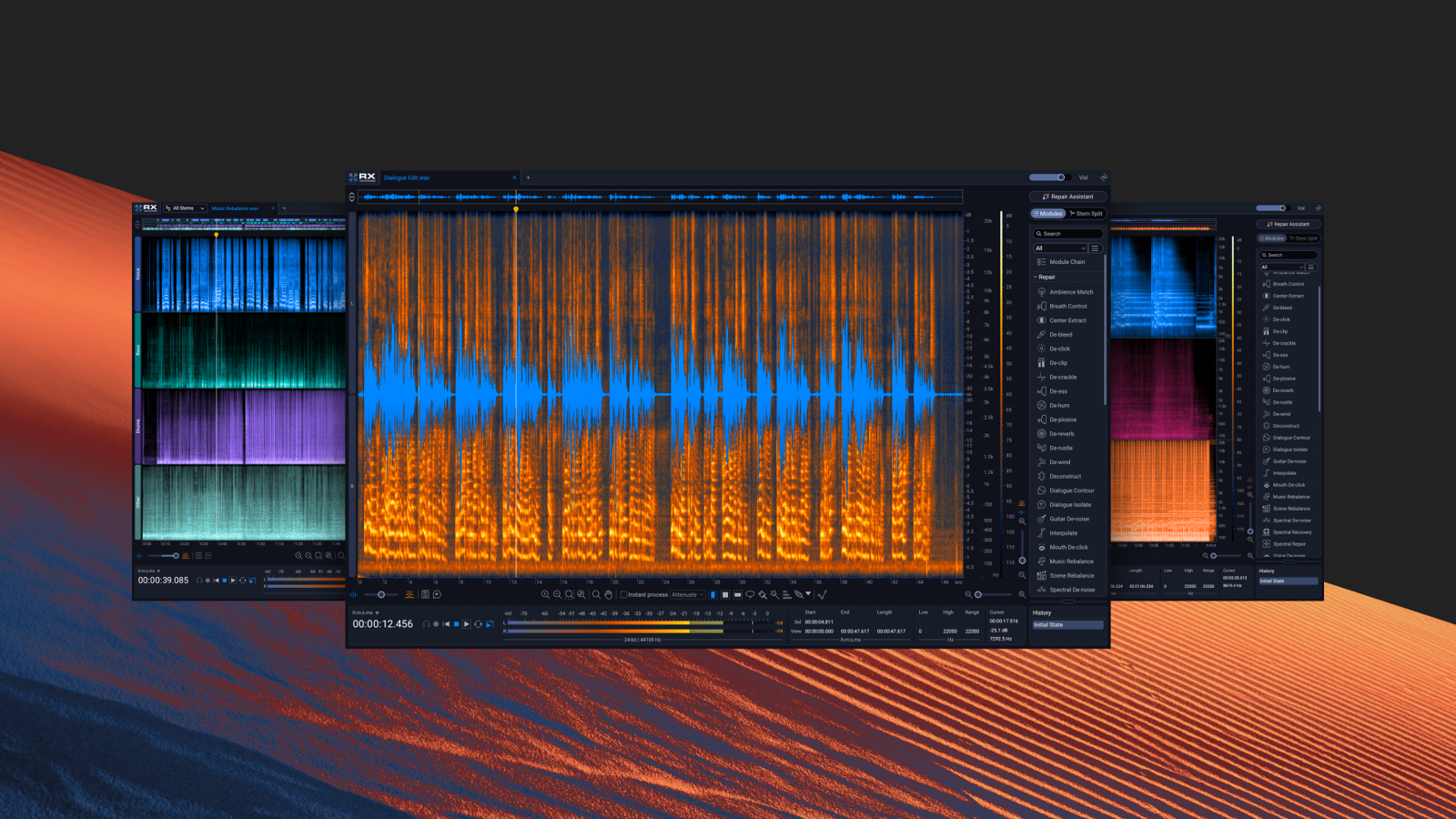 iZotopeRX 12 Advanced iZotopeRX 12 Advanced | S4.8 | SDown to lip noise and breaths | SDown to separating scenes | SAlso matches ambience and EQ | AVoice De-noise (no delay) |
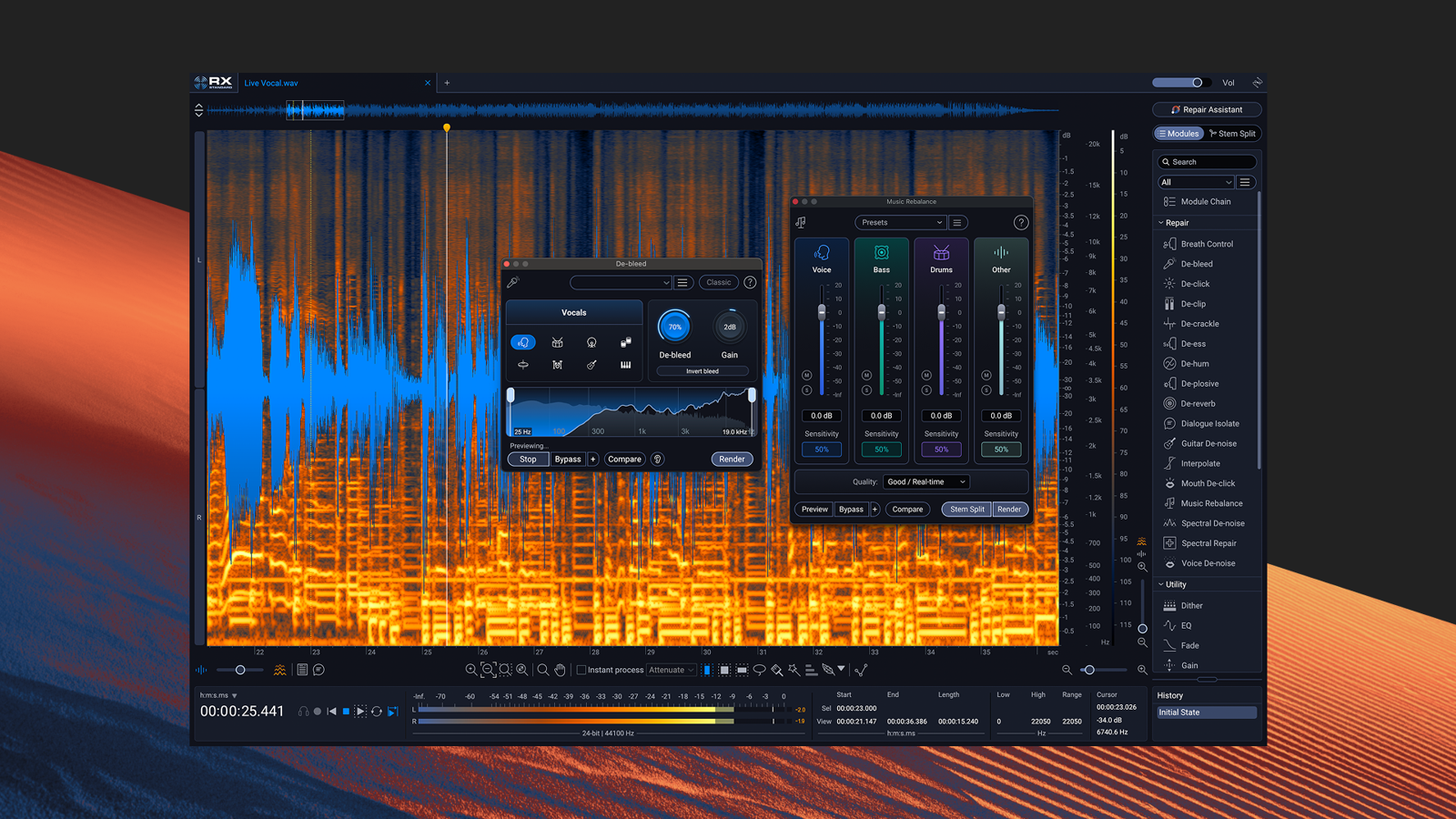 iZotopeRX 12 Standard iZotopeRX 12 Standard | S4.4 | SDown to lip noise and breaths | AVoice extraction and separation | ASuggestions + spectral editing | AVoice De-noise (no delay) |
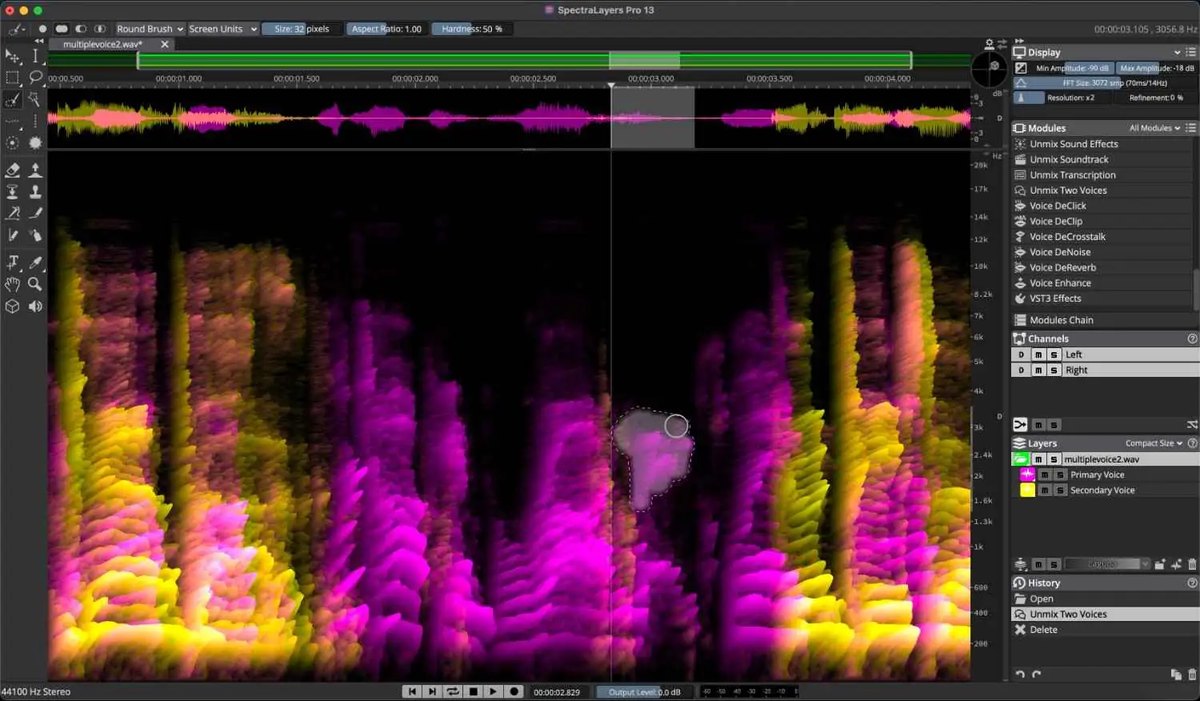 SteinbergSpectraLayers Pro 13 SteinbergSpectraLayers Pro 13 | A4.0 | ARoom ring and sibilance too | SSeparates every part of a song | SAutomatic processing + batch | CMainly editing after recording |
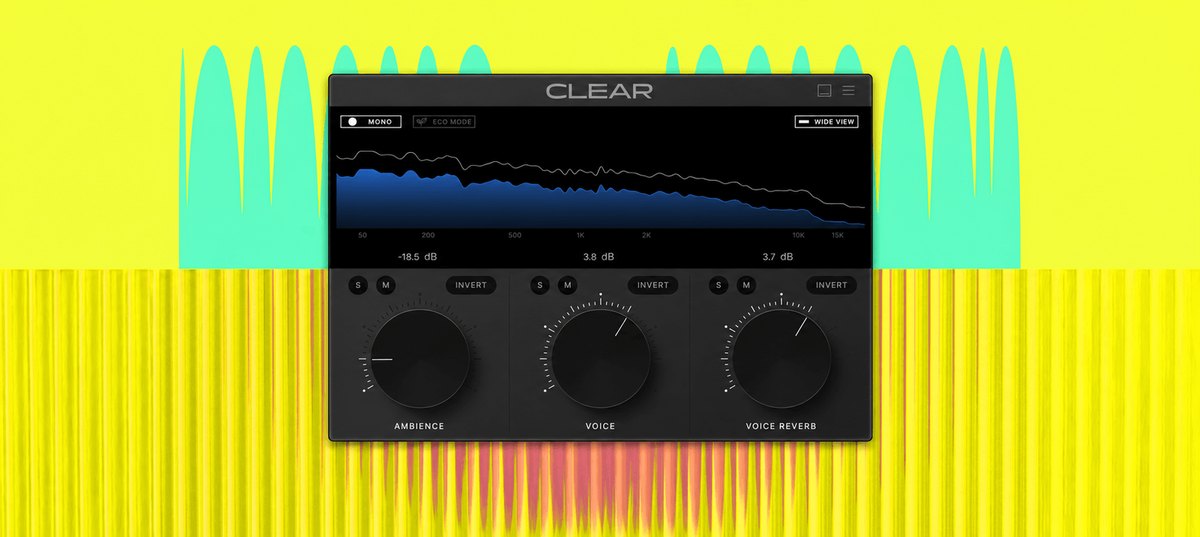 Antinode AudioClear Antinode AudioClear | B3.0 | CNoise + room ring | BVoice separation | B3 knobs | SStated for streaming |
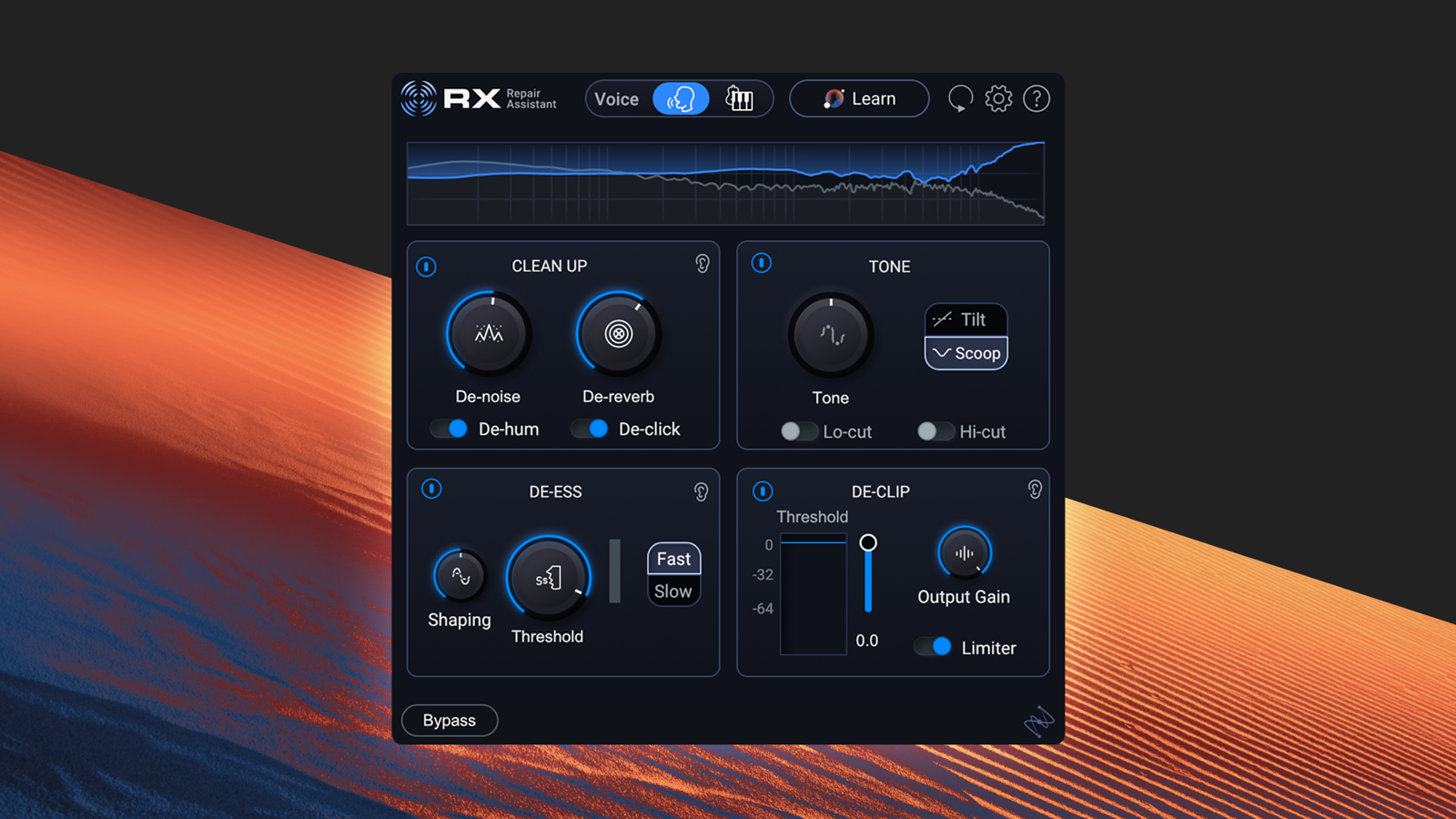 iZotopeRX 12 Elements iZotopeRX 12 Elements | B2.8 | BBasic noise | CNone | BAutomatic suggestions | AVoice De-noise (no delay) |
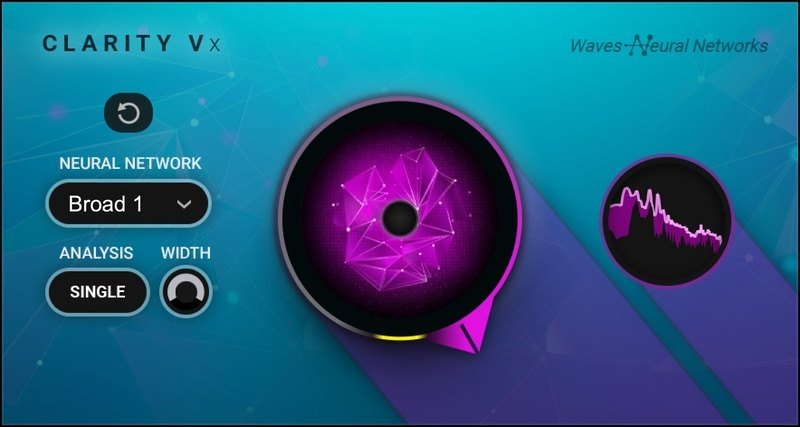 WavesClarity Vx WavesClarity Vx | B2.6 | CBackground noise | BVoice separation | BOne knob | BReal time |
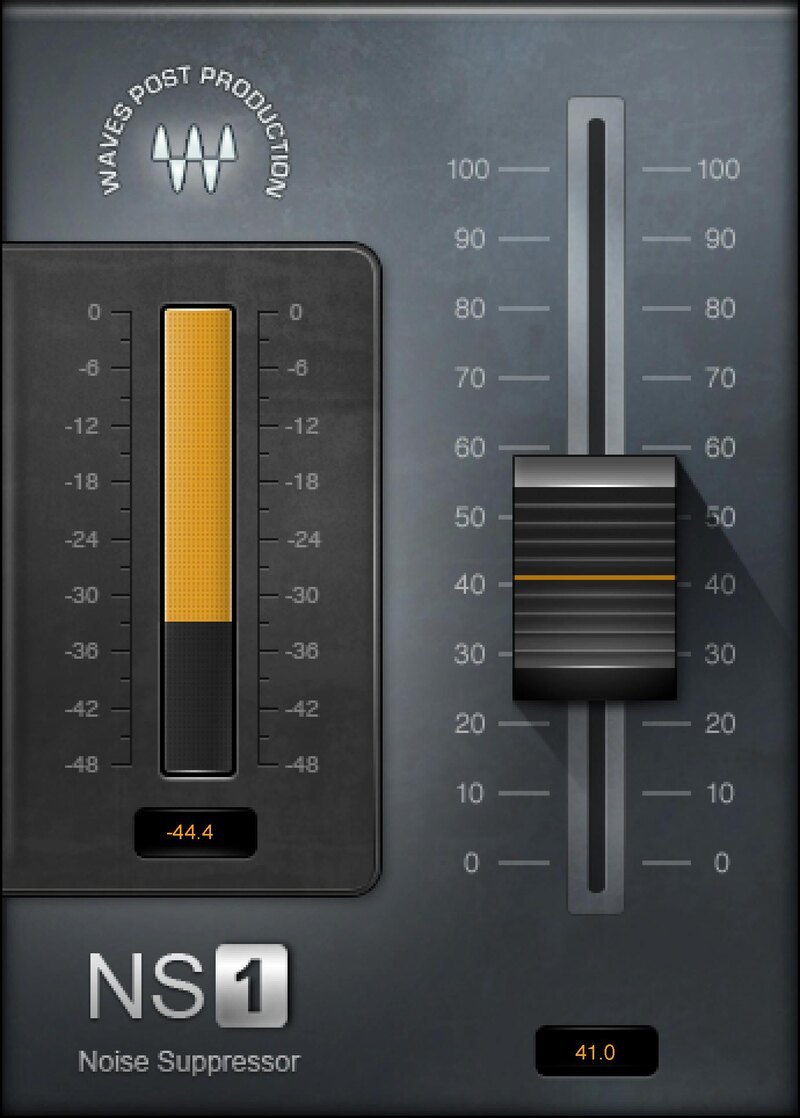 WavesNS1 WavesNS1 | B2.6 | CBackground noise | BVoice separation | BOne fader | BReal time |
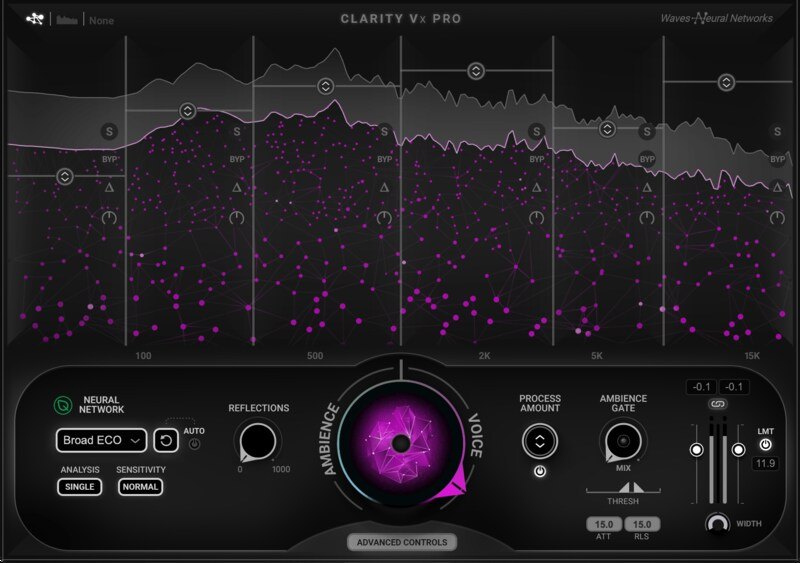 WavesClarity Vx Pro WavesClarity Vx Pro | B2.6 | CBackground noise + reflections | BVoice separation | BOne knob + details | BReal time |
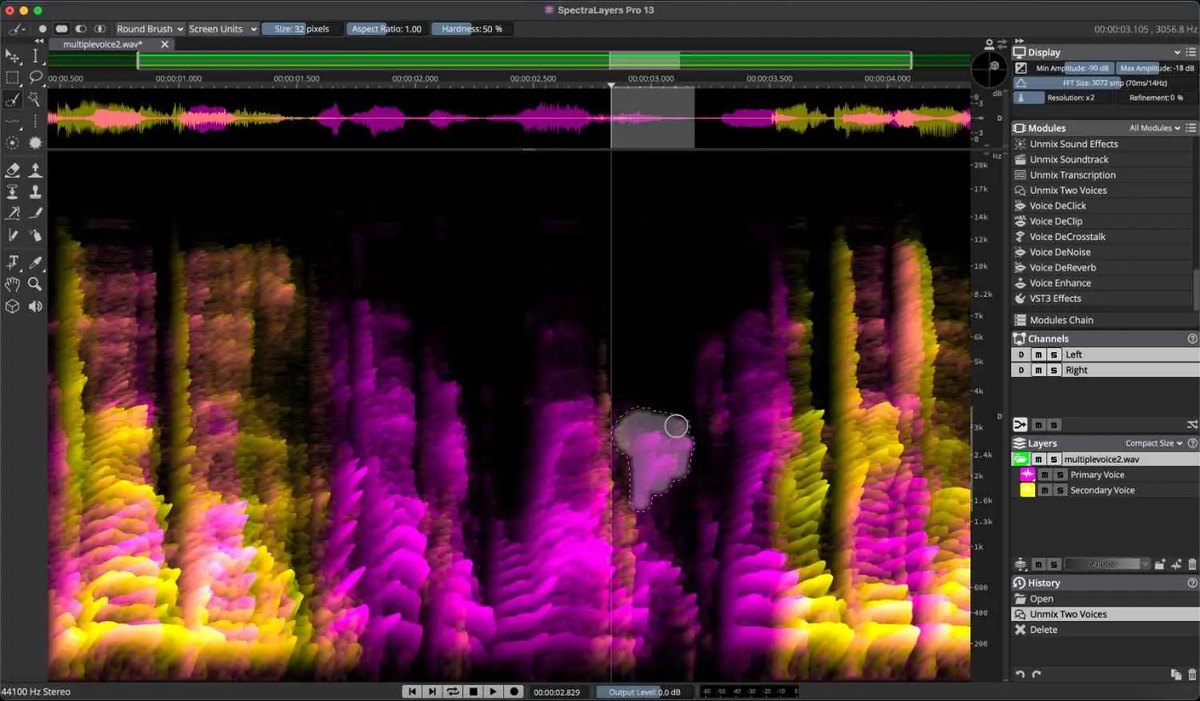 SteinbergSpectraLayers Elements 13 SteinbergSpectraLayers Elements 13 | C2.4 | CNoise, hum, clicks | BVocal separation | BSpectral editing | CMainly editing after recording |
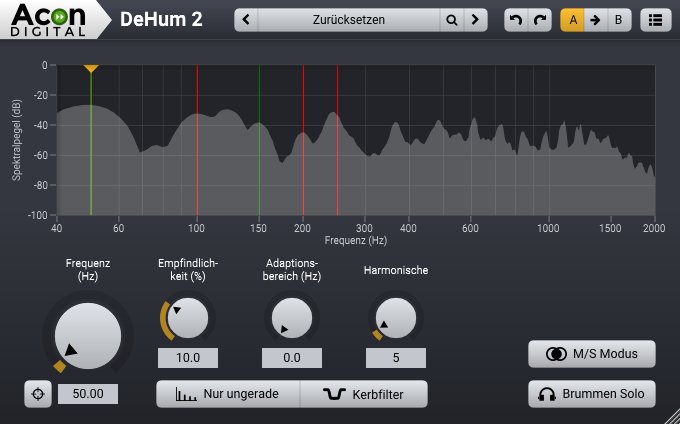 Acon DigitalRestoration Suite 2 Acon DigitalRestoration Suite 2 | C2.2 | CNoise, hum, clicks | CNone | BAutomatic mode | BPlug-ins (DeNoise and others) |
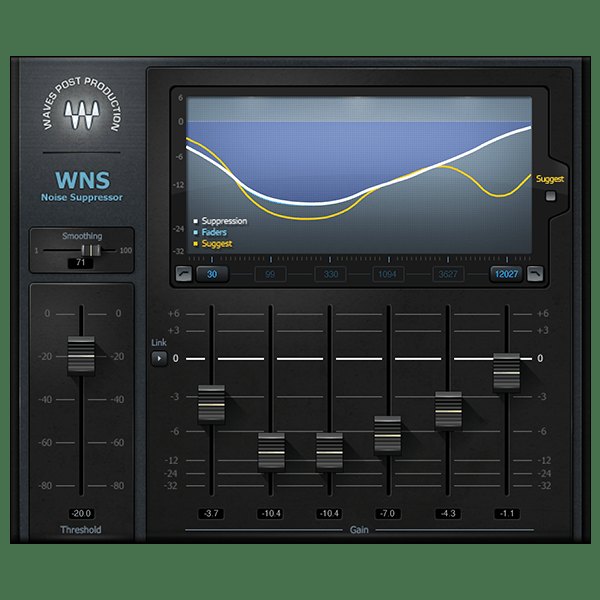 WavesWNS WavesWNS | C2.2 | CBackground noise + room ring | CNone | BSuggests settings | BReal time |
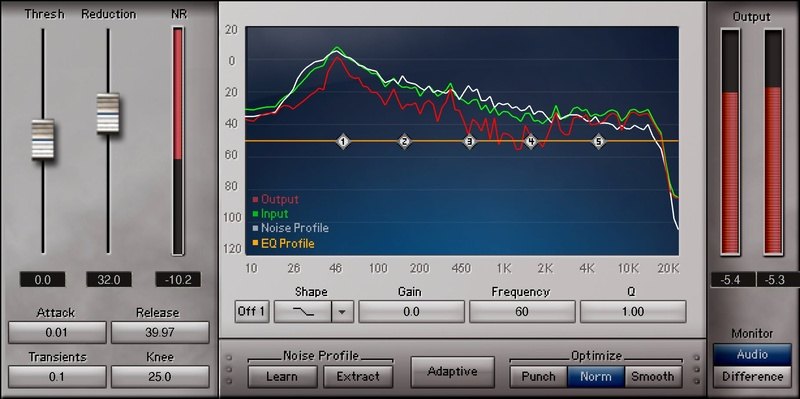 WavesZ-Noise WavesZ-Noise | C2.2 | CNoise, hum | CNone | BAutomatic tracking mode | BPlug-in |
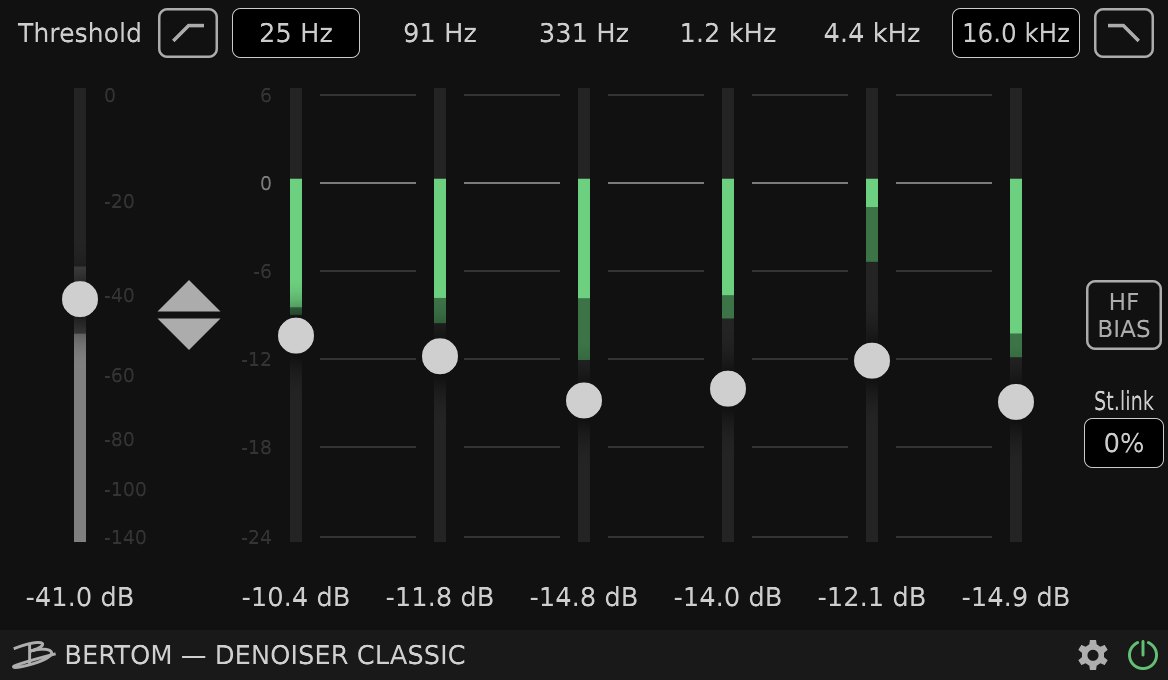 Bertom AudioDenoiser Classic Bertom AudioDenoiser Classic | C2.2 | CNoise | CNone | CManual adjustment | AZero latency |
Click a column heading to sort by that criterion (click again to reverse). Each cell shows the score (1 to 5) on that criterion as 5 = S, 4 = A, 3 = B, 2 or lower = C. A dash means the criterion is not scored. This is a rating of the manufacturer's official features and specifications, not of sound quality. See How we rate specifications.
Top-scoring products
 RX 12 AdvancedRank S
- RX 12 StandardRank S
- SpectraLayers Pro 13Rank A
- RX 12 ElementsRank B
- Clarity VxRank B
- SpectraLayers Elements 13Rank C
- Restoration Suite 2Rank C
Up to 9 products in order of score. Images are the manufacturers’ official press images or Plugin Boutique images. The overall order and the basis for each rank are in the tier tables above and on each product’s page.
Free ways to start
If you want to try something without spending money, or are looking for your first one, you can start with a product that is free to use. Check the free scope and conditions on each product’s page.
- Denoiser Classic (rank C, free)
How to choose noise reduction software
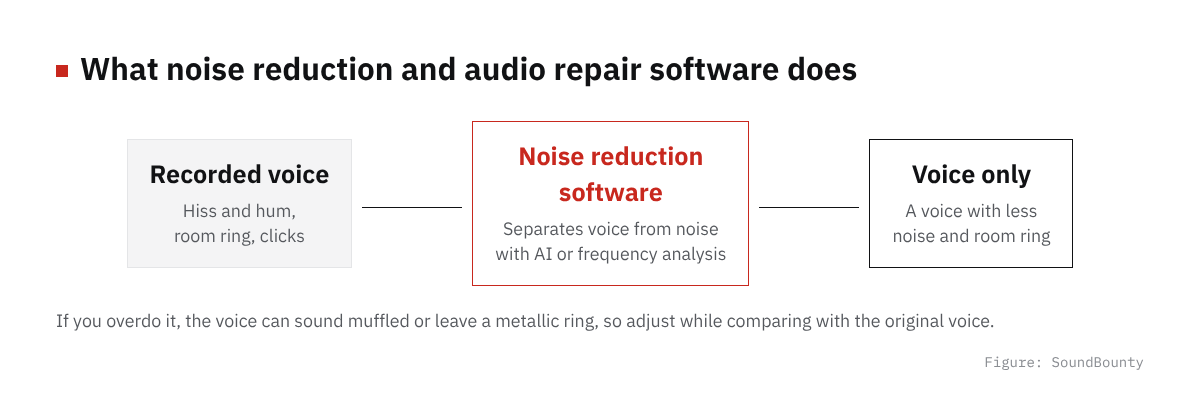
Figure: SoundBounty
What noise do you want to remove?
The product that suits you differs by the kind of noise, such as the hiss of an air conditioner or computer, power hum, room echo and lip noise in the mouth. First check whether it has a function to remove the noise that bothers you in your recording.
Finish quickly and automatically, or fix in detail?
Some types use AI to separate voice from noise and finish with a few knobs, and others let you view the sound as a picture of frequencies and remove it one spot at a time. For speed, the former; to remove a specific sound such as a click or a cough, the latter.
Use it as a plug-in, or as standalone software?
Some work as plug-ins inside the DAW, and some are standalone software you edit in. For finishing cover-song recordings one by one, either works. If you go back and forth with the DAW a lot, it also helps to check ARA support.
A word on each product
Prices in the headings are regular prices in US dollars shown on Plugin Boutique on October 10, 2026. They are not part of the score.
Clear (rank B)
Antinode Audio’s Clear (formerly Supertone Clear) is a plug-in that reduces noise and room ring with just three knobs: voice, ambience and voice reverb. With AI voice separation, you can keep only the voice, or the other way around, remove the voice.
Clarity Vx (rank B, $199)
Waves’ Clarity Vx is a plug-in that uses AI (a neural network) to tell a voice from background noise and reduces noise with a single knob. It can be used for sung vocals in music and for voices in video and podcasts.
NS1 (rank B)
Waves’ noise reduction and audio repair plug-in NS1 automatically tells the voice from the noise and reduces the noise with a single fader. It works in real time, and the manufacturer explains that it can be used on voices and singing in video as well as on music tracks.
Clarity Vx Pro (rank B)
Waves’ noise reduction and audio repair plug-in Clarity Vx Pro uses AI (a neural network) to separate a voice from background noise and reduce the noise. It is the higher version of Clarity Vx, with 6-band adjustment, a choice of four networks, control over room reflections, and an ambience gate that quiets the gaps between the voice.
Restoration Suite 2 (rank C, $99)
Acon Digital’s Restoration Suite 2 is a set of four plug-ins: DeNoise (noise such as hiss and wind), DeHum (hum), DeClick (clicks) and DeClip (clipping, or overload distortion). Its feature is the dynamic noise profile, which follows noise that changes over time.
WNS (rank C)
Waves’ noise reduction and audio repair plug-in WNS uses a 6-band dynamic EQ (an EQ that acts only when the sound gets loud) to naturally lower the background noise, room reflections and room tone of a voice. The manufacturer explains that a “Suggest” button proposes starting settings.
Z-Noise (rank C)
Waves’ noise reduction and audio repair plug-in Z-Noise is a noise reduction plug-in for music. It captures a profile (the character) of the noise and reduces the hiss and hum of a mic preamp, computer noise and similar. It also has an Adaptive mode that follows noise that changes.
Denoiser Classic (rank C)
Bertom Audio’s noise reduction and audio repair plug-in Denoiser Classic reduces noise with no latency. It uses conventional controls that do not use FFT (a method that processes sound split into frequencies), and the manufacturer explains that the CPU load is low and that it can be used on music as well as voices. You choose how much to pay, so you can get it for nothing.
Frequently asked questions
Q. Can noise reduction make the voice worse?
If you apply it too strongly, the voice sounds muffled or leaves a metallic ring. The basic approach is to start gently and increase it little by little while comparing with the original voice.
Q. What can I do at the recording stage?
Noise can be reduced a lot by measures before recording, such as turning off the air conditioner or ventilation fan, moving the microphone closer to your mouth and reducing room echo with absorbing material or cloth. Think of the software as the final touch and it is easier to keep the sound quality.
Q. Which edition should I choose?
Choose by whether it includes the noise reduction you use most (hiss, hum and echo). Higher editions also include features you rarely use for cover songs, such as ones for video and broadcast.
How we score
How we score (Noise reduction and audio repair software)
| Criterion | Basis | 5 pt | 4 pt | 3 pt | 2 pt | 1 pt |
|---|---|---|---|---|---|---|
| Noise control for vocal recordings | How it deals with noise that often gets into home recordings | Deals with background noise, hum, clicks and room ring, and even lip noise, breaths, sibilance and plosives | Deals with most of those | Deals with the basics: background noise, hum, clicks and room ring | Only some | — |
| Sound separation | Features that separate voice from backing, or by part | Voice extraction, part separation, removal of bleed and separation of scenes are all included | Three of those | One or two of those | — | No separation features |
| Speed | Features that make repair work faster | Automatic suggestions, spectral editing and batch processing, plus features that match ambience and EQ | Automatic suggestions, spectral editing and batch processing | A feature that automatically suggests repair settings | — | — |
| Streaming and real time | Whether it reduces noise in a voice in real time while streaming or recording | Works in real time, and use for streaming is stated officially | Voice noise reduction is available as a real-time plug-in with no delay (zero latency) | Can be used as a plug-in (amount of delay not stated) | Mainly editing after recording (only the preview of processing is real time) | Cannot be used in real time |
Each criterion is scored from 1 to 5 on how well the product serves one goal: reducing the noise in a vocal you recorded at home. Scores follow the conditions in the table above, and the rank is based on an average in which "Noise control for vocal recordings" counts double. The basis is official manufacturer information. Sound quality and CPU load are not measured, so they are not scored; reviews from trade magazines are introduced in the articles for reference. Price is not part of the score. Features that cannot be confirmed from the manufacturer's or a retailer's description are scored as if absent. "Streaming and real time" is a criterion that answers the common search for "noise reduction that works for streaming". The "OBS (streaming)" column in the table shows whether the official page lists the VST2 format that the streaming software OBS Studio can use (○). OBS does not support the VST3 format. It is not part of the score.
The thinking behind scores and ranks is summarized in How we rate specifications. We add products in order.
More comparisons
For free options
Pages about free products in this category: