
Disclosure: This page may contain affiliate links. Prices were checked on the date shown and may change.
An introduction to Black Rooster Audio KH-COMP1, based on information from the maker and distributors: what it does, how to use it and who it may suit. It is not scored.
The KH-COMP1 is a compressor built from a blank sheet rather than a copy of some 50-year-old box.
— Black Rooster Audio official site
What is KH-COMP1?
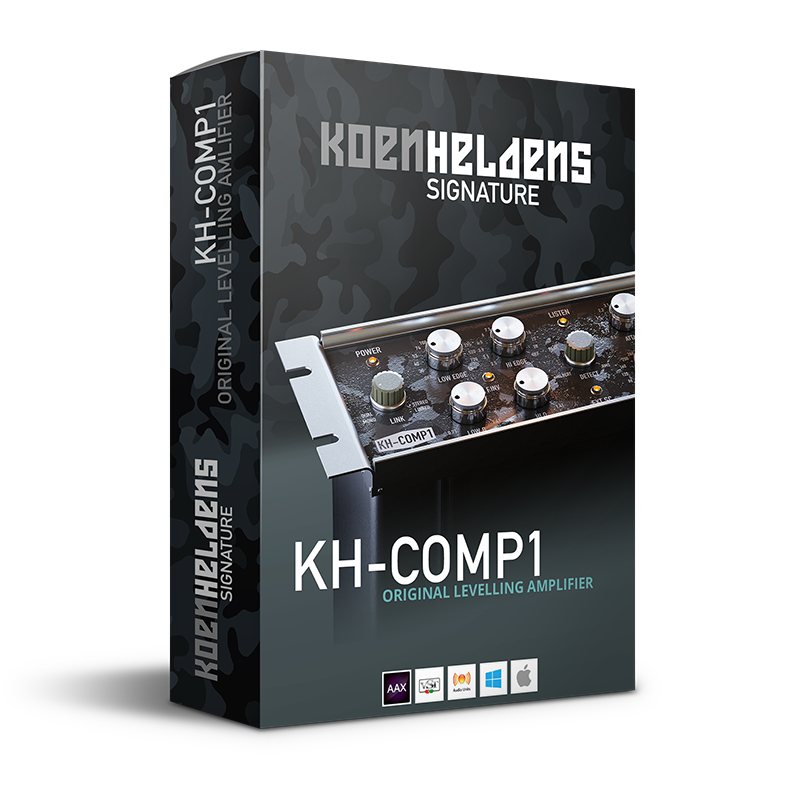
KH-COMP1 is a compressor plug-in developed by Black Rooster Audio together with mix engineer Koen Heldens. According to the maker, it is not a copy of an old hardware unit but an original design built from a blank sheet, and it is the first plug-in in the Koen Heldens Signature Series.
Its main feature is a choice of four level detectors: Hilbert, Peak, Vintage and RMS. The Hilbert mode derives a 90-degree phase-shifted pair to read the envelope magnitude, which the maker says avoids the overshoots of simple peak detection.
The sidechain has a two-band filter, a low band from 20 Hz to 1 kHz and a high band from 2.5 kHz to 35 kHz, and it can be inverted to cut out a band. A Listen button lets you audition the signal before it reaches the detector. It is designed for ducking, pumping and de-essing-style uses.
It uses no oversampling and no look-ahead, so it reports zero latency; the maker says this suits real-time monitoring. It runs on Windows and macOS, and a 14-day trial licence is offered.
Key features
Four detector modes
Choose from Hilbert, Peak, Vintage and RMS. The maker says Peak catches transients with full-wave rectification and Vintage uses a half-wave shape that emphasises even-order content, so detection can be matched to the source.
Invertible two-band sidechain filter
Low (20 Hz to 1 kHz) and high (2.5 kHz to 35 kHz) bands each have a Q control and the filter can be inverted. Listen auditions the signal before the detector.
External sidechain
Press Ext SC to drive compression from a separate track, for ducking or rhythmic pumping.
Blended stereo link
A single control blends between dual mono and stereo-linked processing from 0 to 100 percent, giving control over the stereo relationship.
Threshold, ratio, knee and mix
Threshold runs from 0 to -48 dBFS, Ratio steps from 2:1 to infinity, Knee is continuous, and a Dry/Wet Mix allows parallel compression.
Attack, release and make-up gain
Attack ranges from 0.5 to 40 ms, release from 75 ms to 1.5 s and make-up gain up to +36 dB. The VU meter switches between input, output and gain reduction.
Zero latency
Because it uses no oversampling or look-ahead, no delay compensation is needed, which may suit monitoring while recording.
Specifications
| Item | Details |
|---|---|
| Type | Compressor (original design) |
| Detectors | Hilbert / Peak / Vintage / RMS |
| Threshold | 0 to -48 dBFS |
| Ratio | 2 / 4 / 8 / 10 / 12 / 20 / 100 / infinity |
| Attack | 0.5 to 40 ms |
| Release | 75 ms to 1.5 s |
| Make-up gain | Up to +36 dB |
| Sidechain filter | Low 20 Hz to 1 kHz, high 2.5 kHz to 35 kHz (invertible) |
| Latency | 0 |
| Mac requirements | macOS 10.9 or later (M1/M2 supported), 1 GB RAM |
| Windows requirements | Windows 7 or later, SSE2-compatible CPU, 1 GB RAM |
| Formats | Mac: AAX / AU / VST / VST3; Windows: AAX / VST / VST3 |
What is included and system requirements
- KH-COMP1 plug-in
- PDF manual
- 14-day trial licence (created after registering on the official site)
- Mac: AAX / AU / VST / VST3; Windows: AAX / VST / VST3
How to use it
- Register on the official site and prepare a trial or purchased licence.
- Download and install the installer for your OS and format.
- Rescan plug-ins in your DAW and insert KH-COMP1 on a track or bus.
- Choose a detector mode that fits the source.
- Set Threshold and Ratio, then match Attack and Release.
- If needed, set the sidechain filter and check it with Listen.
- On stereo material, adjust the amount of stereo linking.
- Set the amount of parallel compression with Mix and adjust make-up gain.
Where it may come in handy
Vocal level control
The maker describes using Hilbert detection with a fast attack to ride a vocal level, and using the sidechain filter for de-essing-style control.
Drums
The page describes Peak mode with a short attack for transients, and Vintage mode for a rounder treatment of a bus.
Ducking
The external sidechain and filter may let you lower a sound in time with another track.
Monitoring while recording
With zero reported latency, it may be worth trying as a compressor during recording.
Who it may suit
- People who want to choose the detection method
- People who want detailed sidechain control
- People looking for a compressor with no latency
- People interested in an original design rather than a hardware copy
Good to know before you buy
- It is an original design rather than a hardware emulation.
- Prices change during sales, so check before buying.
How it differs from similar products
We do not pick a winner; the official figures are placed side by side.
BlackAsh SC-5
KH-COMP1 has a Threshold control with attack from 0.5 to 40 ms and release from 75 ms to 1.5 s. BlackAsh SC-5 is fixed-threshold with attack from 200 microseconds to 20 ms and release from 100 ms to 2 s (official pages).
Price
$59 (Black Rooster Audio official site, checked 2026-10-27). Prices can vary by region and promotion, so check the official page before buying.
See KH-COMP1 on the product page
More of the same kind
We have introduced 85 compressors. Here are some of the others.
- Pulsar Audio Smasher
- Universal Audio API 2500 Bus Compressor
- Universal Audio Capitol Mastering Compressor
- Slate Digital The Monster
- Antelope Audio Liverpool
- AudioThing Things – Voice
We have introduced 8 other products from Black Rooster Audio.
- Black Rooster Audio BlackAsh SC-5
- Black Rooster Audio BlueAsh SC-5
- Black Rooster Audio Magnetite
- Black Rooster Audio VPRE-73
- Black Rooster Audio ALL Bundle
For a side-by-side comparison scored on the same criteria, see our comparison of compressors.
See the full list in Product database: Effects.
Sources: blackroosteraudio.com pluginboutique.com (checked 2026-10-27)










Comments