
Disclosure: This page may contain affiliate links. Prices were checked on the date shown and may change.
An introduction to Waves API Collection, based on information from the maker and distributors: what it does, how to use it and who it may suit. It is not scored.
Fifty years ago, API revolutionized audio processing with EQs like the musical and transparent API 550A and 550B, and the groundbreaking API 560 graphic EQ
— Waves official site
What is API Collection?
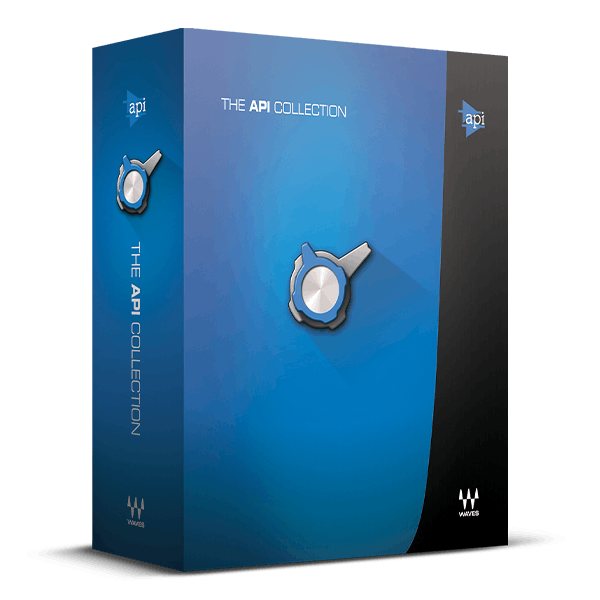
API Collection is a set of models of API equalizers and a compressor from Waves. It contains four plug-ins: the API 550A and 550B EQs, the API 560 graphic EQ and the API 2500 compressor.
According to the product description it was developed in close collaboration with API. The 550 EQs use proportional-Q curves, described as adding clarity with minimal coloration.
The 560 is a graphic EQ for shaping tone quickly. The 2500 offers two compression types, vintage and modern, and also has a Thrust mode.
It is described as usable on individual tracks in a mix and in mastering. Presets by Grammy winners for mixing and mastering are included.
Key features
API 550A / 550B EQ
Two 550-style EQs are included. They use proportional-Q curves and are described as adding clarity with minimal coloration, which may suit tonal adjustments on tracks.
API 560 graphic EQ
A slider-based graphic EQ. The maker lists quick and easy tone shaping as a feature.
API 2500 compressor
It offers two compression types, vintage and modern. A Thrust mode is also included, which the maker says suits hip hop and dance/club sounds.
Developed with API
According to the product description, it was developed in close collaboration with API and aims to recreate the API sound.
Presets by Grammy winners
Presets by Grammy winners for both mixing and mastering are included and may serve as starting points.
Specifications
| Item | Details |
|---|---|
| macOS | Monterey 12, Ventura 13, Sonoma 14, Sequoia 15 |
| Windows | Windows 10 or later |
| Formats | Mac: VST / AU / AAX; Windows: VST / AAX |
What is included and system requirements
- API 2500 (compressor)
- API 550A (EQ)
- API 550B (EQ)
- API 560 (graphic EQ)
- Presets for mixing and mastering
How to use it
- Create a Waves account, or log in to an existing one.
- Register the serial number shown in your Plugin Boutique user account under 'Register New Products' in your Waves account.
- Download and install the Waves Central app.
- Log in to Waves Central and choose the products to install on the 'Install Products' tab.
- Click 'Install & Activate' to install and authorize them.
- Open your DAW and load the Waves plugin from an effect slot.
- Step through the presets and adjust the input level to start working.
Where it may come in handy
EQ on vocals or guitars
The two 550 EQs may be used to adjust the clarity of individual tracks.
Bus compression
The 2500 compressor on a bus or drums may help tie a mix together.
Tone adjustment around mastering
The 560 graphic EQ could be used to review the overall frequency balance quickly.
Who it may suit
- People who want API-style EQs and a compressor together
- People looking for tools usable in both mixing and mastering
- People who like to start from presets
Good to know before you buy
- Serial registration in a Waves account and installation through Waves Central are required.
- This article is based on the Plugin Boutique product page.
Price
Please check the official page for the price.
See API Collection on the product page
More of the same kind
Other introduction articles of the same kind.
- Relab Development Pro Reverb Bundle
- Slate Digital Virtual Tube Collection
- Apogee Pultec FX Bundle
- Cherry Audio Voltage Modular Core + Electro Drums
- McDSP Retro Pack v7
- Soundtoys Soundtoys 5
We have introduced 215 other products from Waves.
- Waves CLA Classic Compressors
- Waves Restoration
- Waves SSL 4000 Collection
- Waves Eddie Kramer Signature Series
- Waves Greg Wells Signature Series
See the full list in Product database: Bundles.
Sources: pluginboutique.com (checked 2026-10-27)










Comments