
Disclosure: This page may contain affiliate links. Prices were checked on the date shown and may change.
An introduction to IK Multimedia Classic T-RackS Clipper, based on information from the maker and distributors: what it does, how to use it and who it may suit. It is not scored.
This processor uses peak clipping to tame unruly peaks, rather than the usual peak limiting, giving you another dynamics control option.
— IK Multimedia official site
What is Classic T-RackS Clipper?
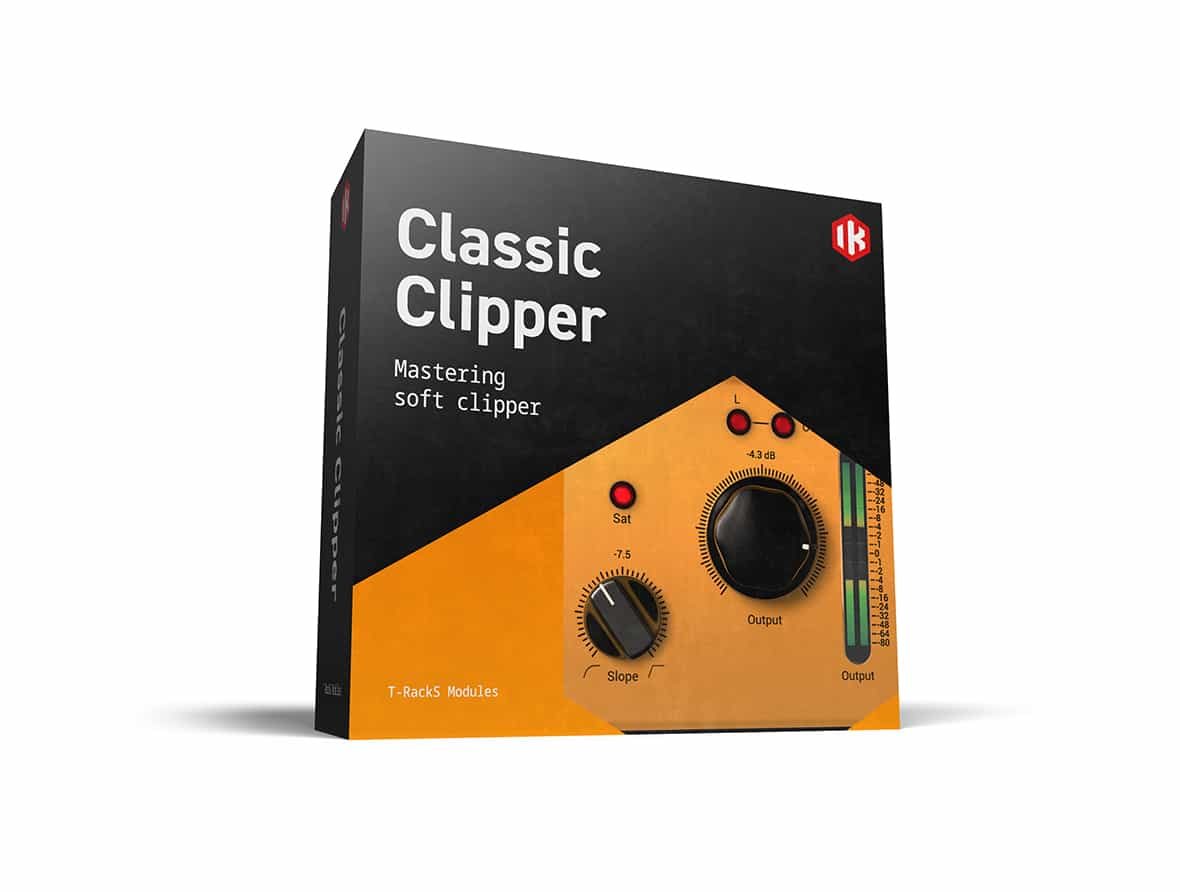
Classic T-RackS Clipper is a processor from IK Multimedia's T-RackS mixing and mastering suite, sold here as a standalone plug-in. It uses peak clipping to trim the loudest peaks of a signal.
Unlike a typical peak limiter, a clipper cuts the tops of the waveform directly. The product page notes that mastering engineers sometimes use this approach. There are only three controls: Gain, Slope and Output.
Raising the gain while lowering the output adds harmonics and distortion. The product page says the result can range from mild harmonics to pronounced distortion depending on the settings, so it can be used both as a last-stage dynamics tool and as a creative distortion.
Supported formats are AU, VST 3 and AAX on Mac, and VST 3 and AAX on Windows. An internet connection is needed for authorization. The Clipper is also included in bundles such as T-RackS 6 and Total Studio 5, so it is worth checking what you already own.
Key features
Peak clipping
Cuts the tops of the waveform to control protruding peaks. It gives you an alternative to limiting and may be worth trying on drums or at the end of a master chain.
Three focused controls
Gain, Slope and Output are the main controls. With so few settings, it may suit quick adjustments while listening.
Harmonic distortion
Higher gain with lower output is described as giving anything from mild harmonics to heavy distortion. It can be tried on snare or bass tracks that need more presence.
Control of digital overs
The page says that with suitable settings the clipping prevents digital overs, which may help when tidying peaks before export.
T-RackS authorization
As a standalone T-RackS product it is authorized through your IK account and requires an internet connection, in the same way as other T-RackS products.
Specifications
| Item | Details |
|---|---|
| Formats (Mac) | AU / VST 3 / AAX (64-bit) |
| Formats (Windows) | VST 3 / AAX (64-bit) |
| Mac requirements | Apple M1 or Intel Core i5, 8 GB RAM, macOS 10.15 or newer |
| Windows requirements | Core i5 or equivalent, 8 GB RAM, Windows 10 or newer |
| Authorization | Internet connection required |
What is included and system requirements
- Classic T-RackS Clipper plug-in (AU / VST 3 / AAX)
- Also included in bundles such as T-RackS 6
How to use it
- Authorize the product with your IK account and run the installer.
- Rescan plug-ins in your DAW.
- Insert it on the track or master you want to clip.
- Raise Gain gradually and check how much of the peaks are trimmed by ear and meter.
- Adjust Slope to change how the clipping engages.
- Use Output to match levels and compare with the original.
- For added distortion, raise Gain and lower Output.
- Check the result in the full mix and avoid overdoing it.
Where it may come in handy
Tidying drum peaks
It may be worth trying instead of a limiter when you want to trim protruding peaks on snare or kick.
Adding harmonics to bass
It may help when a weak bass needs extra harmonics to be easier to hear on small speakers.
Final stage before export
Placed at the end of a master chain, it may be used to prevent digital overs.
Who it may suit
- People who want a peak-control option other than limiting
- People who want to add harmonics to drums or bass
- People who prefer plug-ins with few controls
Good to know before you buy
- Internet connection is required for authorization.
- It is included in bundles such as T-RackS 6, so check for overlap if you own one.
- The product page itself warns that heavy distortion can be hard to blend into a mix.
Price
$49.99 (IK Multimedia official site, checked 2026-10-27). Prices can vary by region and promotion, so check the official page before buying.
See Classic T-RackS Clipper on the product page
More of the same kind
Other introduction articles of the same kind.
- Arturia Tape MELLO-FI
- Waves MultiMod Rack
- Waves Torque
- United Plugins Electrum
- FLUX:: Ircam HEar
- Waves CLA MixDown
We have introduced 45 other products from IK Multimedia.
- IK Multimedia T-RackS Sunset Sound Studio Reverb
- IK Multimedia AmpliTube Leslie
- IK Multimedia AmpliTube Joe Satriani
- IK Multimedia Mic Room
- IK Multimedia AmpliTube SVX 2
See the full list in Product database: Effects.
Sources: ikmultimedia.com pluginboutique.com (checked 2026-10-27)










Comments