
Disclosure: This page may contain affiliate links. Prices were checked on the date shown and may change.
An introduction to IK Multimedia IK Multimedia ONE T-RackS, based on information from the maker and distributors: what it does, how to use it and who it may suit. It is not scored.
ONE is a professional audio plug-in from the T-RackS mixing and mastering suite by IK Multimedia.
— IK Multimedia official site
What is IK Multimedia ONE T-RackS?
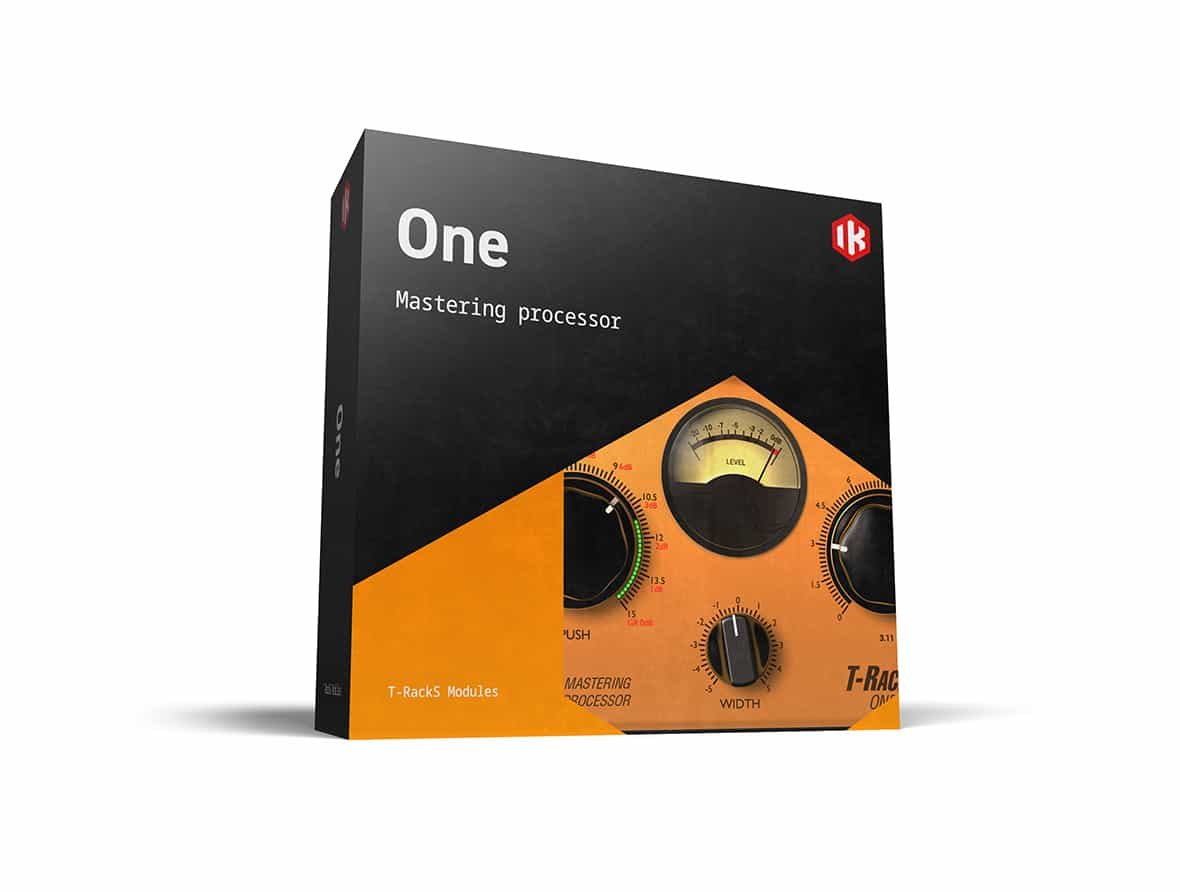
ONE is one of the processors in IK Multimedia's T-RackS mixing and mastering suite. The official description calls it an all-in-one mastering and mixing processor that combines an EQ, compressor, harmonic exciter, low-end enhancer and limiter in one unit.
Operation is limited to nine controls. On the EQ side there are AIR, which raises or lowers the high frequencies, FOCUS, which adjusts how clear the mids are, and BODY, which sets the amount of low frequencies. BASS PUNCH, ANALOG and TRANSIENTS follow, and two large knobs, PUSH and VOLUME, complete the set.
The maker says it is designed for making final masters as well as for single tracks and mix subgroups. It can be used on its own as an individual T-RackS processor or as part of the T-RackS processing chain.
This article organises the role of each knob, the system requirements and suitable situations from the official site and Plugin Boutique. No impressions of sound quality or results are written, and no score is given.
Key features
EQ: AIR, FOCUS and BODY
AIR boosts or cuts the highs, FOCUS adjusts the clarity of the mids and BODY sets the amount of lows. The maker says the low-frequency control is designed to avoid upsetting the overall balance.
BASS PUNCH: low-end amount and tightness
One knob handles the low-end boost and the tightness together. It corresponds to the bass compressor/expander function and is used when you want to add weight or tighten the sound.
ANALOG: harmonic exciter
This knob corresponds to the harmonic exciter and adds harmonic coloration to a track. The maker describes it as giving the track dimension and color.
TRANSIENTS: attack emphasis
Enhances or smooths the attack portion of the sound. It is used when you look for the amount of impact the mix needs.
PUSH: compression on a single knob
Sets the amount of compression with one knob. The maker says it is made to be easy to use while still adjusting precisely, a layout for those who want to try compression without handling several parameters.
VOLUME: limiter-based loudness
The output knob corresponding to the limiter. The maker says it is designed to raise loudness without concern for artifacts. It is used for final loudness adjustment.
Works as an individual T-RackS processor
Besides standalone plug-in use, it can be part of the T-RackS processing chain. It supports 64-bit native operation and 32-bit, 192 kHz processing.
Specifications
| Item | Details |
|---|---|
| Type | All-in-one mastering and mixing processor |
| Components | 3-band EQ, compressor, harmonic exciter, bass compressor/expander, limiter |
| Controls | Nine controls (AIR / FOCUS / BODY / BASS PUNCH / ANALOG / TRANSIENTS / PUSH / VOLUME and others) |
| Formats | Mac: AU / VST3 / AAX, Windows: VST3 / AAX (per the current official listing) |
| Mac | Apple M1 or Intel Core i5 or better, 8 GB RAM, macOS 10.15 or newer, about 9 GB of free space, OpenGL 2 graphics |
| Windows | Core i5 or equivalent, 8 GB RAM, Windows 10 (64-bit) or newer, about 9 GB of free space, ASIO sound card, OpenGL 2 graphics |
| Authorisation | Internet connection required |
| Trial | 14-day free trial (per Plugin Boutique) |
What is included and system requirements
- ONE processor (an individual T-RackS module)
- EQ, compressor, harmonic exciter, low-end enhancer and limiter functions
- Usable as part of the T-RackS processing chain
How to use it
- After purchase, register the product in your IK Multimedia account and download the T-RackS installer.
- Install it and authorise over an internet connection.
- Insert ONE on the master bus, a subgroup or a single track in your DAW.
- Start with AIR, FOCUS and BODY to set the overall frequency balance.
- Adjust low-end tightness, harmonics and attack with BASS PUNCH, ANALOG and TRANSIENTS.
- Set the amount of compression with PUSH and the loudness with VOLUME.
- Compare with the original sound while checking that no knob has been moved too far.
Where it may come in handy
Finishing a cover or a home recording
It may be quick to try when you want to set overall level and tone with few knobs. It may suit people with little mastering experience who want to grasp the overall flow.
Mix subgroups
It could be placed on a drum or vocal subgroup to adjust compression and EQ together. Another approach is to try it before stacking several plug-ins.
Preparing masters quickly for release
When there are many songs, it may be chosen to finish basic processing with one plug-in. If finer processing is needed, it would be combined with other plug-ins.
Who it may suit
- People who want to try basic mastering processing with few knobs.
- People who want to process subgroups or tracks quickly.
- People who want to add an all-in-one module to a T-RackS processing chain.
Good to know before you buy
- The T-RackS installer is used, and the official requirements list about 9 GB of free space.
- An internet connection is required for authorisation.
- On Windows, the official page states an ASIO-compatible sound card is required.
- The system requirements on Plugin Boutique use older baselines than the official page, so check the official page before buying.
Price
Please check the official page for the price.
See IK Multimedia ONE T-RackS on the product page
More of the same kind
We have introduced 8 mastering tools. Here are some of the others.
- W. A. Production The King 2
- Fiedler Audio Mastering Console
- Wave Arts FinalPlug 7
- Safari Audio Mastering Console V2
- Techivation M-Exciter
- Slate Digital Virtu
We have introduced 45 other products from IK Multimedia.
- IK Multimedia TONEX ODS Legends
- IK Multimedia CSR Inverse Reverb
- IK Multimedia AmpliTube Joe Satriani
- IK Multimedia T-RackS Lurssen Mastering EQ
- IK Multimedia TONEX Hyde Street Amp Locker
For a side-by-side comparison scored on the same criteria, see our comparison of mastering tools.
See the full list in Product database: Effects.
Sources: ikmultimedia.com pluginboutique.com (checked 2026-10-27)










Comments