
Monitor speakers are speakers for hearing the balance of sound accurately when you mix or design sound. This page compares monitor speakers using manufacturer-published specifications and gives each a rank.
The scores are four criteria: room for low frequencies (woofer size), adjusting to the room, ease of connecting and ease of placement. Amplifier power (W) is written differently by each manufacturer, so it is shown in the table for reference. Bigger speakers have more room in the lows and power but are harder to place, so many models score close to each other. Choose to suit the size of your room and desk. Price is not part of the score.
This list compares 18 monitor speakers on 4 criteria: room for low frequencies, adjusting to the room, ease of connecting, ease of placement. Scores are decided by how well each product serves its purpose, using the conditions for each criterion, and the basis is official manufacturer information. Price is not part of the score.
Disclosure: This page contains affiliate links. If you buy through them, SoundBounty may earn a commission at no extra cost to you. Prices are as of the date checked and can change.
Picks by purpose
For each criterion, we list the models with the highest score in this comparison (up to three, in order of overall score when several tie).
- For people who want to check how the low end comes out on the speakers: HS8 (rank B), 308P MkII (rank B). Top score (5 points) for “room for low frequencies”.
- For people who want to adjust the sound to where they place the speakers and to the room: MR5 (rank S), D3V (rank A), ROKIT 5 G4 (rank B). Top score (5 points) for “adjusting to the room”.
- For people who want to connect equipment other than a computer: MR5 (rank S), HS3 (rank A), HS4 (rank A). Top score (5 points) for “ease of connecting”.
- For people who want to place them in limited space on a desk: HS3 (rank A), D3V (rank A), MR4 (rank B). Top score (5 points) for “ease of placement”.
Tier list by rank
Ranks are based on the manufacturer's official features and specifications, not on sound quality. Within a row, products are ordered by score. The basis is explained in How we rate specifications.
Tier table by criterion
Products with the same overall rank can have different strengths. Click a column heading to sort by the rank on that criterion, and use it when you choose by the feature you want.
| Product | Overall | Room for low frequenciesWoofer size | Adjusting to the roomHigh and low frequency controls, DSP or app adjustment | Ease of connectingTypes of input and output jacks | Ease of placementWidth (one speaker) |
|---|---|---|---|---|---|
| EdifierMR5 | S4.3 | B5 in | S3 | S6 | A159 mm |
| YamahaHS3 | A3.8 | C3.5 in | A2 | S5 | S132 mm |
| YamahaHS4 | A3.8 | C4.5 in | A2 | S5 | A150 mm |
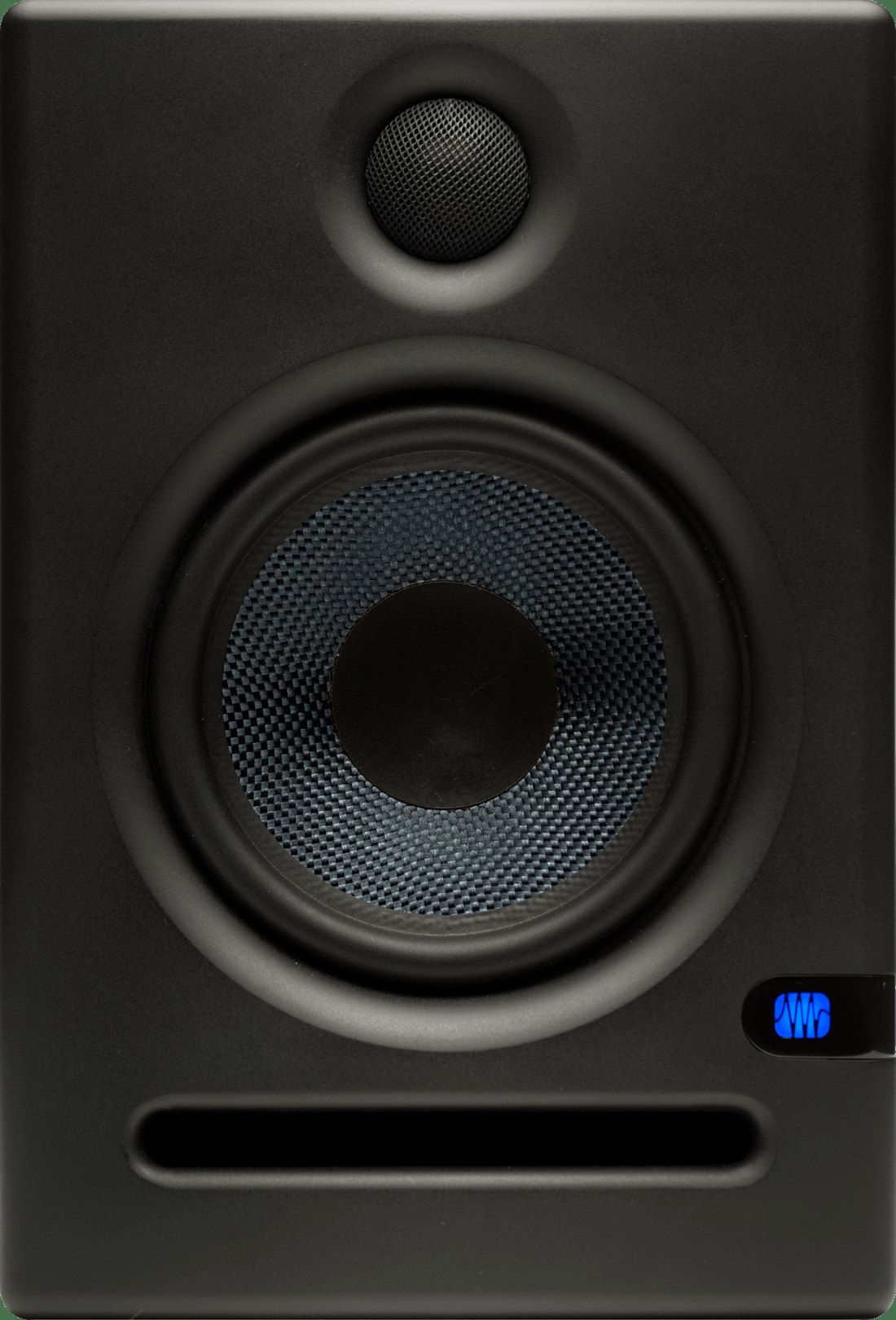 PreSonusEris E5 PreSonusEris E5 | A3.8 | B5.25 in | A2 | S5 | B178 mm |
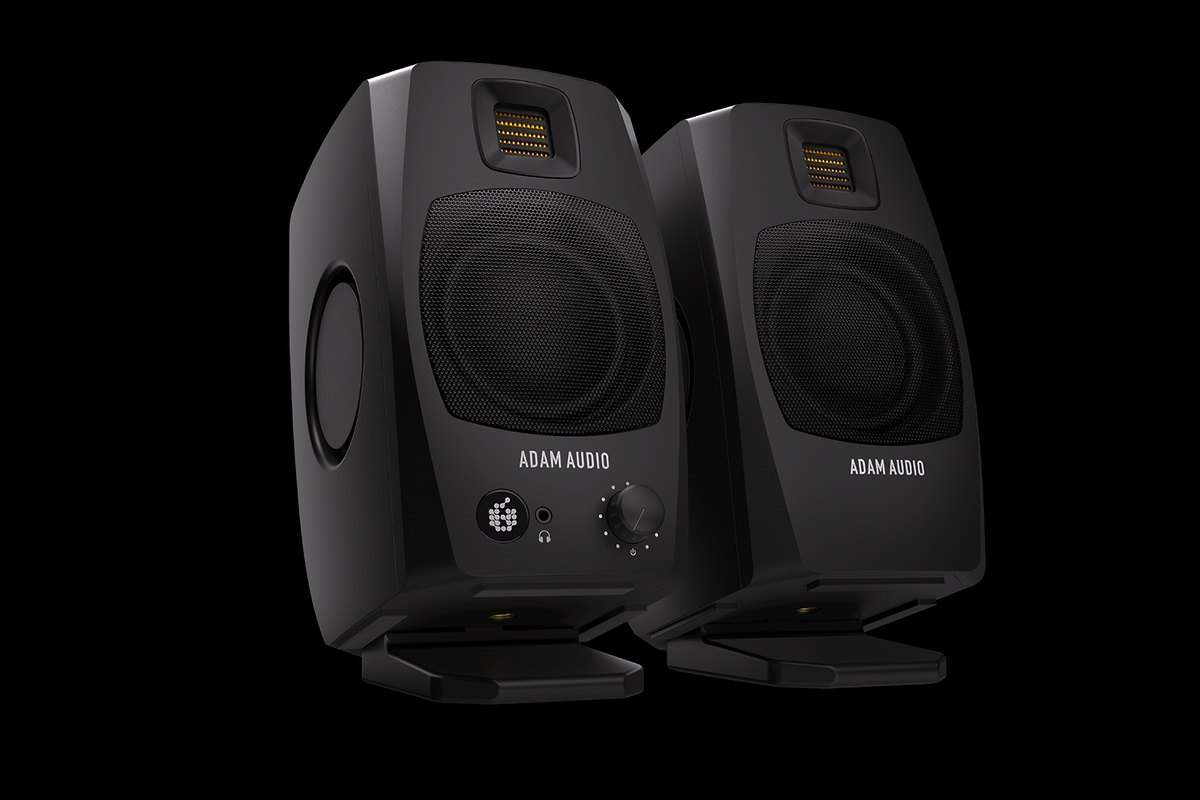 ADAM AudioD3V ADAM AudioD3V | A3.5 | C3.5 in | S3 | B3 | S115 mm |
| KRKROKIT 5 G4 | B3.3 | B5 in | S3 | C2 | B190 mm |
| YamahaHS5 | B3.0 | B5 in | A2 | C2 | B170 mm |
| YamahaHS7 | B3.0 | A6.5 in | A2 | C2 | C210 mm |
| YamahaHS8 | B3.0 | S8 in | A2 | C2 | C250 mm |
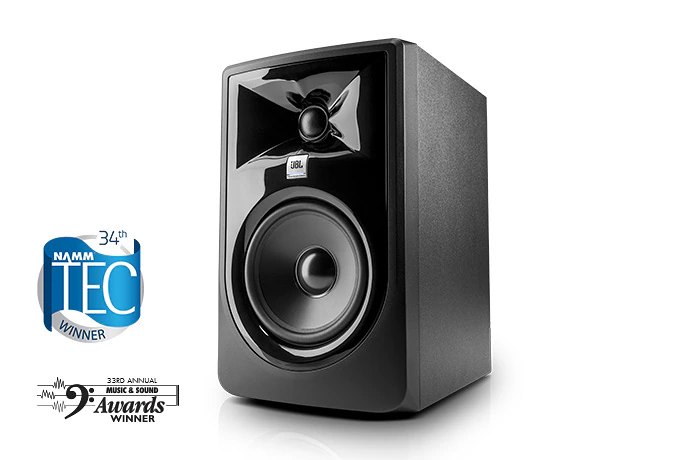 JBL305P MkII JBL305P MkII | B3.0 | B5 in | A2 | C2 | B185 mm |
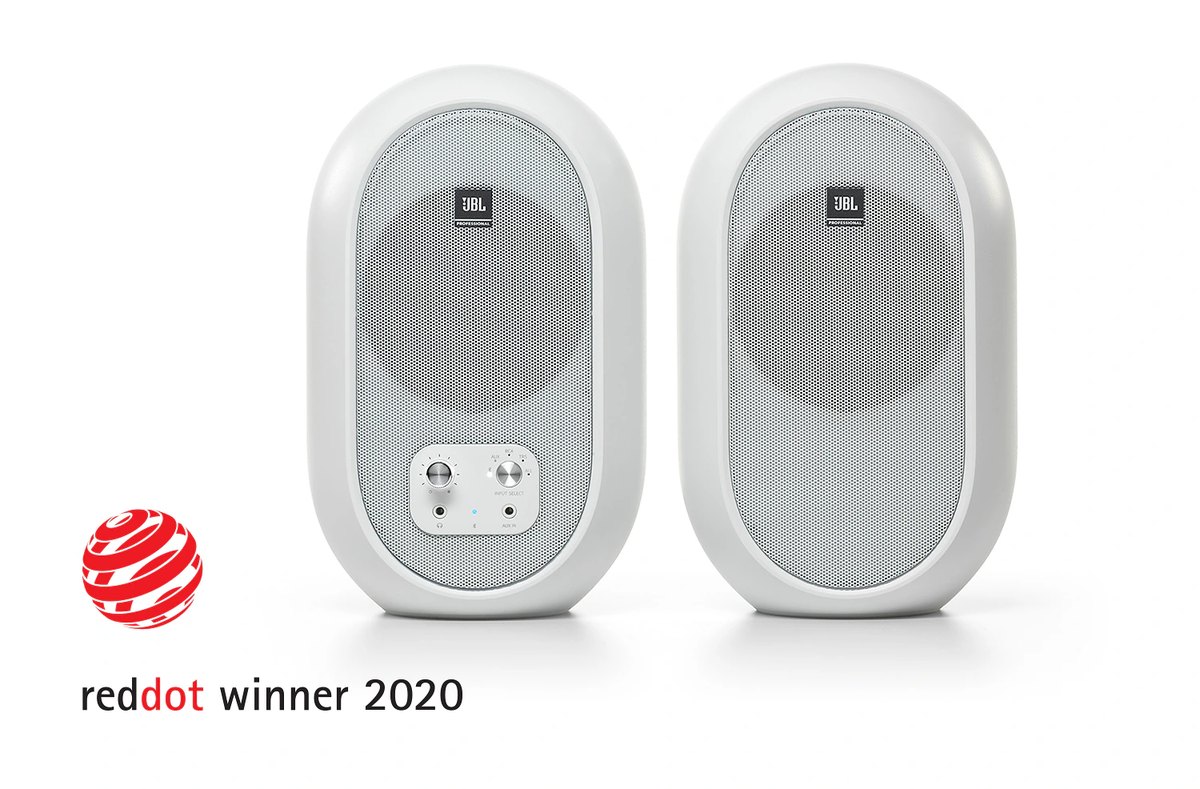 JBL104-BT JBL104-BT | B3.0 | C4.5 in | C0 | S5 | A153 mm |
| KRKROKIT 7 G4 | B3.0 | A7 in | S3 | C2 | C225 mm |
| EdifierMR4 | B3.0 | C4 in | C0 | A4 | S140 mm |
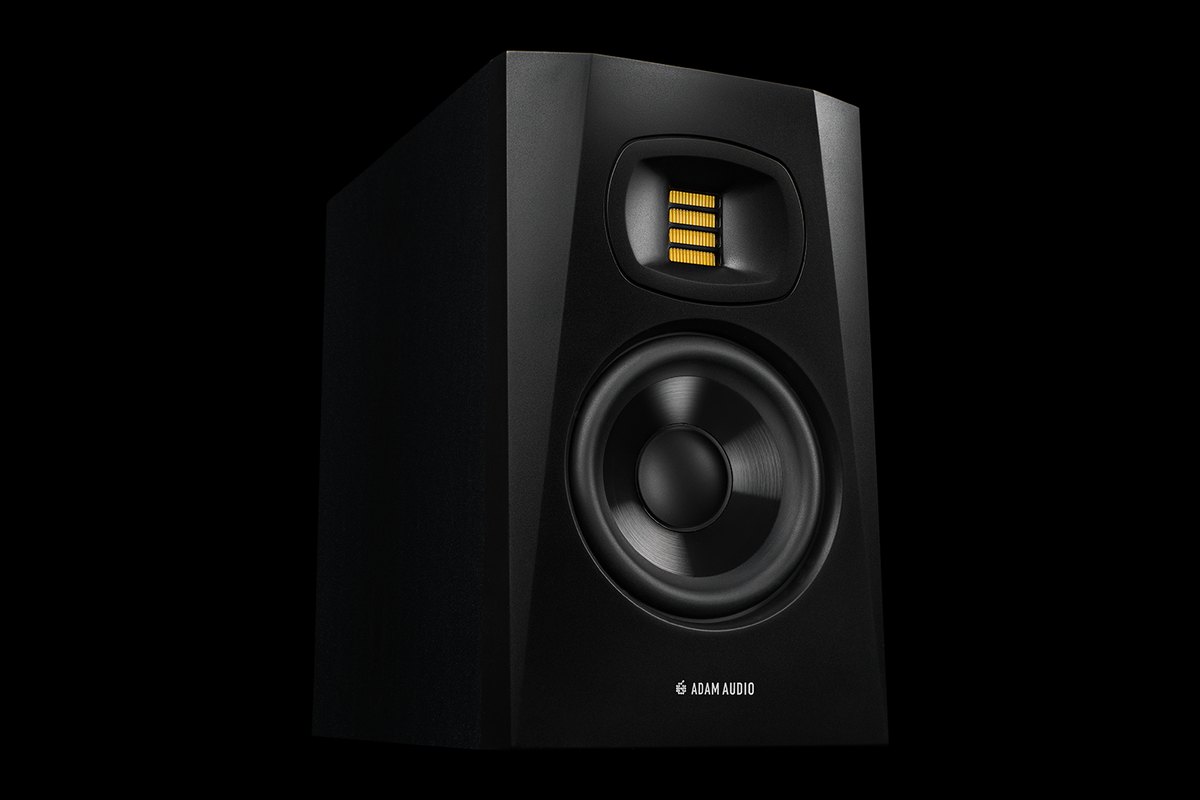 ADAM AudioT5V ADAM AudioT5V | B3.0 | B5 in | A2 | C2 | B179 mm |
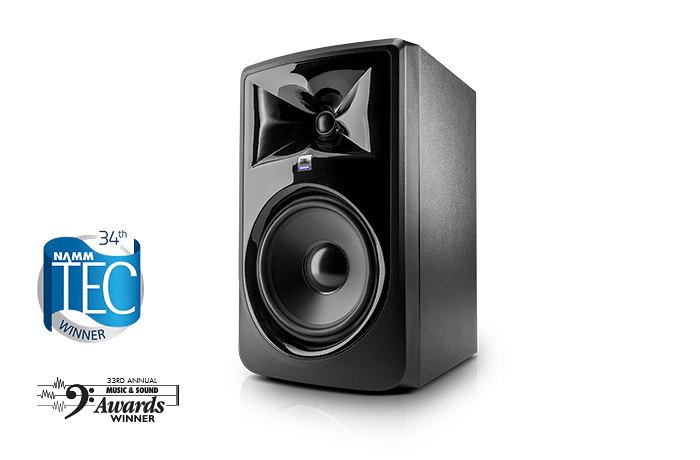 JBL308P MkII JBL308P MkII | B3.0 | S8 in | A2 | C2 | C254 mm |
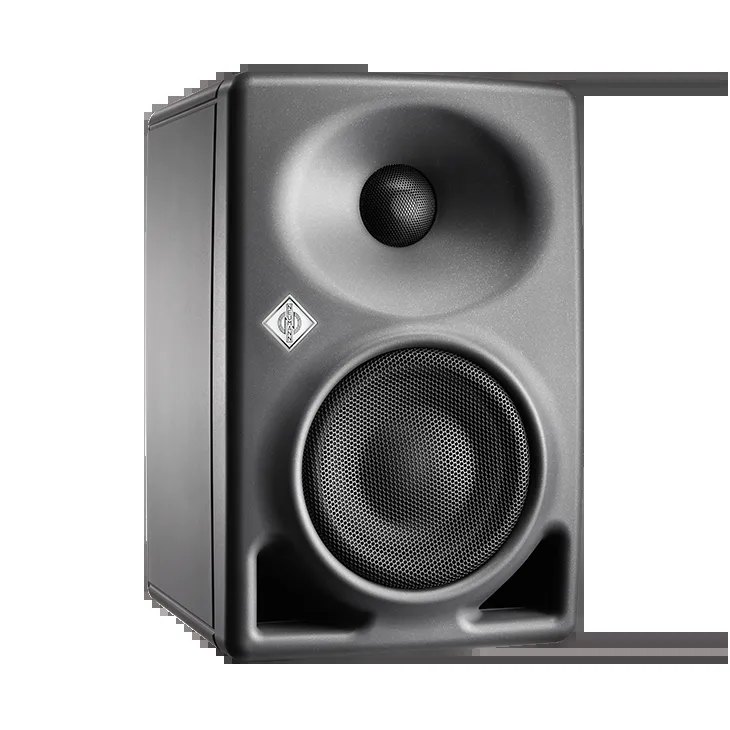 NeumannKH 80 DSP NeumannKH 80 DSP | B3.0 | C4 in | A2 | C2 | A154 mm |
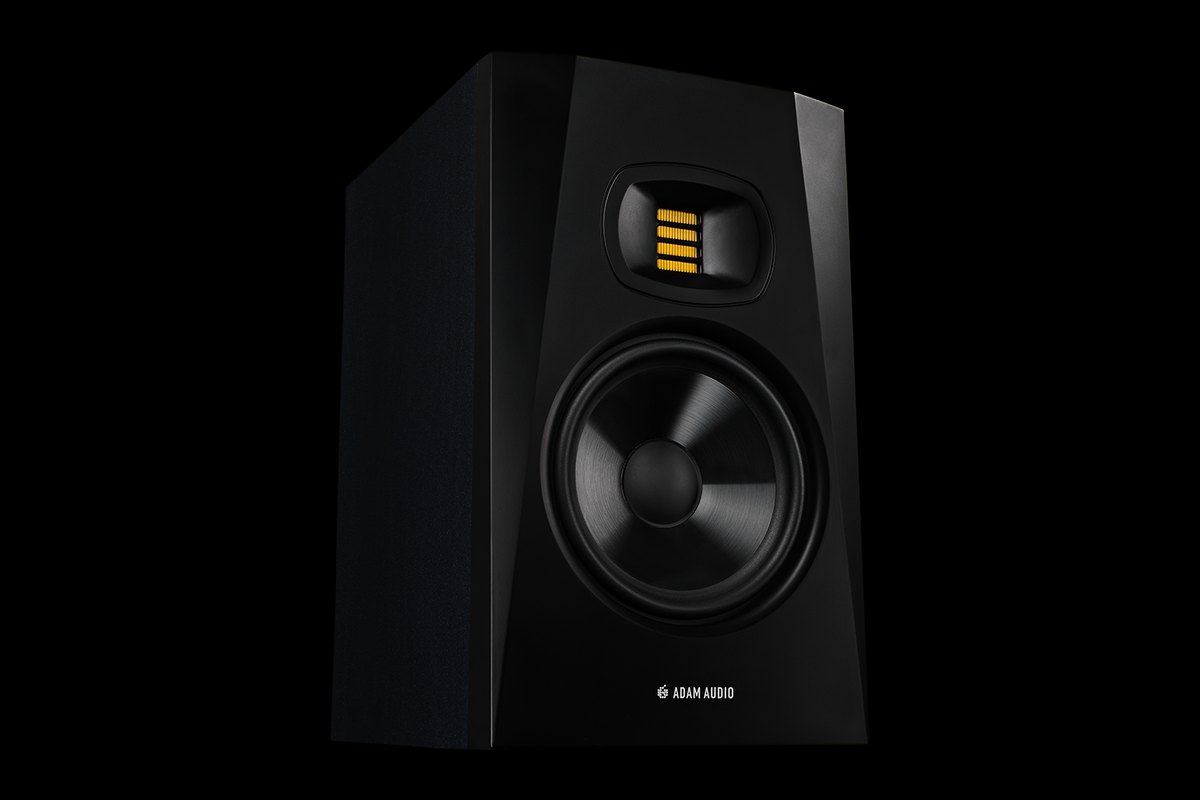 ADAM AudioT7V ADAM AudioT7V | B3.0 | A7 in | A2 | C2 | C210 mm |
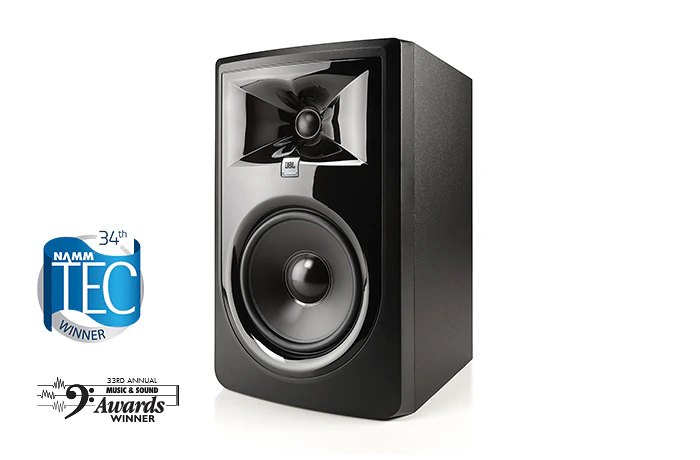 JBL306P MkII JBL306P MkII | B2.8 | A6.5 in | A2 | C2 | C224 mm |
Click a column heading to sort by that criterion (click again to reverse). Each cell shows the score (1 to 5) on that criterion as 5 = S, 4 = A, 3 = B, 2 or lower = C. A dash means the criterion is not scored. This is a rating of the manufacturer's official features and specifications, not of sound quality. See How we rate specifications.
How to choose monitor speakers
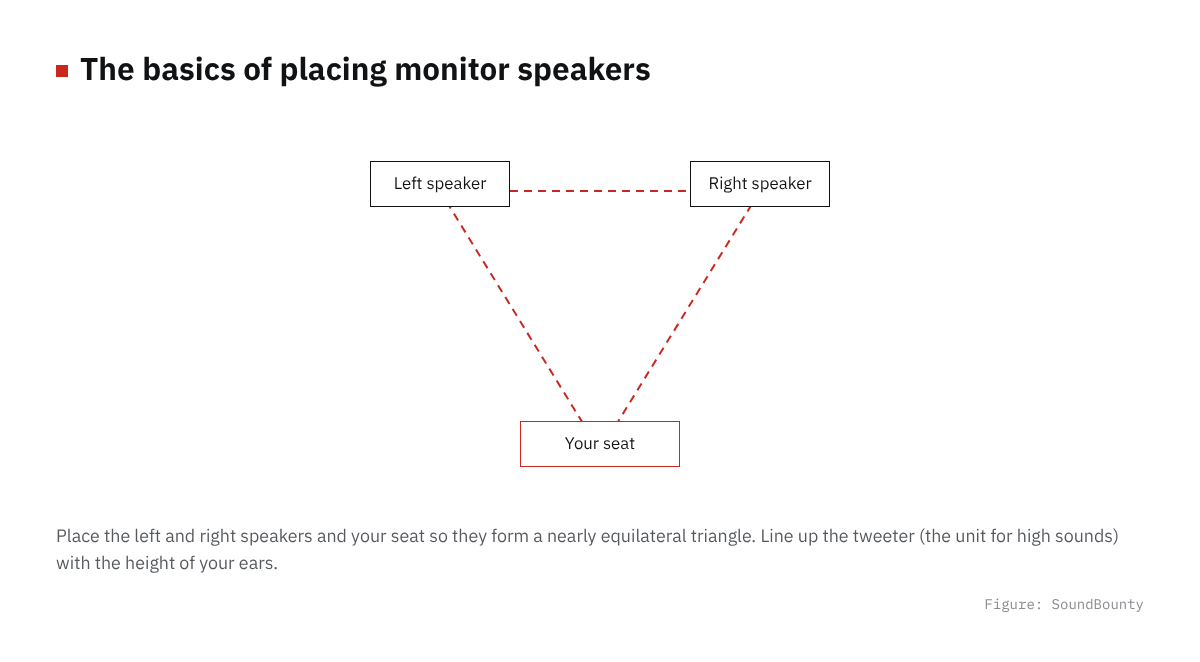
Figure: SoundBounty
Choose by the size of your room and desk
For a room of about six tatami mats (roughly 10 square meters) with the speakers on a desk, small models with a 3.5 to 5-inch woofer are an easy size to handle. Big speakers produce the lows more easily, but in a small room the lows tend to get muddy.
Sold individually, or as a pair?
Some monitor speakers are sold one at a time and some as a left-and-right pair. A model sold individually needs two for stereo, so keep that in mind when you compare costs.
What you connect
To connect to an audio interface, a model with XLR or TRS (phone jack) inputs is the basic choice. If you also want to connect a smartphone or game console, a model with RCA, stereo mini or Bluetooth is handy.
Placement and room acoustics
The basic placement is to point the speakers at ear height and form an equilateral triangle with yourself. Near a wall the lows increase, so a low-frequency adjustment switch makes it easier to suit where you place them.
A word on each product
Eris E5 (rank A)
PreSonus’s Eris E5 is a monitor speaker with a 5.25-inch woofer (sold individually).
D3V (rank A)
ADAM Audio’s D3V is a monitor speaker with a 3.5-inch woofer (sold as a pair).
305P MkII (rank B)
JBL’s 305P MkII is a monitor speaker with a 5-inch woofer (sold individually).
104-BT (rank B)
JBL’s 104-BT is a monitor speaker with a 4.5-inch woofer (sold as a pair).
T5V (rank B)
ADAM Audio’s T5V is a monitor speaker with a 5-inch woofer (sold individually).
308P MkII (rank B)
JBL’s 308P MkII is a monitor speaker with an 8-inch woofer (sold individually).
KH 80 DSP (rank B)
Neumann’s KH 80 DSP is a monitor speaker with a 4-inch woofer (sold individually).
T7V (rank B)
ADAM Audio’s T7V is a monitor speaker with a 7-inch woofer (sold individually).
306P MkII (rank B)
JBL’s 306P MkII is a monitor speaker with a 6.5-inch woofer (sold individually).
Frequently asked questions
Q. Which comes first, monitor speakers or headphones?
If recording (such as cover songs) is your main use, monitor headphones that do not leak sound come first. If you also mix yourself, having speakers too makes it easier to judge the balance.
Q. Are computer speakers not good enough?
You can use them, but many computer and music-listening speakers emphasize the lows and so on, which makes it harder to judge the balance accurately.
Q. Can I use them in a rented apartment?
Small speakers at a low volume are easier to use in a rental. Switching to headphones at night is a good way to use both.
How we score
How we score (Monitor speakers)
| Criterion | Basis | 5 pt | 4 pt | 3 pt | 2 pt | 1 pt |
|---|---|---|---|---|---|---|
| Room for low frequencies | Woofer size | ≥8 | ≥6.5 | ≥5 | ≥4 | <4 |
| Adjusting to the room | High and low frequency controls, DSP or app adjustment | All 3 | 2 | 1 | — | None |
| Ease of connecting | Types of input and output jacks | 5 to 7 | 4 | 3 | 2 | 1 or fewer |
| Ease of placement | Width (one speaker) | ≤140 | ≤160 | ≤190 | ≤220 | >220 |
Scored only on the body specifications published by the manufacturer. Price is not part of the score. Manufacturers measure low-frequency response under different conditions (-3 dB, -6 dB, -10 dB and so on), so it is hard to compare side by side. The score therefore uses the size of the woofer (the speaker for low sounds), and the published low-frequency limit is shown in the table together with its condition. Amplifier power is also written differently (rated, RMS and so on), so treat it as a rough guide; it is shown in the table for reference and is not part of the score. Ease of placement is decided by width, with a desktop in mind.
The thinking behind scores and ranks is summarized in How we rate specifications. We add products in order.