
Disclosure: This page may contain affiliate links. Prices were checked on the date shown and may change.
An introduction to IK Multimedia AmpliTube 5 MAX v2, based on information from the maker and distributors: what it does, how to use it and who it may suit. It is not scored.
AmpliTube 5 MAX v2 now includes the popular AmpliTube MESA/Boogie 2 collection plus all 4 virtual X-GEAR pedals for a total of 435 gear models to explore.
— IK Multimedia official site
What is AmpliTube 5 MAX v2?
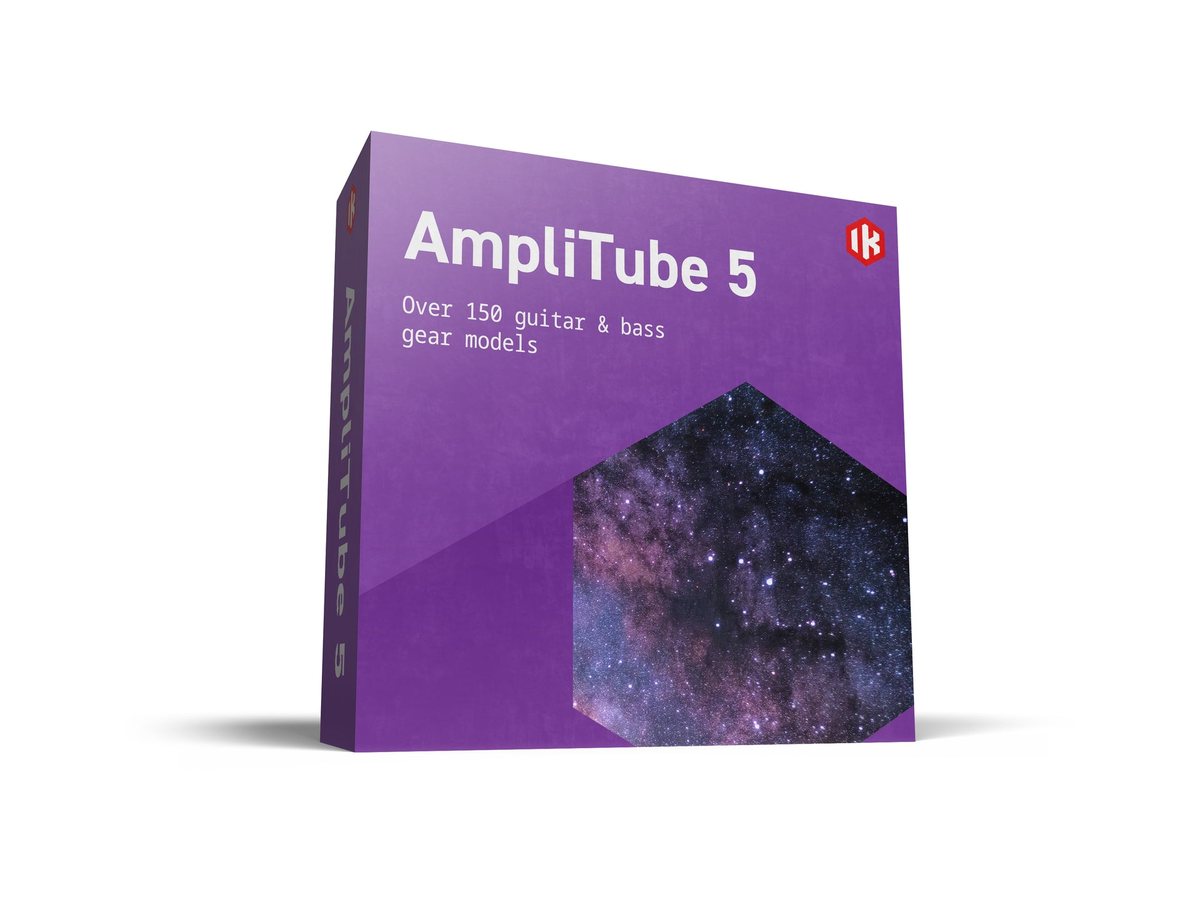
AmpliTube 5 MAX v2 is the top edition of AmpliTube 5, IK Multimedia's guitar and bass amp simulator. The maker describes it as the fullest-featured AmpliTube 5 edition. It gathers amps, cabinets, speakers, microphones, pedals and rack effects into one environment covering the full signal chain.
It includes up to 435 gear models: 111 stompboxes, 111 amps, 106 cabinets, 33 speakers, 18 microphones, 48 rack effects and 8 rooms. Collections such as Fender, Mesa/Boogie, Orange, Fulltone, Leslie, Brian May, Joe Satriani and Dimebag Darrell are included.
On the sound side, IK says Dynamic Interaction Modeling reproduces how gear responds, and Volumetric Impulse Response creates the cabinet sound. The drag-and-drop chain supports up to 57 simultaneous models, series and parallel routing and a blended DI signal.
Other tools include an 8-track recorder with mixer, a looper, UltraTuner, Live Mode, a custom IR loader and the ToneNET preset-sharing platform. Version 5.7 added the Mesa/Boogie 2 collection and four X-GEAR pedals. It works as a standalone application and as a plugin.
Key features
Up to 435 gear models
Stompboxes, amps, cabinets, speakers, microphones, rack effects and rooms add up to as many as 435 models. With many brand collections, it is a candidate for trying many styles in one environment.
Drag-and-drop signal chain
The chain is built by drag and drop and holds up to 57 models at once. Series and parallel routing and a blended DI signal are possible, so you can freely try gear order.
VIR cabinets
Volumetric Impulse Response is a cabinet technology that uses many impulse responses per speaker. In AmpliTube 5 more than 100 cabinets share over 143,000 impulse response measurements.
Custom IR loader
You can load your own IRs, adjust their tilt and size, and use them in place of a cabinet. If you want to keep using IRs from other makers, you can still use the amp section here.
Mixer with built-in effects
A mixer blends multiple cabs, mics and DI, with 23 mixing effects including some from T-RackS 5 for final polish.
8-track recorder, looper and tuner
An 8-track recorder with mixer, a looper, UltraTuner and Live Mode are included, useful for sketching songs or practicing without a DAW.
ToneNET and the Custom Shop
ToneNET is a free platform for sharing AmpliTube 5 presets. Additional gear can be bought in the in-app Custom Shop.
Specifications
| Item | Details |
|---|---|
| Maker | IK Multimedia |
| Type | Guitar and bass amp simulator (top edition) |
| Gear | Up to 435 models (111 stomps, 111 amps, 106 cabs, 33 speakers, 18 mics, 48 rack FX, 8 rooms) |
| Simultaneous models | Up to 57 |
| Formats | Standalone / AU / VST3 / AAX (Windows: VST3 / AAX) |
| Requirements | Mac: Apple M1 or Intel Core i5, 8 GB RAM, macOS 10.15 or newer (macOS 11 or newer for Apple silicon), 3 GB free space. Windows: Intel Core i5 or equivalent, 8 GB RAM, Windows 10 (64-bit) or newer, ASIO-compatible sound card, 3 GB free space |
| Note | An internet connection is required for Custom Shop operations |
What is included and system requirements
- AmpliTube 5 itself (standalone and plugin)
- Fender Collection 1 and 2, AmpliTube SVX 1 and 2, Orange, Mesa/Boogie 1 and 2, Fulltone Collection, Leslie
- Brian May, Joe Satriani, Dimebag Darrell CFH Collection, Electric Gypsy and L.A.Rocker collections
- 8-track recorder, looper, UltraTuner, ToneNET and the Custom Shop
How to use it
- Create an IK Multimedia account and register the purchased product.
- Install and authorize it, for example with IK Product Manager.
- Start it standalone or insert it on a guitar track in your DAW as a plugin.
- Choose gear and place pedals, an amp, a cabinet and a mic in the chain.
- Change routing to series or parallel and blend DI if needed.
- Use a supplied cabinet or your own IR.
- Combine cabinets and mics in the mixer and finish with the mixing effects.
- Save settings you like as presets.
Where it may come in handy
Recording across many genres
With a large library of gear, it may help when a project changes style from song to song and you want to choose within one application.
Recording bass
Bass amps and cabinets are included alongside guitar gear, so you can try them on a DI bass recording.
Practice and sketching without a DAW
The 8-track recorder, looper and tuner let you practice and sketch songs while staying in the standalone app.
Live performance
Live Mode and preset switching via MIDI are described for the standalone version.
Who it may suit
- People who want to try gear from many brands
- Those who record both guitar and bass
- Owners of earlier AmpliTube versions who want to carry over their gear
- Anyone who also wants to practice and record outside a DAW
Good to know before you buy
- MAX v2 is the top edition; lower editions such as SE and CS exist.
- An internet connection is required for Custom Shop operations.
- The IK site shows prices in euros excluding VAT; Plugin Boutique shows US dollars.
- IK holds frequent sales.
How it differs from similar products
We do not pick a winner; the official figures are placed side by side.
AmpliTube 5 SE
MAX v2 includes up to 435 models and many collections. SE has 80 (19 stomps, 13 amps, 14 cabs, 9 speakers, 5 mics, 14 rack FX, 6 rooms).
Price
Please check the official page for the price.
See AmpliTube 5 MAX v2 on the product page
More of the same kind
We have introduced 28 guitar amp simulators. Here are some of the others.
- Bogren Digital IRDX Core
- Kuassa Cerberus Bass Amplifikation
- Waves GTR3
- Kuassa Amplifikation Matchlock
- Bogren Digital Ampknob BDE 120
- Bogren Digital BassKnob Trivium
We have introduced 45 other products from IK Multimedia.
- IK Multimedia AmpliTube 5 SE
- IK Multimedia T-RackS TASCAM PORTA ONE
- IK Multimedia T-RackS Sunset Sound Studio Reverb
- IK Multimedia AmpliTube Orange
- IK Multimedia iLoud Precision MKII
For a side-by-side comparison scored on the same criteria, see our comparison of guitar amp simulators.
See the full list in Product database: Effects.
Sources: ikmultimedia.com pluginboutique.com (checked 2026-10-27)










Comments