
Monitor correction software cancels the quirks of speakers and headphones and the distortion of sound caused by the room, so you can hear sound with an accurate balance. The room of a home recording is often not acoustically tuned, so the low end tends to sound too loud or too quiet. If what you hear is not accurate, the song ends up unbalanced when you listen in other environments.
This list compares 8 monitor correction products on 3 criteria: what it can correct, correction controls, checking how it sounds elsewhere. Scores are decided by how well each product serves its purpose, using the conditions for each criterion, and the basis is official manufacturer information. Price is not part of the score.
Disclosure: This page contains affiliate links. If you buy through them, SoundBounty may earn a commission at no extra cost to you. Prices are as of the date checked and can change.
Picks by purpose
- If you want to tune both speakers and headphones: SoundID Reference (rank A). One program corrects both, and it can also be applied to the whole computer’s sound.
- If you want to fix the room sound of your speakers in detail: ARC X (rank A). Up to 21 measurement points, and correction that includes phase.
- If you want to check how speakers sound through headphones: Realphones 2 (rank A). It can recreate more than 40 devices and environments.
- If you want to correct headphones at a reasonable price: Morphit (rank B). It supports more than 666 headphone models.
Picks by budget
The highest-scoring product in each price range. Prices are the regular prices in US dollars shown on Plugin Boutique on October 10, 2026; sale prices change often, so check the store page. Price is not part of the score.
- $50 to $149: Realphones 2 (rank A, $99). The highest-scoring product in this price range.
- $150 and over: SoundID Reference (rank A, $249). The highest-scoring product in this price range.
Tier list by rank
Ranks are based on the manufacturer's official features and specifications, not on sound quality. Within a row, products are ordered by score. The basis is explained in How we rate specifications.
Tier table by criterion
Products with the same overall rank can have different strengths. Click a column heading to sort by the rank on that criterion, and use it when you choose by the feature you want.
| Product | Overall | What it can correctWhether it can correct speakers, headphones or both | Correction controlsWhich of the correction method (phase and so on), the target curve and the amount of correction you can choose or adjust | Checking how it sounds elsewhereWhether it can reproduce how the mix sounds on other speakers and everyday devices |
|---|---|---|---|---|
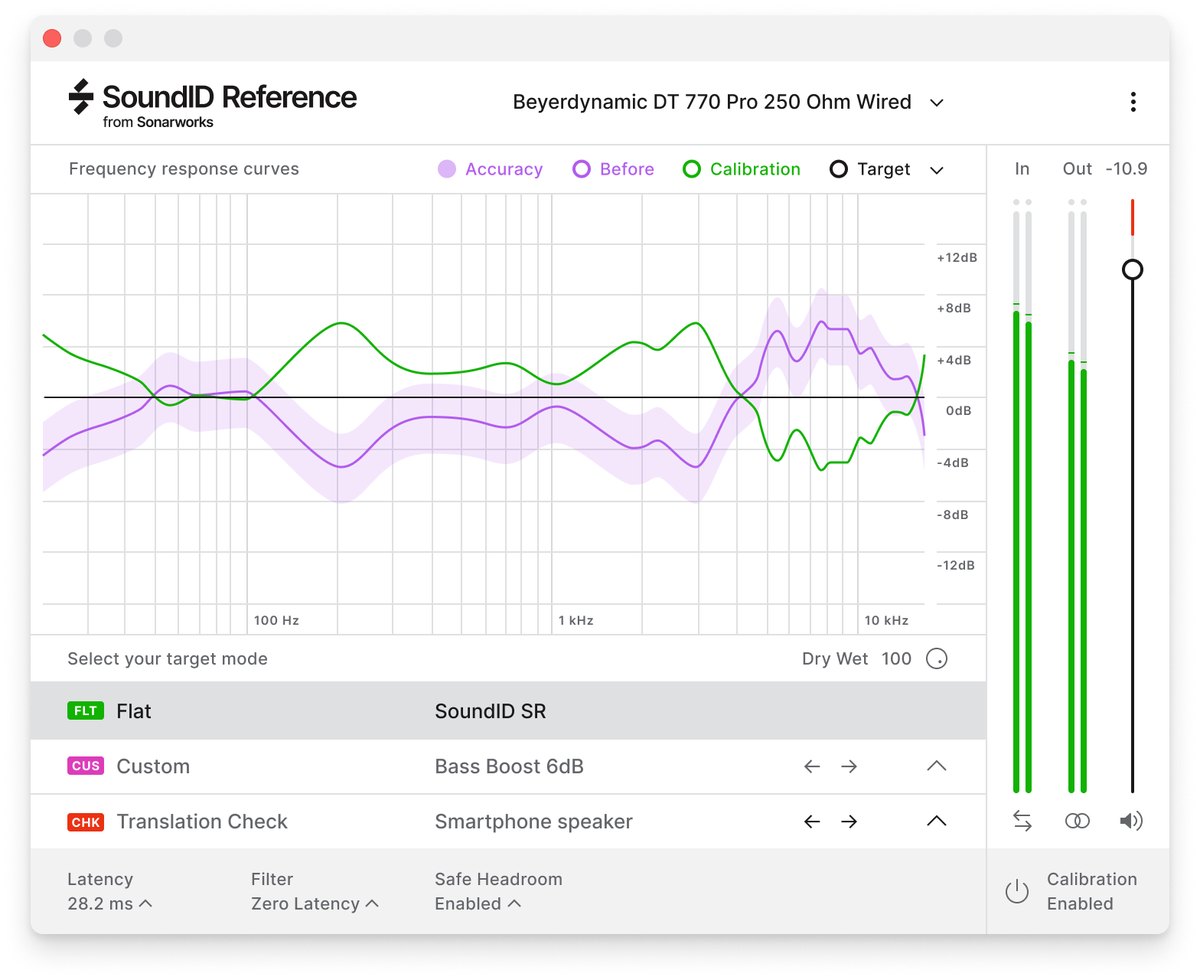 SonarworksSoundID Reference SonarworksSoundID Reference | A4.0 | SSpeakers and headphones | AMethod, target curve | BCars, phones and more |
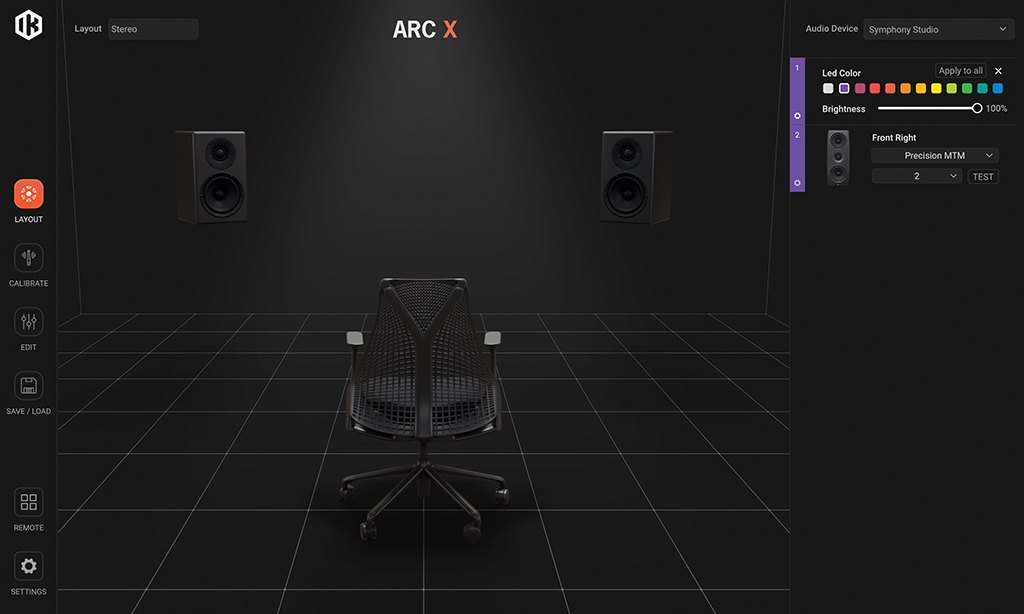 IK MultimediaARC X IK MultimediaARC X | A3.7 | BSpeakers | APhase method, 9 target curves | A20+ |
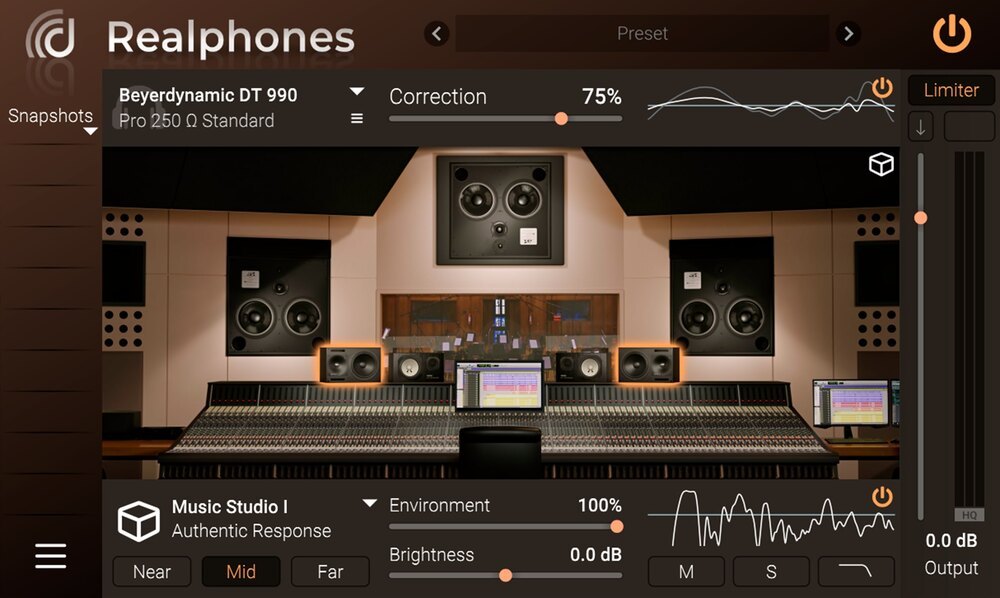 dSONIQRealphones 2 dSONIQRealphones 2 | A3.7 | BHeadphones | BAmount of correction | S40+ |
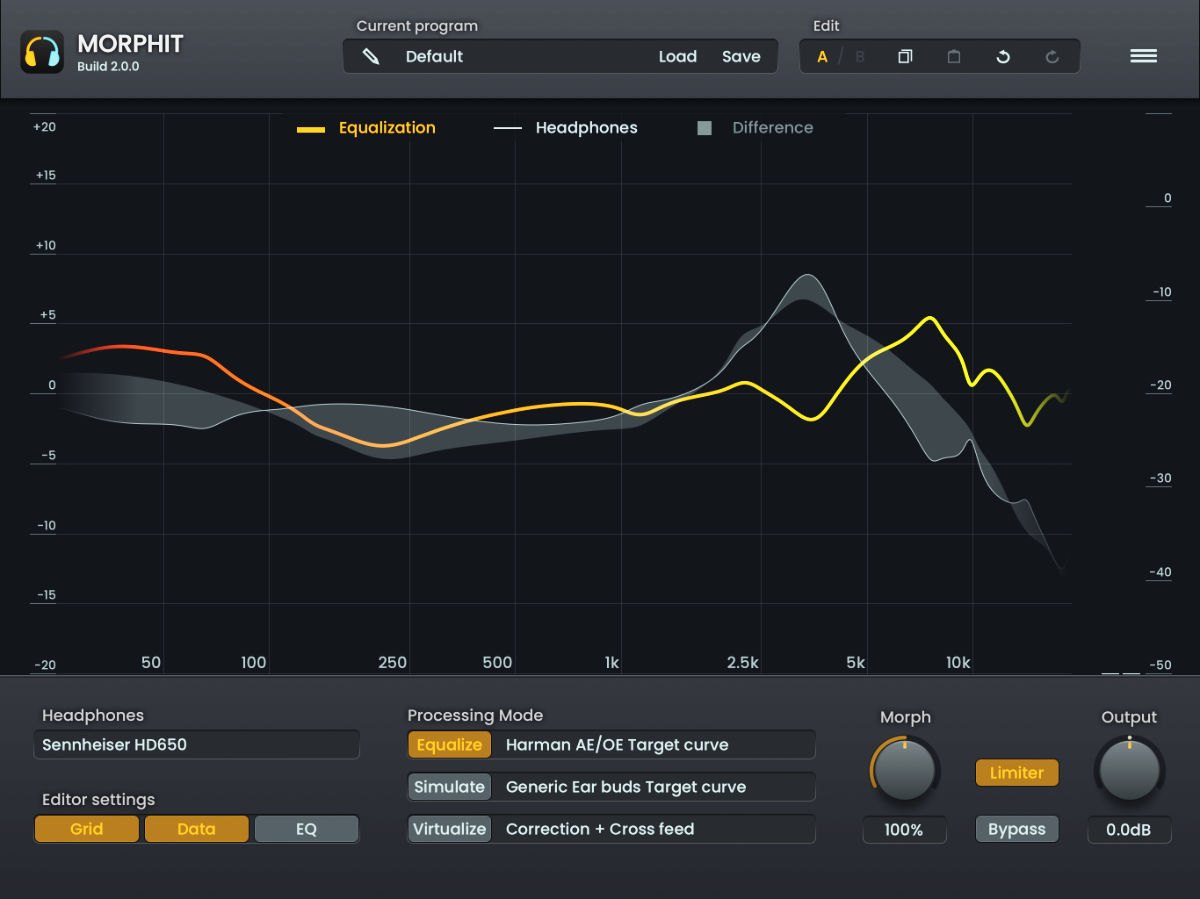 ToneboostersMorphit ToneboostersMorphit | B3.3 | BHeadphones | AAmount, target curve | BOther headphones, speakers |
| EmbodyImmerse Virtual Studio | B3.0 | BHeadphones | BHeadphone correction amount | BSeveral studios |
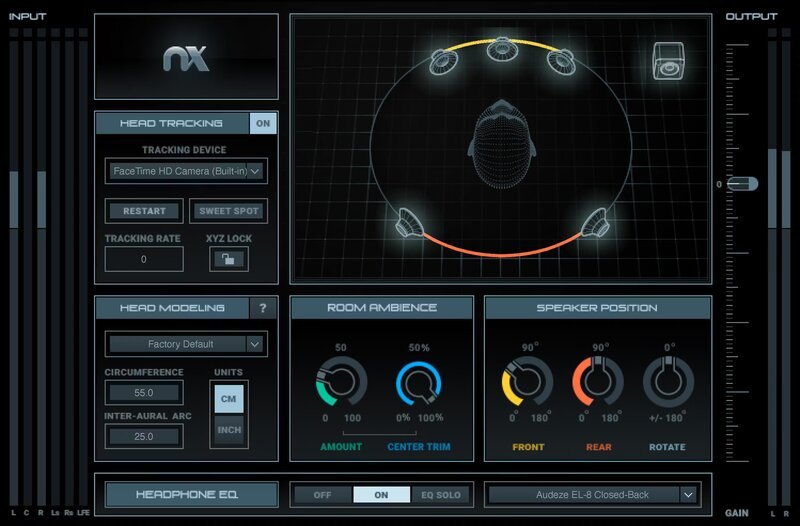 WavesNx Virtual Mix Room WavesNx Virtual Mix Room | B2.7 | BHeadphones | CRoom settings only | BVirtual mix room |
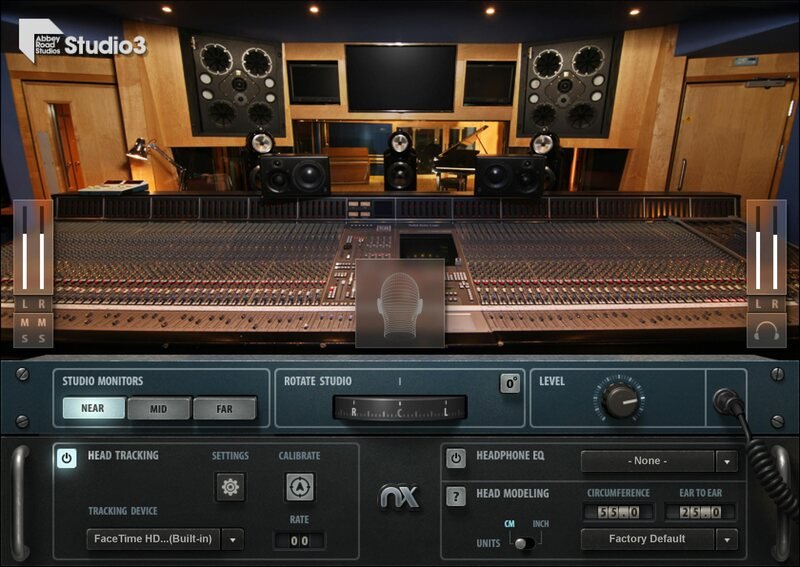 WavesAbbey Road Studio 3 WavesAbbey Road Studio 3 | B2.7 | BHeadphones | CMonitor distance only | B3 kinds of monitors |
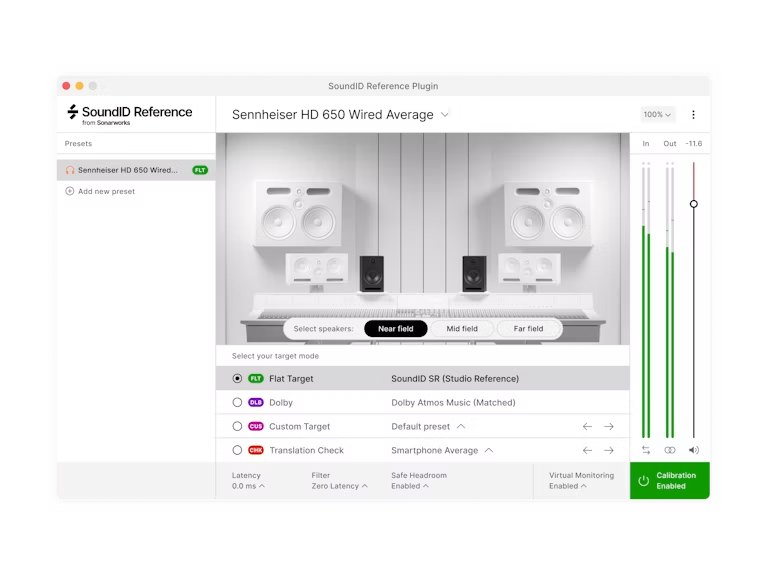 SonarworksSoundID Reference Virtual Monitoring SonarworksSoundID Reference Virtual Monitoring | B2.7 | BHeadphones | CNot confirmed on the official page | B13 kinds of environments |
Click a column heading to sort by that criterion (click again to reverse). Each cell shows the score (1 to 5) on that criterion as 5 = S, 4 = A, 3 = B, 2 or lower = C. A dash means the criterion is not scored. This is a rating of the manufacturer's official features and specifications, not of sound quality. See How we rate specifications.
Top-scoring products
Up to 9 products in order of score. Images are the manufacturers’ official press images or Plugin Boutique images. The overall order and the basis for each rank are in the tier tables above and on each product’s page.
How to choose monitor correction software
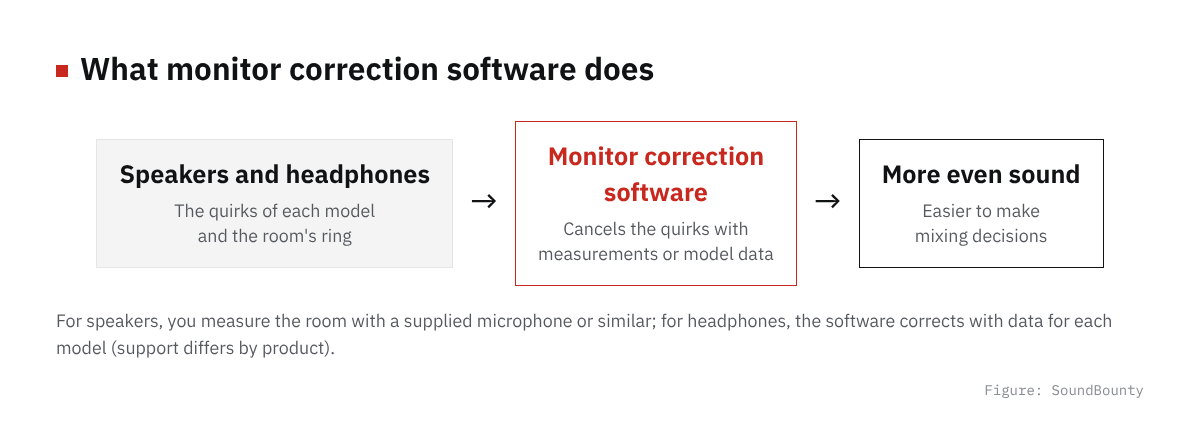
Figure: SoundBounty
Do you listen on speakers or on headphones?
Software for speakers measures and corrects the room sound, and software for headphones corrects the quirks of the headphones. Choose by which you usually work with. Some products correct both in one.
Does it support your headphones?
Headphone correction software uses correction data for the models it supports. Before you buy, check on the official site whether your headphones are on the supported list.
Can you check how it sounds in other environments?
If it can recreate how a song sounds on a smartphone, in a car or on famous speakers, it is easier to check how it will sound in other people’s environments.
A word on each product
Prices in the headings are regular prices in US dollars shown on Plugin Boutique on October 10, 2026. They are not part of the score.
SoundID Reference (rank A, $249)
Sonarworks’ SoundID Reference is software that corrects both speakers and headphones so that you can listen to an accurate reference sound. Speakers are measured in the room and corrected, and for headphones it can use correction data for more than 500 models. It can be used as a plug-in in your DAW (the software you make music in), or as an app that corrects the sound of the whole computer.
ARC X (rank A, $149.99)
IK Multimedia’s ARC X is software that measures the sound of a room with a measurement microphone and corrects the distortion of the sound caused by the room’s ring. You can choose a simple measurement with 1, 3 or 7 points or a detailed one with 21 points, and the correction works in both frequency and time (phase). It can also reproduce how more than 20 famous monitors and playback devices sound.
Realphones 2 (rank A, $99)
dSONIQ’s Realphones 2 is software that corrects the sound of headphones and reproduces how it sounds in a studio or on everyday devices. It supports more than 200 headphones, and the speakers and environments it can reproduce, from phones to concert halls, number more than 40.
Morphit (rank B)
Toneboosters’ Morphit is correction software that supports more than 666 headphones. You can change the amount of correction on the spot and choose target curves such as Harman. It can also reproduce how a mix sounds on other headphones, and how it sounds on speakers.
Immerse Virtual Studio (rank B)
Embody’s monitor correction software Immerse Virtual Studio is a plug-in that recreates the control rooms of famous studios around the world inside headphones. It has a feature that uses AI to build listening settings (HRTF) tailored to you from a photo of your ear (All Access version).
Nx Virtual Mix Room (rank B)
Waves’ monitor correction software Nx Virtual Mix Room is a plug-in that recreates a mix room with 3D acoustics inside headphones. It includes correction EQ curves for 270 headphone models, so you can check how a mix sounds on speakers.
Abbey Road Studio 3 (rank B)
Waves’ monitor correction software Abbey Road Studio 3 is a plug-in that recreates the control room of Studio 3 at Abbey Road Studios inside headphones. It includes correction EQ curves for 270 headphone models.
SoundID Reference Virtual Monitoring (rank B)
Sonarworks’ monitor correction software SoundID Reference Virtual Monitoring recreates on headphones how near, mid and far speakers, and cars, laptops, TVs and phones sound. It includes a perpetual license for SoundID Reference for Headphones.
Frequently asked questions
Q. If I have correction software, do I not need acoustic treatment?
Correction software tidies the balance of sound, but it does not remove the room’s reverberation itself. Combined with acoustic treatment, you can hear more accurately.
Q. Do I need a measurement microphone?
Correcting speakers requires a measurement microphone to measure the sound of the room. Correcting headphones does not.
Q. Should I leave the correction on when recording?
Correction can delay the sound slightly, so when recording we recommend using a low-latency setting or turning the correction off.
How we score
How we score (Monitor correction software)
| Criterion | Basis | 5 pt | 4 pt | 3 pt | 2 pt | 1 pt |
|---|---|---|---|---|---|---|
| What it can correct | Whether it can correct speakers, headphones or both | Both speakers and headphones | — | Either one | — | — |
| Correction controls | Which of the correction method (phase and so on), the target curve and the amount of correction you can choose or adjust | All three | Two of the three | One of the three | None | — |
| Checking how it sounds elsewhere | Whether it can reproduce how the mix sounds on other speakers and everyday devices | 40 or more devices and environments | 20 or more devices and environments | Can reproduce them, but the number is not stated | — | Cannot reproduce them |
Each criterion is scored from 1 to 5 on how well the product serves one goal: hearing a correctly balanced sound in a home-studio room or on headphones. Scores follow the conditions in the table above. So that speaker products and headphone products can be compared by the same standard, there are three criteria: "What it can correct", "Correction controls" and "Checking how it sounds elsewhere". The number of supported headphones is shown in the table for reference. The basis is official manufacturer information. How well the correction works has not been measured, so it is not scored, and neither are the price or any supplied measurement microphone. Features that cannot be confirmed from the manufacturer's or a retailer's description are scored as if absent.
The thinking behind scores and ranks is summarized in How we rate specifications. We add products in order.