
Saturation is an effect that adds the light distortion you get when sound passes through analog gear, giving it thickness and presence. In a cover-song mix you use it, for example, when you want the vocal to come forward in the backing track. The number of models you can choose, from gentle tube-style to heavy distortion, and whether you can process by band differ by product.
This list compares 12 saturation plug-ins on 3 criteria: range of texture, per-band processing, mix and tone control. Scores are decided by how well each product serves its purpose, using the conditions for each criterion, and the basis is official manufacturer information. Price is not part of the score.
Disclosure: This page contains affiliate links. If you buy through them, SoundBounty may earn a commission at no extra cost to you. Prices are as of the date checked and can change.
Picks by purpose
- If you want to build it in detail: Saturn 2 (rank S). 28 kinds of distortion that you can apply by band.
- If you want to add analog character quickly: Decapitator (rank B). You decide with five models and just mix and tone.
- To try it for free: MSaturator (rank C). Light tube-style saturation for free.
- If you also want to try one for free: Saturation Knob (rank C). A free plug-in you use with one knob.
Picks by budget
The highest-scoring product in each price range. Prices are the regular prices in US dollars shown on Plugin Boutique on October 10, 2026; sale prices change often, so check the store page. Price is not part of the score.
- Free: MSaturator, Saturation Knob, IVGI.
- $50 to $149: Saturn 2 (rank S, $149). The highest-scoring product in this price range.
- $150 and over: Decapitator (rank B, $199). The highest-scoring product in this price range.
Tier list by rank
Ranks are based on the manufacturer's official features and specifications, not on sound quality. Within a row, products are ordered by score. The basis is explained in How we rate specifications.
Tier table by criterion
Products with the same overall rank can have different strengths. Click a column heading to sort by the rank on that criterion, and use it when you choose by the feature you want.
| Product | Overall | Range of textureThe range of distortion types you can choose, from subtle to strong | Per-band processingWhether the distortion can differ for lows and highs | Mix and tone controlControl of how much is mixed with the original sound, and of the tone |
|---|---|---|---|---|
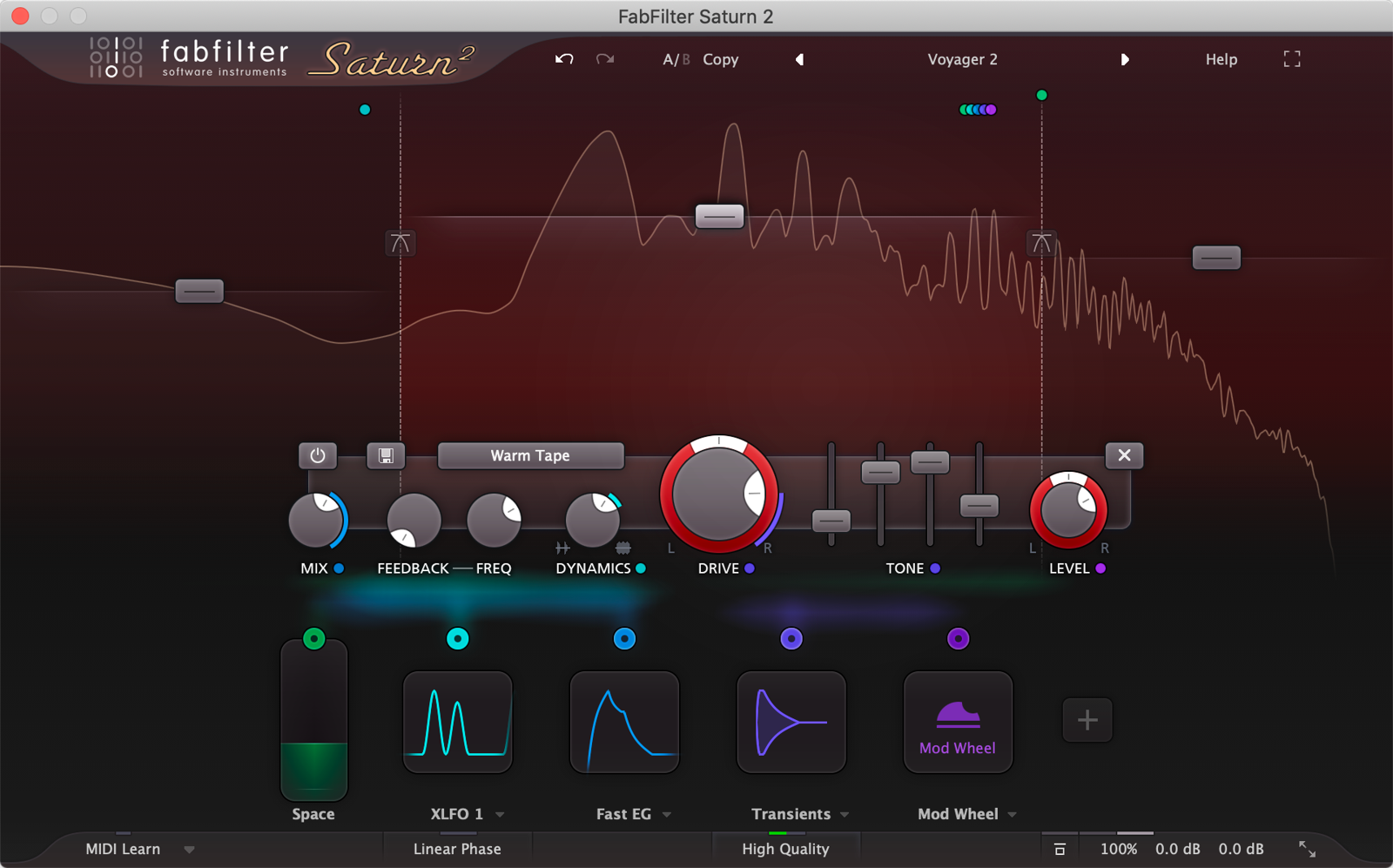 FabFilterSaturn 2 FabFilterSaturn 2 | S5.0 | S28 types | SUp to 6 bands | SAdjust per band |
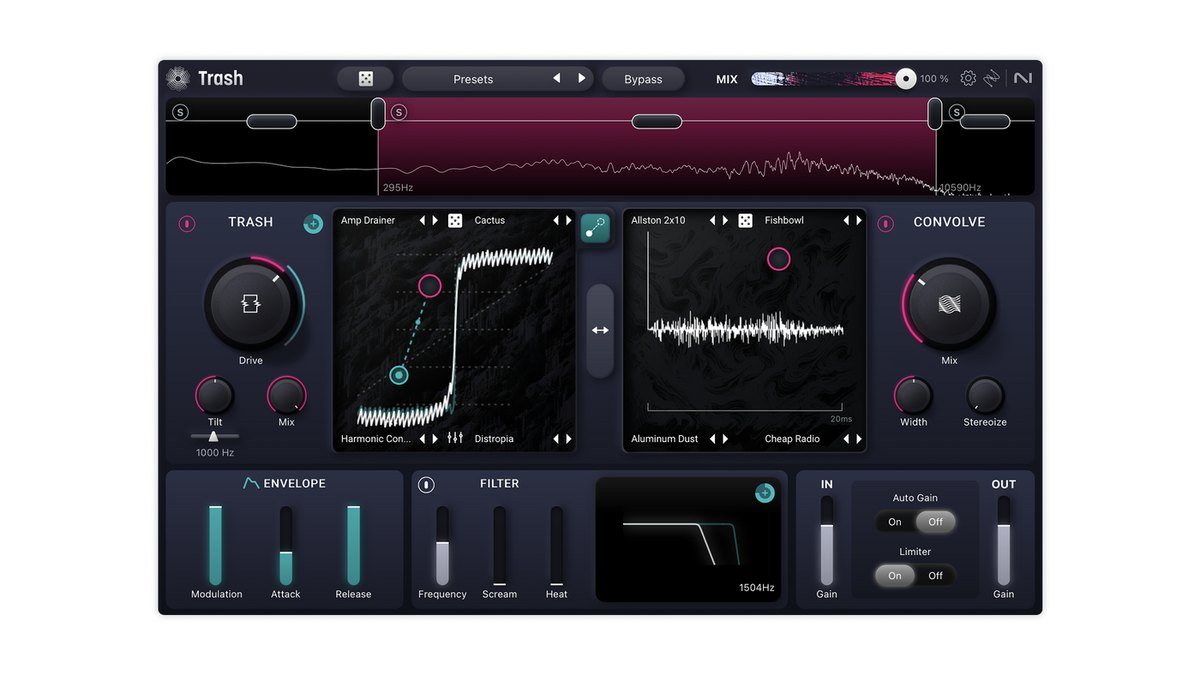 iZotopeTrash iZotopeTrash | S4.5 | S60+ types | A3 bands | AMix + Tilt + envelope |
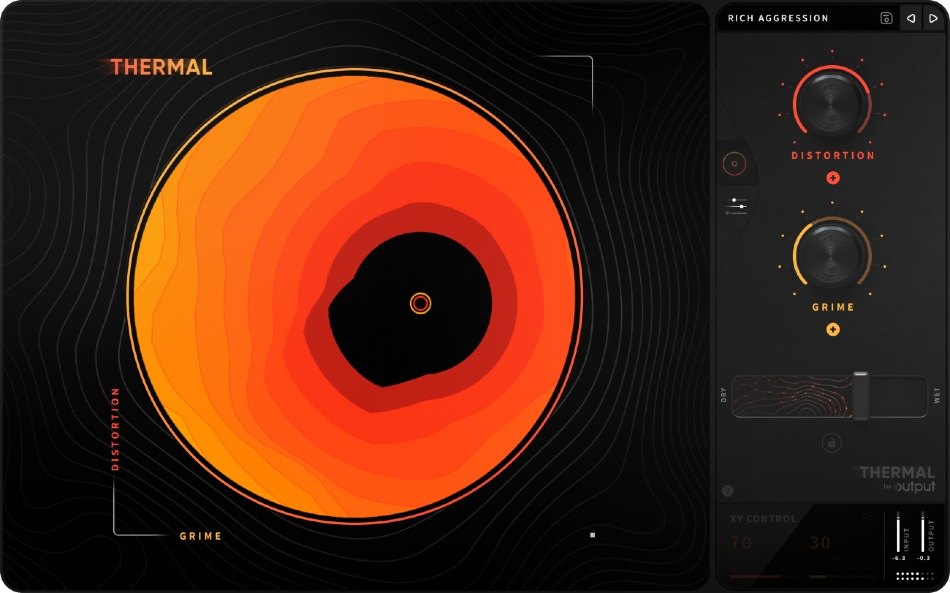 OutputThermal OutputThermal | A3.8 | A19 types | ABand split | BTone, width |
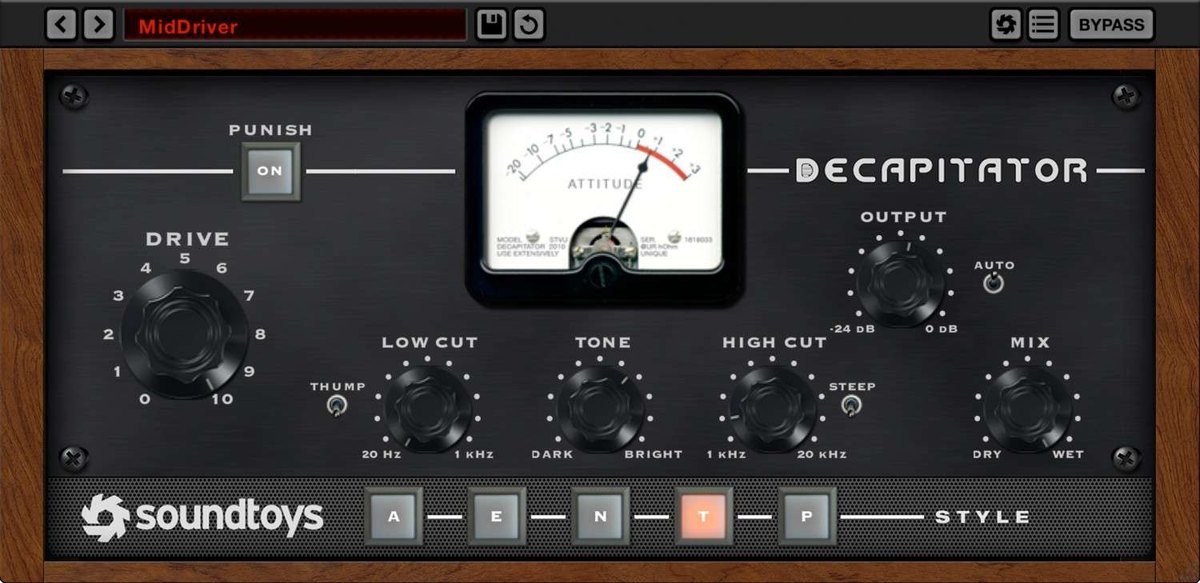 SoundtoysDecapitator SoundtoysDecapitator | B3.3 | A5 types | CNone | AMix + tone |
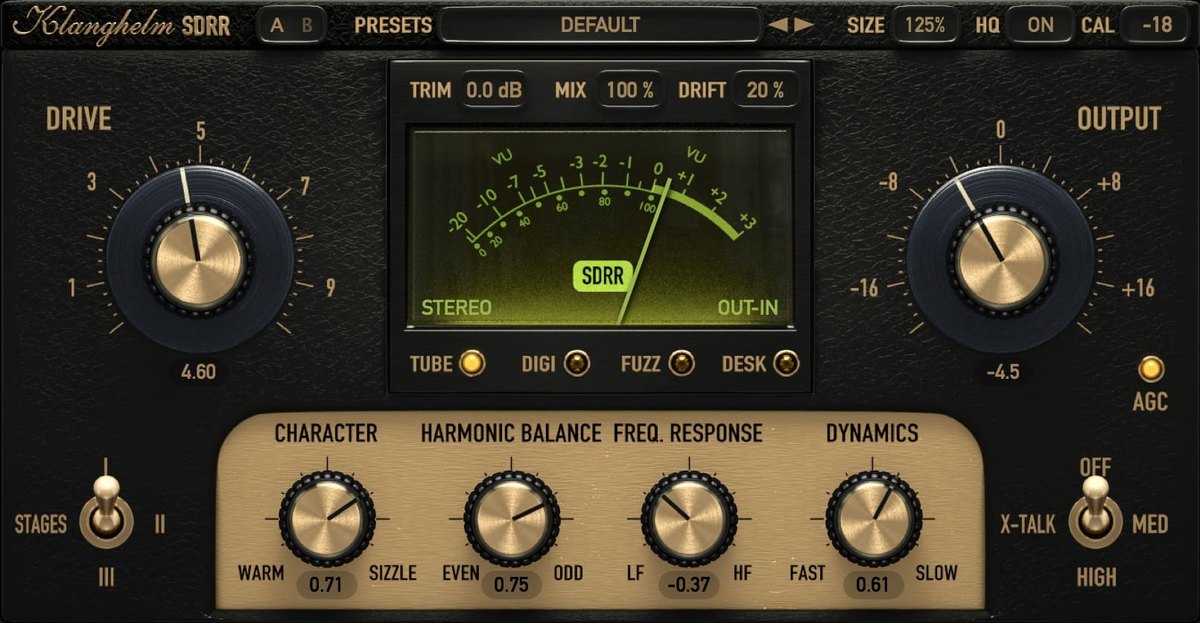 KlanghelmSDRR KlanghelmSDRR | B3.3 | A4 modes x 2 models | CNone | AMix + RESPONSE |
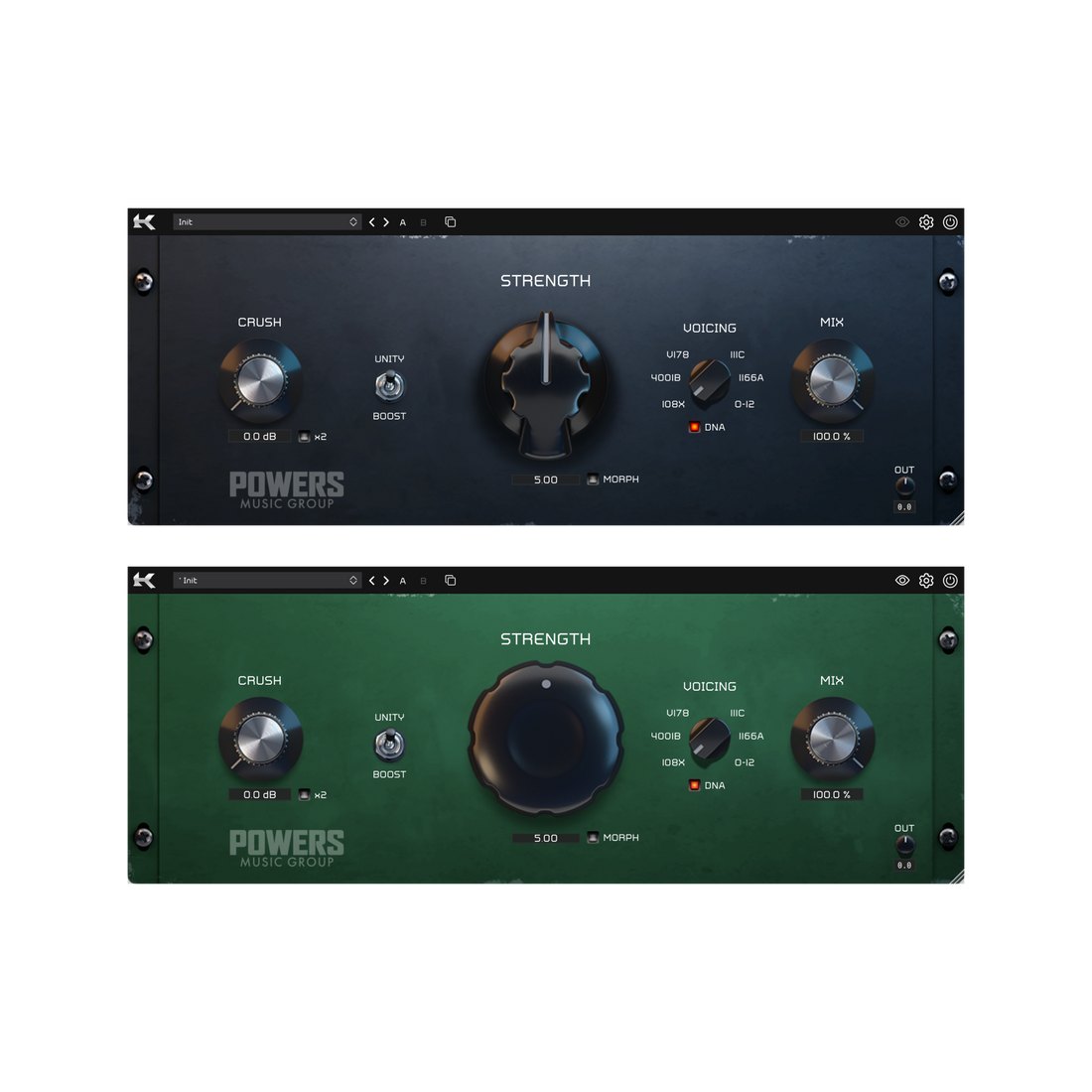 KazrogTrue Iron KazrogTrue Iron | B3.0 | A6 transformers | CNone | BStrength + mix |
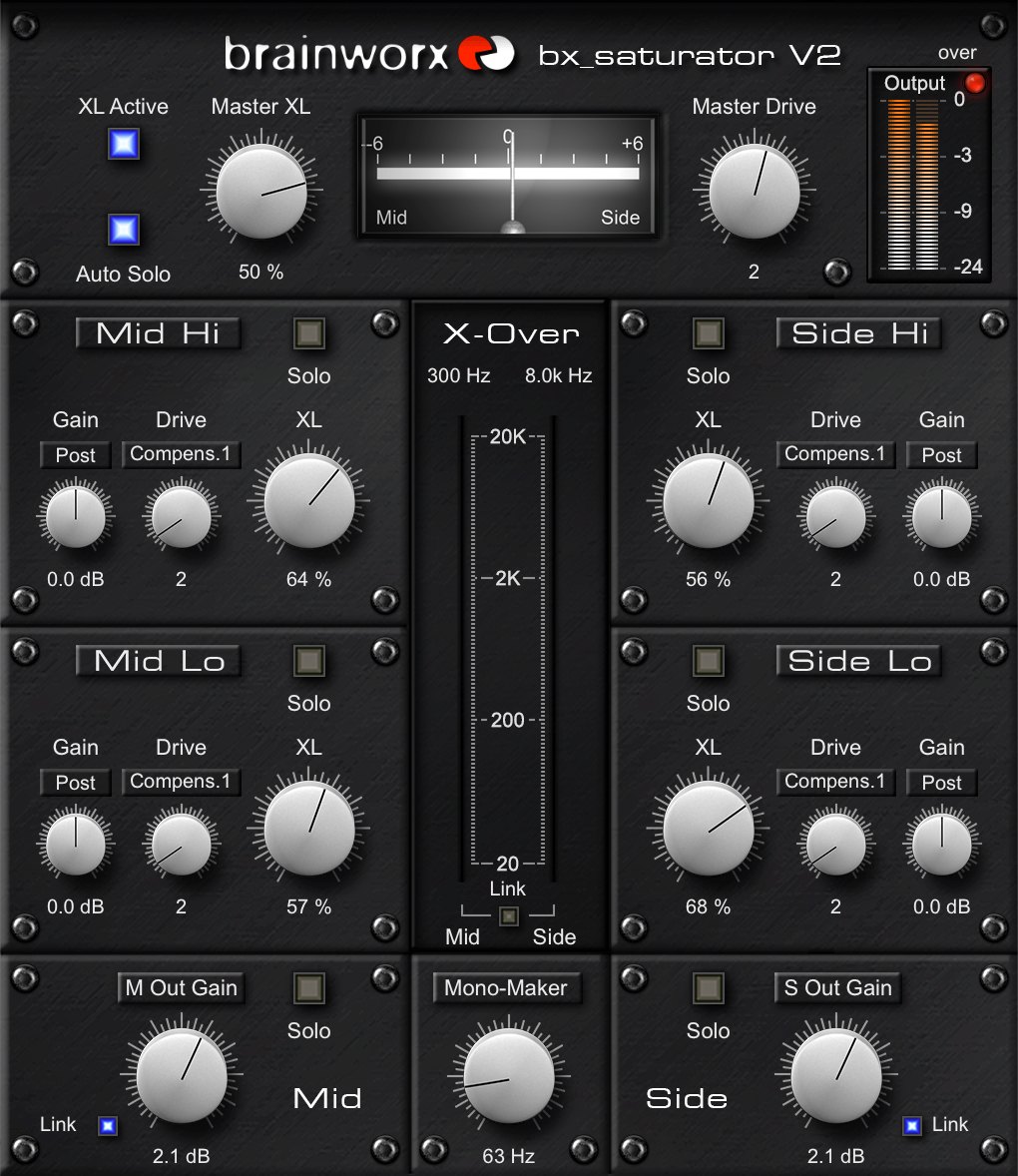 Plugin Alliancebx_saturator V2 Plugin Alliancebx_saturator V2 | B2.8 | C1 type | A4 bands + M/S | BDrive and mix per band |
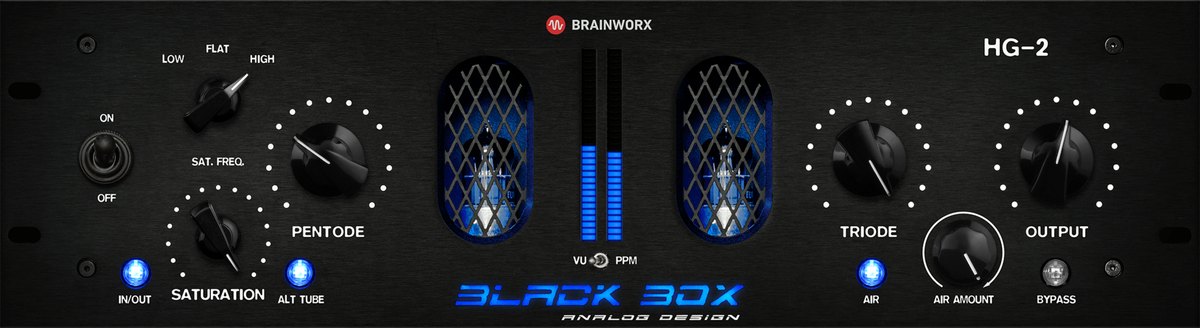 Plugin AllianceHG-2 Plugin AllianceHG-2 | B2.8 | B4 tube stages + switch | CNone | AMix + Air + Calibration |
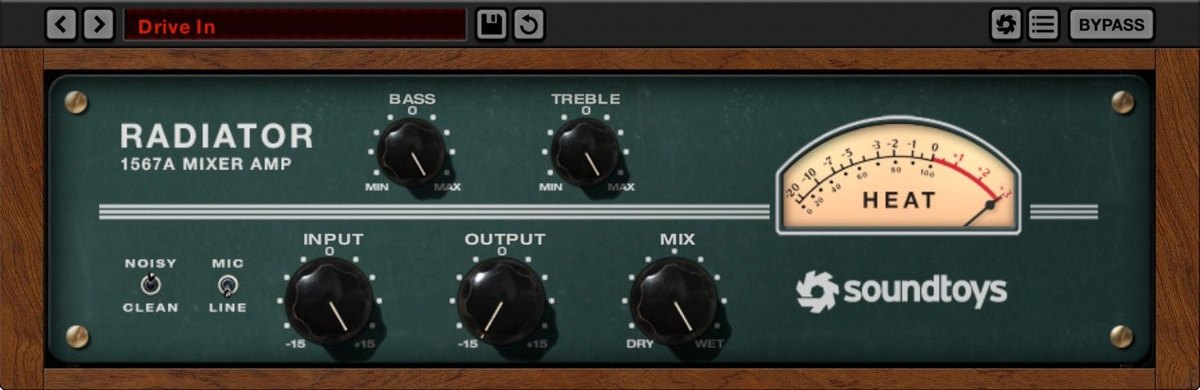 SoundtoysRadiator SoundtoysRadiator | C2.3 | COne tube type | CNone | AMix + bass/treble |
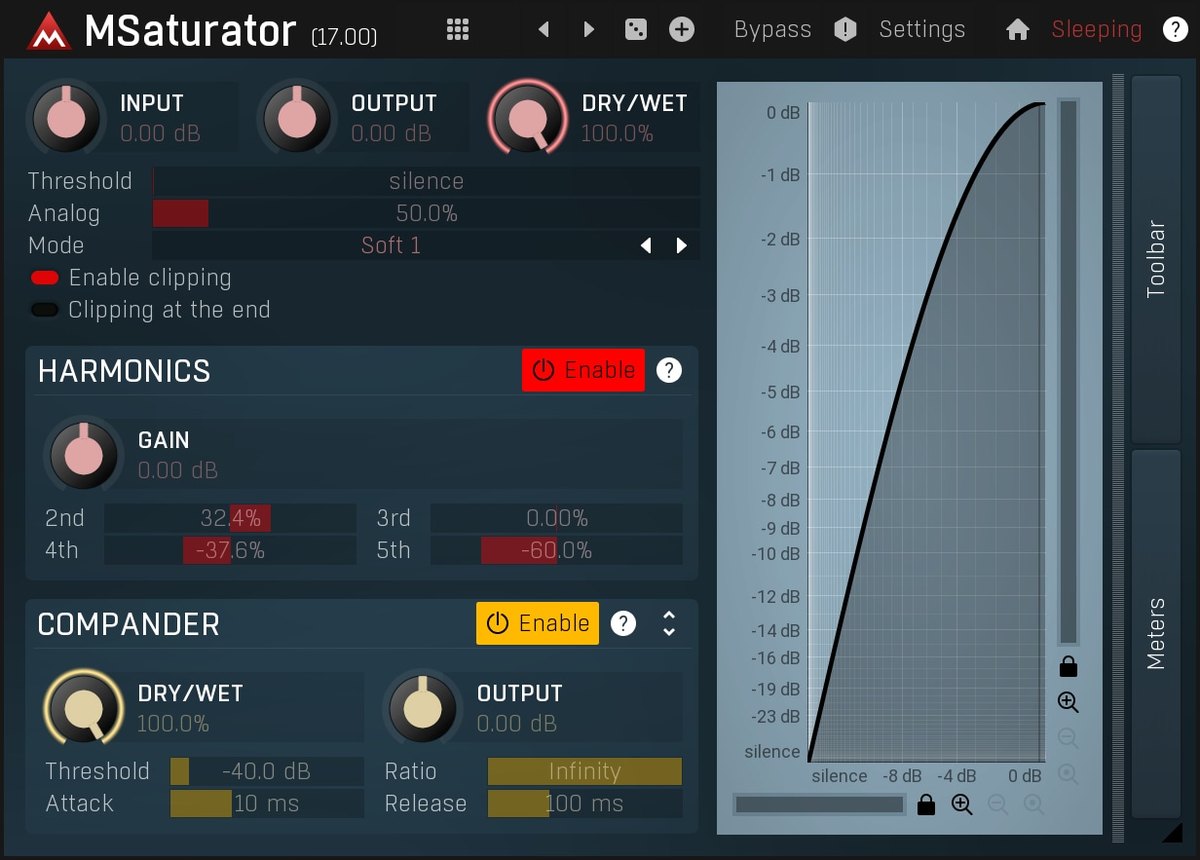 MeldaProductionMSaturator MeldaProductionMSaturator | C2.0 | CTube-style + harmonics | CNone | BDry/Wet + harmonics |
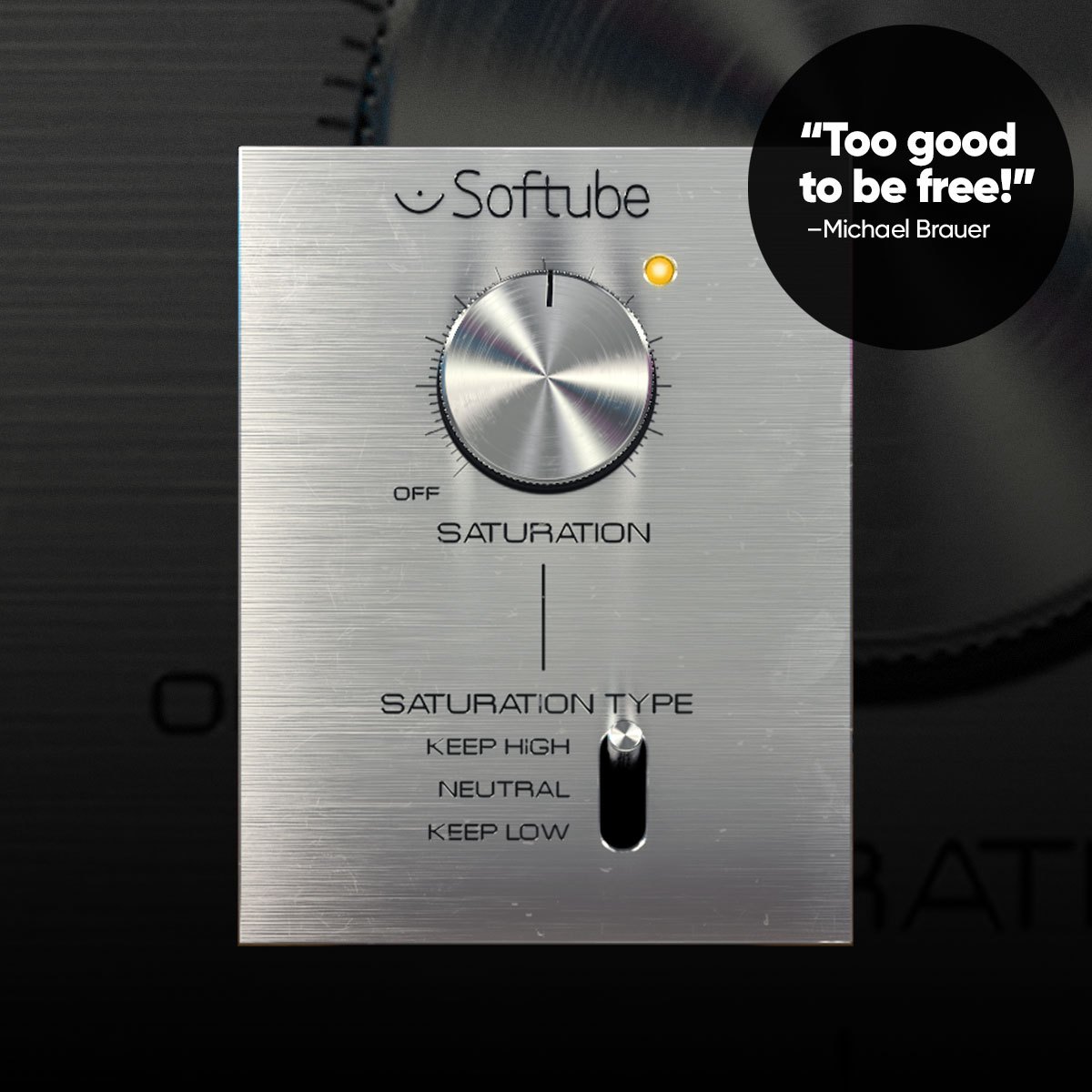 SoftubeSaturation Knob SoftubeSaturation Knob | C2.0 | B3 modes | CNone | COne knob |
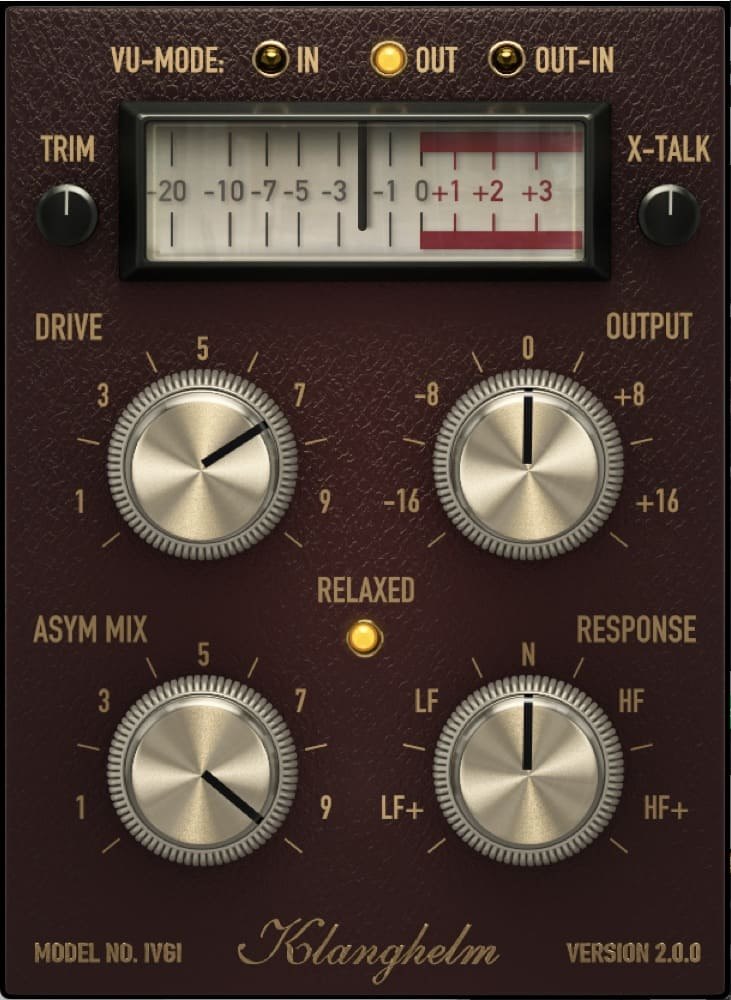 KlanghelmIVGI KlanghelmIVGI | C2.0 | C1 type | CNone | BRESPONSE |
Click a column heading to sort by that criterion (click again to reverse). Each cell shows the score (1 to 5) on that criterion as 5 = S, 4 = A, 3 = B, 2 or lower = C. A dash means the criterion is not scored. This is a rating of the manufacturer's official features and specifications, not of sound quality. See How we rate specifications.
Top-scoring products
 Saturn 2Rank S
- ThermalRank A
- DecapitatorRank B
- SDRRRank B
- RadiatorRank C
- MSaturatorRank C
- Saturation KnobRank C
- IVGIRank C
Up to 9 products in order of score. Images are the manufacturers’ official press images or Plugin Boutique images. The overall order and the basis for each rank are in the tier tables above and on each product’s page.
Free ways to start
If you want to try something without spending money, or are looking for your first one, you can start with a product that is free to use. Check the free scope and conditions on each product’s page.
- MSaturator (rank C, free)
- Saturation Knob (rank C, free)
- IVGI (rank C, free)
How to choose a saturation plug-in
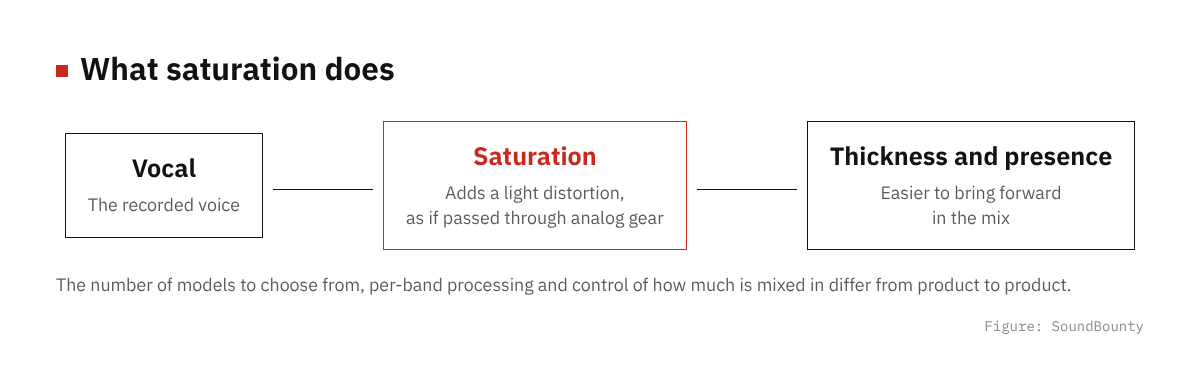
Figure: SoundBounty
What kind of color do you want?
Saturation is a tool that adds moderate distortion to give thickness and presence. How the sound changes differs by the gear it is based on, such as tape, tubes or transistors.
Can you adjust by band?
Some products let you adjust by band, for example keeping the lows as they are and coloring only the mids. This is handy if you want to use it in detail on vocals or the whole mix.
Is it easy to adjust how much it applies?
Features that help you avoid overdoing it, such as blending the processed sound with the original or automatically matching the volume, make it easier to use.
A word on each product
Prices in the headings are regular prices in US dollars shown on Plugin Boutique on October 10, 2026. They are not part of the score.
Saturn 2 (rank S, $149)
FabFilter’s Saturn 2 is a saturation plug-in with 28 kinds of distortion, from subtle saturation (a faint distortion, as if passed through analog gear) such as tube, tape and transformer, to guitar amps and bit crushing. It offers multiband processing (processing split by range of pitch) of up to 6 bands, with a linear-phase option, and per-band drive, mix, feedback, dynamics and tone.
Trash (rank S)
iZotope’s Trash is a plug-in that reshapes sound by mixing more than 60 kinds of distortion and more than 600 impulse responses with an XY pad. It also supports three-band processing.
Thermal (rank A, $149)
Output’s Thermal is a multi-stage distortion plug-in from Output in which a circular XY pad moves the texture of the distortion. It has 19 distortion algorithms, 9 built-in effects and more than 250 presets (ready-made settings).
Decapitator (rank B, $199)
Soundtoys’ Decapitator is a saturation plug-in with five kinds of analog saturation modeled on studio gear. It has tone adjustment, a mix that blends in the original sound, and a Punish button that distorts even harder.
SDRR (rank B)
Klanghelm’s SDRR is saturation (a faint distortion, as if passed through analog gear) with four modes, TUBE, DIGI, FUZZ and DESK, each containing two models. You can mix the models to shape the texture, and the DESK mode also has a two-band EQ.
True Iron (rank B)
Kazrog’s True Iron is saturation (a faint distortion, as if passed through analog gear) that recreates six line transformers from famous analog gear. It can make everything from a faint warmth to a strong, crushing distortion.
bx_saturator V2 (rank B)
Plugin Alliance’s bx_saturator V2 is a saturation (a faint distortion, as if passed through analog gear) from Brainworx (Plugin Alliance) that can distort the center (Mid) and the sides (Side) separately, in each of four bands.
HG-2 (rank B)
Plugin Alliance’s HG-2 is a saturation (a faint distortion, as if passed through analog gear) from Black Box Analog Design (Plugin Alliance), modeled on four tube stages and transformers. It can be used on the mix bus and on single tracks.
Radiator (rank C, $99)
Soundtoys’ Radiator is a tube distortion and EQ plug-in that recreates the Altec 1567A, a tube mixer of the 1960s. It has bass and treble knobs and a Mix knob that blends in the original sound, and you can choose whether to include the noise of the original unit.
MSaturator (rank C)
MeldaProduction’s MSaturator is a free plug-in that applies smooth, tube-style saturation (a faint distortion, as if passed through analog gear).
Saturation Knob (rank C)
Softube’s Saturation Knob is a free plug-in that adds distortion with a single knob. You can choose from three modes that distort differently.
IVGI (rank C)
Klanghelm’s IVGI is a free saturation (a faint distortion, as if passed through analog gear) based on the DESK mode of SDRR. It can make everything from a faint tint to dense distortion, and the RESPONSE knob changes the tilt of the band that distorts.
Frequently asked questions
Q. Is there a free saturation plug-in?
In this comparison MSaturator, Saturation Knob and IVGI are free. Listening to how the sound changes when you add distortion with a free one first is a good idea.
Q. What happens when I use it on vocals?
With a little, the voice comes forward and is less likely to be buried by other instruments. If you overdo it, the voice sounds broken up, so try it a little at a time.
Q. How is it different from a compressor or EQ?
An EQ increases or decreases parts of the sound, and a compressor evens out the volume. Saturation adds new components through distortion, giving thickness and warmth.
How we score
How we score (Saturation plug-ins)
| Criterion | Basis | 5 pt | 4 pt | 3 pt | 2 pt | 1 pt |
|---|---|---|---|---|---|---|
| Range of texture | The range of distortion types you can choose, from subtle to strong | Choose from 20 or more kinds of distortion | Choose from 5 or more kinds of distortion | 2 to 4 kinds | 1 kind | — |
| Per-band processing | Whether the distortion can differ for lows and highs | Multiband processing of up to 6 bands | 2 to 3 bands | — | — | No per-band processing |
| Mix and tone control | Control of how much is mixed with the original sound, and of the tone | Mix, tone, dynamics and more can be adjusted for each band | Both mix and tone are available | One of the two | — | Not mentioned on the official page |
Each criterion is scored from 1 to 5 on how well the product serves one goal: adding thickness and presence to vocals and backing tracks. Scores follow the conditions in the table above, and the rank is based on an average in which "Range of texture" counts double. The basis is official manufacturer information. Sound quality and CPU load are not measured, so they are not scored; reviews from trade magazines are introduced in the articles for reference. Price is not part of the score. Features that cannot be confirmed from the manufacturer's or a retailer's description are scored as if absent. The "OBS (streaming)" column in the table shows whether the official page lists the VST2 format that the streaming software OBS Studio can use (○). OBS does not support the VST3 format. It is not part of the score.
The thinking behind scores and ranks is summarized in How we rate specifications. We add products in order.
More comparisons
For free options
Pages about free products in this category: