
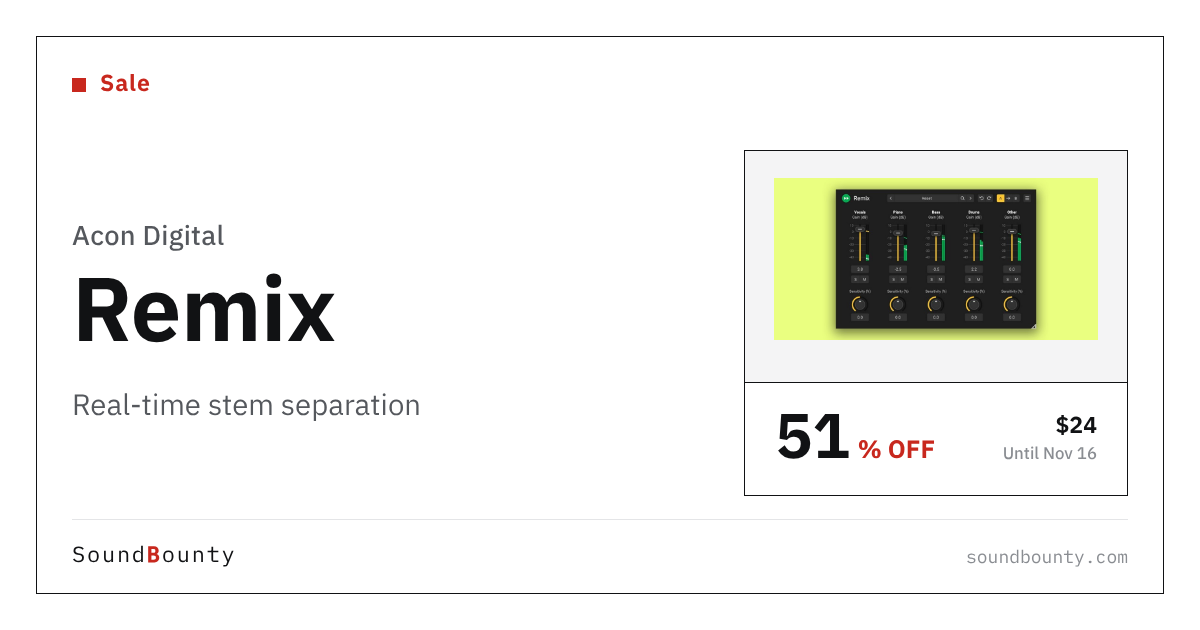
Acon Digital’s stem separation plug-in Remix is 51% off at Plugin Boutique: $24 instead of $49 (USD). The product page says the offer runs until November 16.
Disclosure: This article contains affiliate links. If you buy through them, SoundBounty may earn a commission at no extra cost to you. Prices are as of the date we checked them and can change.
The deal
| Product | Regular price | Sale price | Discount | Ends |
|---|---|---|---|---|
| Remix | $49 | $24 | 51% off | Nov 16 |
Prices are in US dollars as shown on Plugin Boutique, checked on October 26, 2026. The discount and end date come from the Plugin Boutique product page. Taxes, fees and availability can vary by country, so check the checkout page.
Where to buy
- Remix: View at Plugin Boutique
What is Remix?
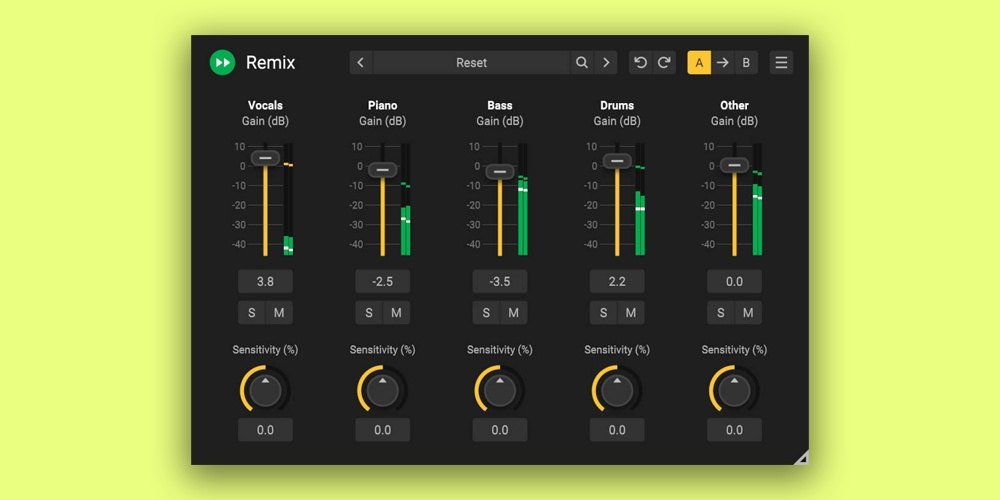
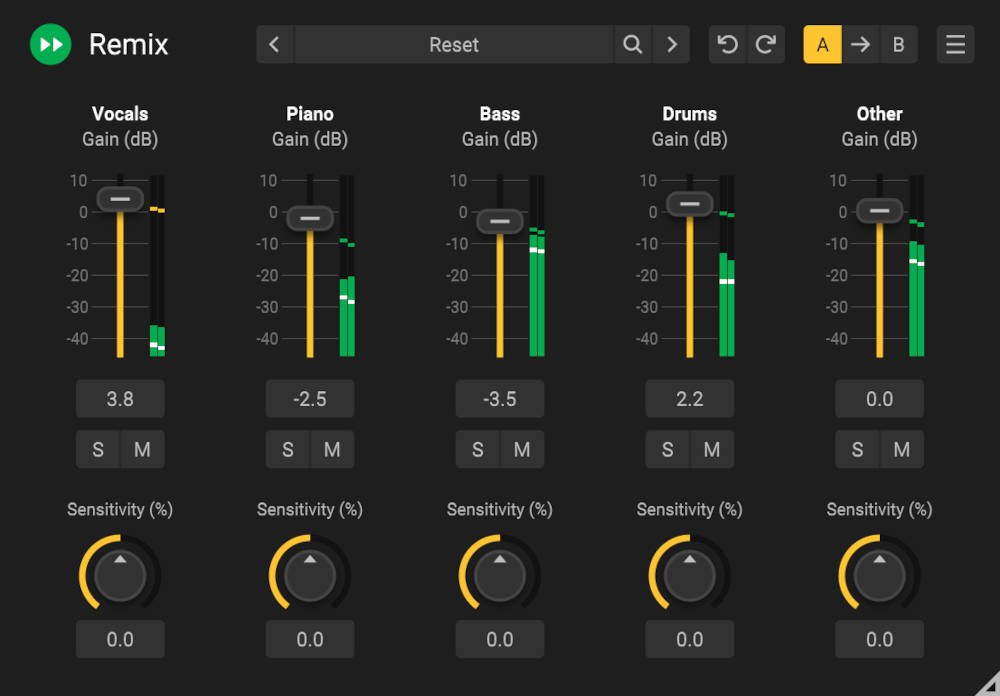
Remix splits a finished mix into five parts (Vocals, Piano, Bass, Drums and Other) in real time, so you can raise or lower each part. You might use it for a karaoke-style track or to turn the drums down a little. It is a one-time purchase, not a subscription (per the manufacturer).
Features
Five stems in real time
There are no offline jobs to wait for: Remix runs live in your session with low latency (per the manufacturer).
Sensitivity per stem
You set the detection threshold for each stem separately, to balance clarity against spill (per the manufacturer).
Automation and multi-output routing
Every parameter can be automated in your DAW. In supported hosts, each stem can be routed to its own track so you can put insert effects on it (per the manufacturer).
Who it suits
- People who want to rebalance vocals, drums or bass in a stereo mix
- People who need a quick karaoke or practice track
- People who prefer a one-time purchase and a free trial first
After you buy: installation and activation
This is the general flow for products bought at Plugin Boutique. Activation differs by product (serial number, a manufacturer account, iLok and so on), so check the instructions in your library after purchase.
- Log in to your Plugin Boutique account and find the product in “Library”.
- Download the installer (you can switch between the Windows and Mac versions). Depending on the product, you also get a serial number, an unlock code or a key file.
- Product-specific steps are under “…” → “Installation Instructions” next to the product in your library, and also near the bottom of the product page.
Before you buy
- The end date is the one shown on Plugin Boutique. Offers can change, so confirm on the product page before you buy.
- Check the supported operating systems, plug-in formats (VST3, AU, AAX and so on) and the licensing method on the product page before buying.
Where to buy
- Remix: View at Plugin Boutique








Comments