
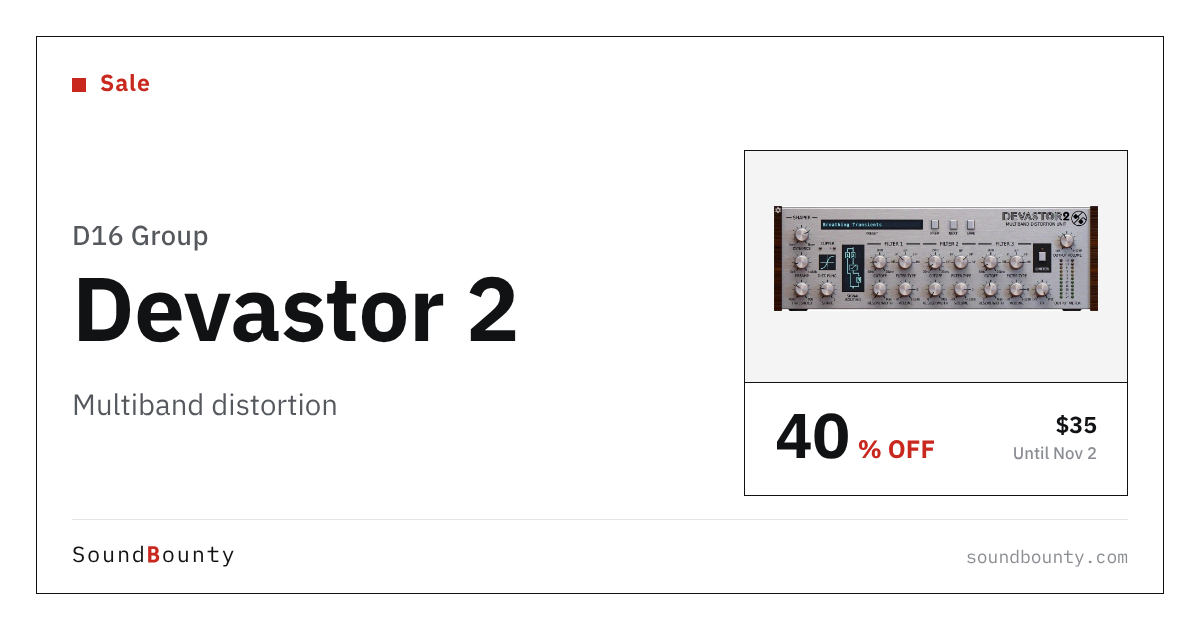
D16 Group’s distortion plug-in Devastor 2 is 40% off at Plugin Boutique: $35 instead of $59 (USD). The product page says the offer runs until November 2.
Disclosure: This article contains affiliate links. If you buy through them, SoundBounty may earn a commission at no extra cost to you. Prices are as of the date we checked them and can change.
The deal
| Product | Regular price | Sale price | Discount | Ends |
|---|---|---|---|---|
| Devastor 2 | $59 | $35 | 40% off | Nov 2 |
Prices are in US dollars as shown on Plugin Boutique, checked on October 27, 2026. The discount and end date come from the Plugin Boutique product page. Taxes, fees and availability can vary by country, so check the checkout page.
Where to buy
- Devastor 2: View at Plugin Boutique
What is Devastor 2?
Devastor 2 is the second generation of a multiband distortion effect in D16’s SilverLine Collection. The maker describes uses from acid synths and guitar fuzz to adding grit to drums, and also gentle warmth when you keep the gain low (per the manufacturer).
Features
Nine filter and clipper routings
Filters can sit before or after the diode clipper, and some configurations run them alongside it (per the manufacturer).
Synth-style filters
Instead of peaking EQ bands, it uses low-pass, high-pass, band-pass and band-reject filters with adjustable cutoff and resonance (per the manufacturer).
Diode clipper with anti-aliasing
Special anti-aliasing is applied to the output to keep the warm character of the clipping (per the manufacturer).
Dynamics flattener and output limiter
A one-knob compressor evens out loudness before clipping, and an optional auto-makeup limiter tames the output (per the manufacturer).
Who it suits
- People who want multiband distortion with synth-style filters
- Producers adding grit to synths, guitars or drums
- People who want a gentle warmth option as well as heavy distortion
After you buy: installation and activation
This is the general flow for products bought at Plugin Boutique. Activation differs by product (serial number, a manufacturer account, iLok and so on), so check the instructions in your library after purchase.
- Log in to your Plugin Boutique account and find the product in “Library”.
- Download the installer (you can switch between the Windows and Mac versions). Depending on the product, you also get a serial number, an unlock code or a key file.
- Product-specific steps are under “…” → “Installation Instructions” next to the product in your library, and also near the bottom of the product page.
Before you buy
- The end date is the one shown on Plugin Boutique. Offers can change, so confirm on the product page before you buy.
- Check the supported operating systems, plug-in formats (VST3, AU, AAX and so on) and the licensing method on the product page before buying.
Where to buy
- Devastor 2: View at Plugin Boutique








Comments