
Disclosure: This page may contain affiliate links. Prices were checked on the date shown and may change.
An introduction to IK Multimedia Mic Room, based on information from the maker and distributors: what it does, how to use it and who it may suit. It is not scored.
Mic Room is a microphone-modeling tool for T-RackS that puts a world-class collection of over 20 classic and contemporary microphones at your fingertips.
— IK Multimedia official site
What is Mic Room?
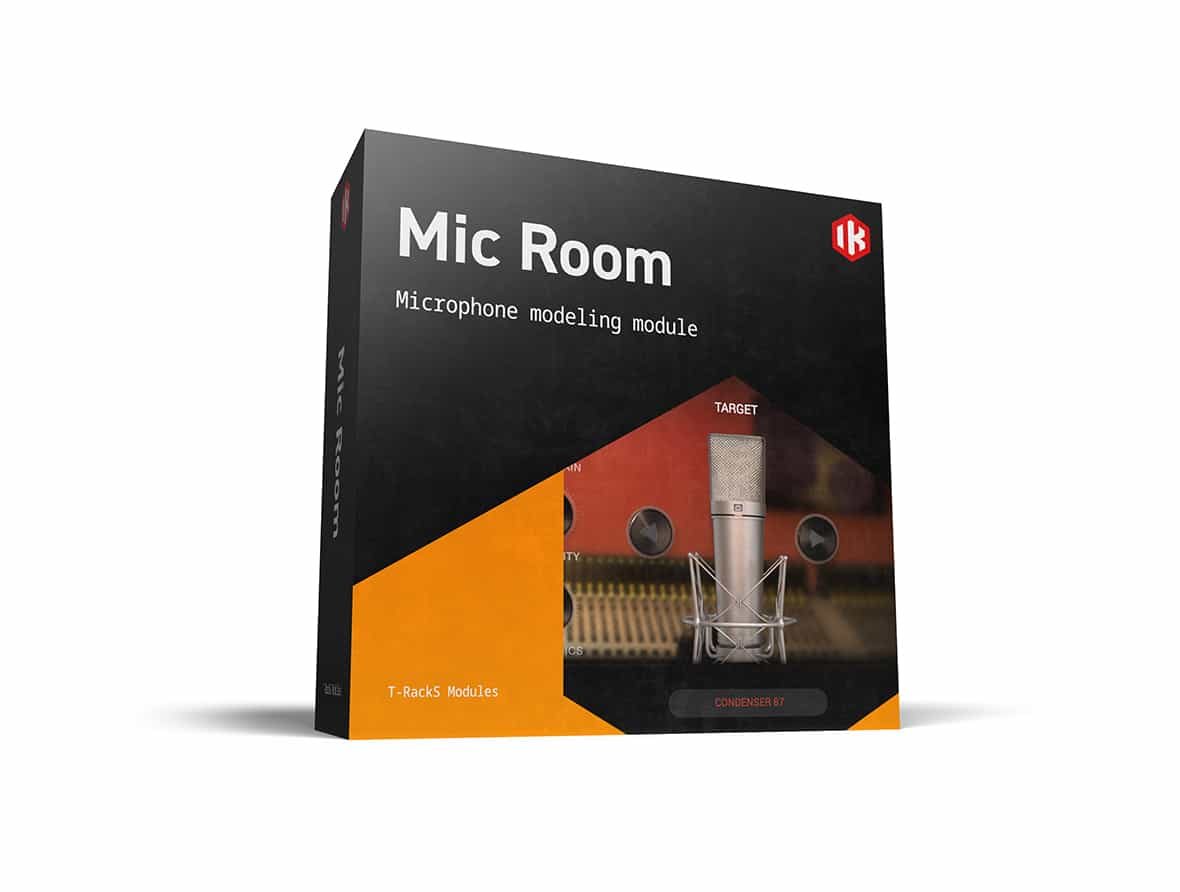
Mic Room is a microphone-modeling module from IK Multimedia's T-RackS mixing and mastering suite. By choosing the microphone you recorded with and the microphone whose character you want, you can "re-mike" a track so that it takes on the tone of a different model.
According to the maker, it contains more than 20 classic and contemporary microphone models, covering dynamic, condenser and ribbon styles as well as some unconventional ones. Each model is described as aiming to reproduce the frequency response and character of its physical counterpart.
For shaping the result there are two controls: a proximity adjustment that adds or removes the bass lift of close-miking, and a harmonic content adjustment that adds saturation, texture and warmth. It is intended for tracks recorded through a real microphone, such as vocals, acoustic guitar or drums.
As a T-RackS module it runs either standalone or as a plug-in inside a DAW, in AU, VST 2, VST 3 and AAX formats. Plugin Boutique's page lists it as sold separately and also included in T-RackS 6 PRO, T-RackS 6 MAX and Total Studio 4 MAX.
Key features
20+ microphone models
More than 20 dynamic, condenser, ribbon and other models are included. Pairing the model of your source mic with a target model may help when you want to try a different microphone character on an existing recording.
Source microphone selection
You first select the microphone used for the original recording, then pick the new one. The maker states that every model can also be chosen as the source, so the processing starts from the right reference.
Proximity adjustment
This control imitates the bass increase heard when a source is close to the microphone. Turn it up for a deeper, richer voice, or down to scoop out low frequencies, which may suit thickening a voice or reducing muddiness.
Harmonic content adjustment
This control adds the harmonic richness associated with a tube condenser, bringing saturation, character and texture. It may help a plain vocal gain some personality, and it can also be pushed far for unusual results.
Basic controls
It offers adjustable input level, stereo control of the left and right channels, a level meter and a master bypass switch. The interface is described as plug-and-play, which keeps the number of decisions small.
Standalone and plug-in
Because it is a T-RackS module, it can run as its own app or be inserted in a DAW. Windows supports VST 2, VST 3 and AAX, and the Mac version adds AU, so it can follow the DAW you already use.
Specifications
| Item | Details |
|---|---|
| Type | Microphone modeling (T-RackS module) |
| Microphone models | More than 20 (dynamic, condenser, ribbon and others) |
| Controls | Input level, stereo, proximity, harmonic content, bypass |
| Formats (Mac) | AU, VST 2, VST 3, AAX (64-bit) |
| Formats (Windows) | VST 2, VST 3, AAX (64-bit) |
| Mac requirements | Apple M1 or Intel Core i5, 8 GB RAM, macOS 10.15 or newer, 9 GB disk space |
| Windows requirements | Core i5 or equivalent, 8 GB RAM, Windows 10 (64-bit) or newer, 9 GB disk space, ASIO-compatible sound card |
| Included in | T-RackS 6 PRO, T-RackS 6 MAX, Total Studio 4 MAX |
What is included and system requirements
- Mic Room module for T-RackS (standalone or plug-in)
- More than 20 microphone models
- Formats: AU / VST 2 / VST 3 / AAX (no AU on Windows)
- Supported systems: macOS 10.15+ / Windows 10+ (64-bit)
How to use it
- Get and install the software with your IK Multimedia account.
- Open your DAW and insert Mic Room on a track recorded with a microphone.
- Select the microphone you used for the recording as the source.
- Choose the microphone model whose character you want.
- Adjust the input level and check it on the meter.
- Change the bass thickness with Proximity and the amount of harmonics with Harmonic Content, a little at a time.
- Switch the bypass on and off to compare, and check whether it suits the song.
Where it may come in handy
Vocals recorded with a dynamic mic
Even if you own only a dynamic microphone, you may be able to try a more condenser-like character. Swapping source and target models lets you look for what suits the song.
Acoustic guitar and singer-songwriter tracks
Adding a little harmonic content or reducing proximity may change how thick a guitar recording sounds. It may also help tidy low frequencies that overlap with other instruments in the mix.
Double-tracked parts
Assigning a different microphone model to a double recorded with the same mic may give the layers some variety. It is one option when you want the stacked tracks to differ.
Lo-fi textures
The maker also mentions adding lo-fi grit to recordings that are otherwise too clean. The unconventional models and a high harmonic setting may be worth trying for that.
Who it may suit
- People who want to try other microphone characters on tracks recorded with the mic they own
- Home-recording users who want to vary vocals or guitars through different mic models
- Those who plan to use it alongside other T-RackS modules
- Anyone who prefers to decide a track's tonal direction after recording
Good to know before you buy
- It is a T-RackS module. This page covers the separate product, which is also included in T-RackS 6 PRO, T-RackS 6 MAX and Total Studio 4 MAX, so check what you already own.
- It is a model of microphone character and may not match the real microphone exactly.
- On Windows an ASIO-compatible sound card is listed as required.
- Requirements are 8 GB RAM and 9 GB of free disk space on both Mac and Windows.
Price
$49.99 (IK Multimedia official site, checked 2026-10-27). Prices can vary by region and promotion, so check the official page before buying.
See Mic Room on the product page
More of the same kind
Other introduction articles of the same kind.
- Fiedler Audio Dolby Atmos Composer
- Klevgrand Grand Finale
- Rob Papen MasterMagic
- W. A. Production MixBoss
- United Plugins FireCobra
- Serato Hex FX
We have introduced 45 other products from IK Multimedia.
- IK Multimedia ReSing MAX
- IK Multimedia T-RackS Sunset Sound Studio Reverb
- IK Multimedia AmpliTube Leslie
- IK Multimedia MixBox
- IK Multimedia AmpliTube Metal
See the full list in Product database: Effects.
Sources: ikmultimedia.com pluginboutique.com (checked 2026-10-27)










Comments