
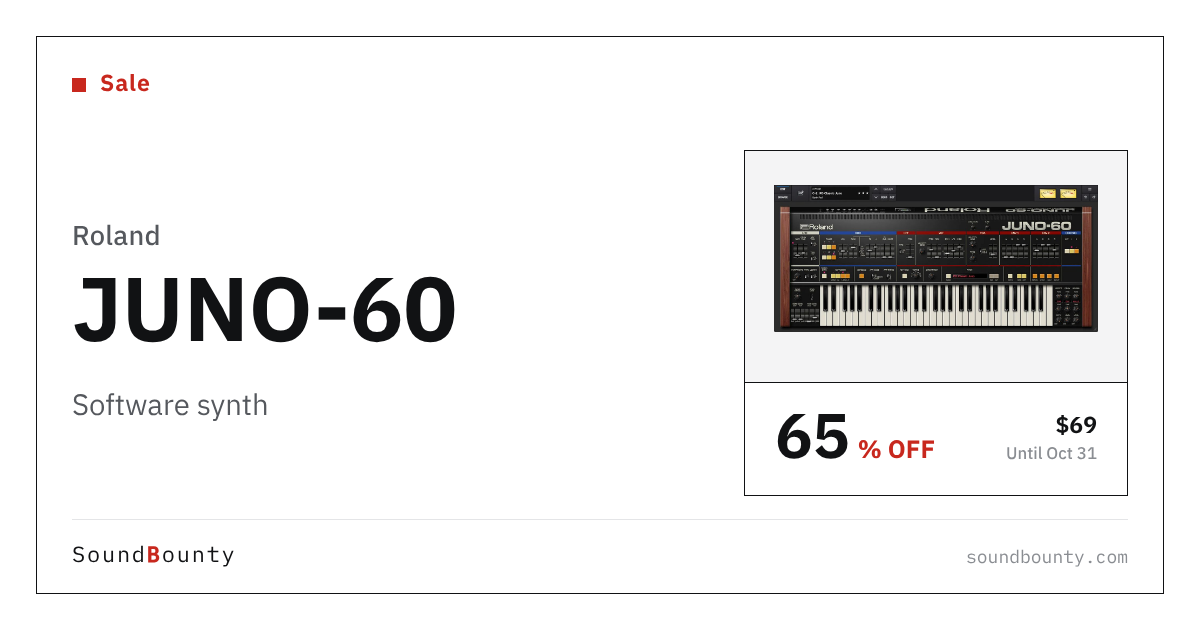
Roland’s software synthesizer JUNO-60 is 65% off at Plugin Boutique: $69 instead of $199 (USD). The product page says the offer runs until October 31.
Disclosure: This article contains affiliate links. If you buy through them, SoundBounty may earn a commission at no extra cost to you. Prices are as of the date we checked them and can change.
The deal
| Product | Regular price | Sale price | Discount | Ends |
|---|---|---|---|---|
| JUNO-60 | $199 | $69 | 65% off | Oct 31 |
Prices are in US dollars as shown on Plugin Boutique, checked on October 24, 2026. The discount and end date come from the Plugin Boutique product page. Taxes, fees and availability can vary by country, so check the checkout page.
Where to buy
- JUNO-60: View at Plugin Boutique
What is JUNO-60?
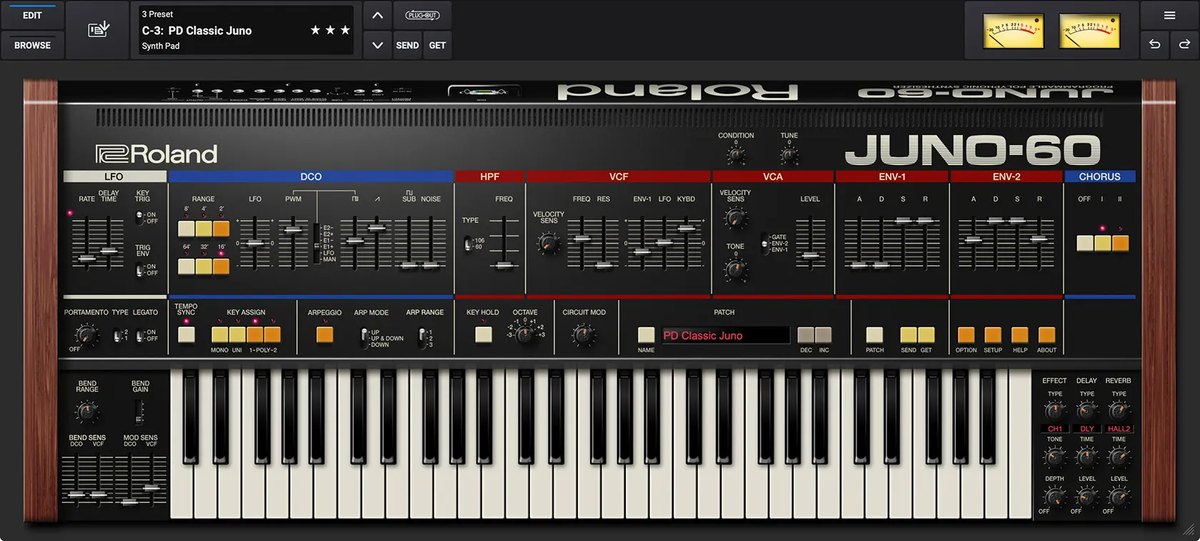
JUNO-60 is a software synth that recreates a classic Roland synthesizer. Its sound is built around a single oscillator (the part that makes the raw tone), a fat sub-oscillator, a characterful filter and a chorus that sways and widens the sound (per the manufacturer).
It uses Roland’s own technology for reproducing analog circuit behavior (ACB). It plays up to 8 voices at once (you can limit it to 6 or fewer), and it includes effects such as CE-1, reverb, flanger, delay and overdrive in addition to the chorus, plus an arpeggiator (a function that plays the notes of a chord one after another automatically) (per the manufacturer).
It supports VST3, AU and AAX, with native Apple Silicon support. It is offered through the Roland Cloud service: it is included in Roland Cloud Pro and Ultimate memberships, and you can also buy it with a Lifetime Key (a one-time purchase) (per the manufacturer).
Features
The 1982 JUNO, as a software synth
Roland says the JUNO-60 was released in 1982 as the successor to the JUNO-6, and that being able to save patches was unusual at the time. This software synthesizer brings that sound into your DAW.
What makes the JUNO sound: DCO, sub, VCF and chorus
One DCO, a fat sub-oscillator, a characterful VCF and a big, swirling chorus: Roland says this simple setup is the basis of the JUNO sound. It is also easy to operate.
ACB (Analog Circuit Behavior) recreates circuit behavior
Roland’s ACB technology recreates the behavior of the original circuits (per the manufacturer). The same technology is used in other plug-ins in the Legendary series.
Circuit Mod brings back the character of a hardware “drift”
Old synths had trimmers for adjusting component drift, and a drifted sound can have its own charm. The new “Circuit Mod” moves several trimmers at once with a single macro knob (per the manufacturer).
A wider oscillator range and a second envelope
While keeping the appeal of the original, it widens the oscillator range and adds a second envelope, among other changes (per the manufacturer).
Three chorus modes
Besides the two chorus modes of the original, it recreates a third “secret” mode that you get by pressing both buttons at once. The noise that comes with a chorus is also modeled in detail, according to the manufacturer.
Ready-to-use presets
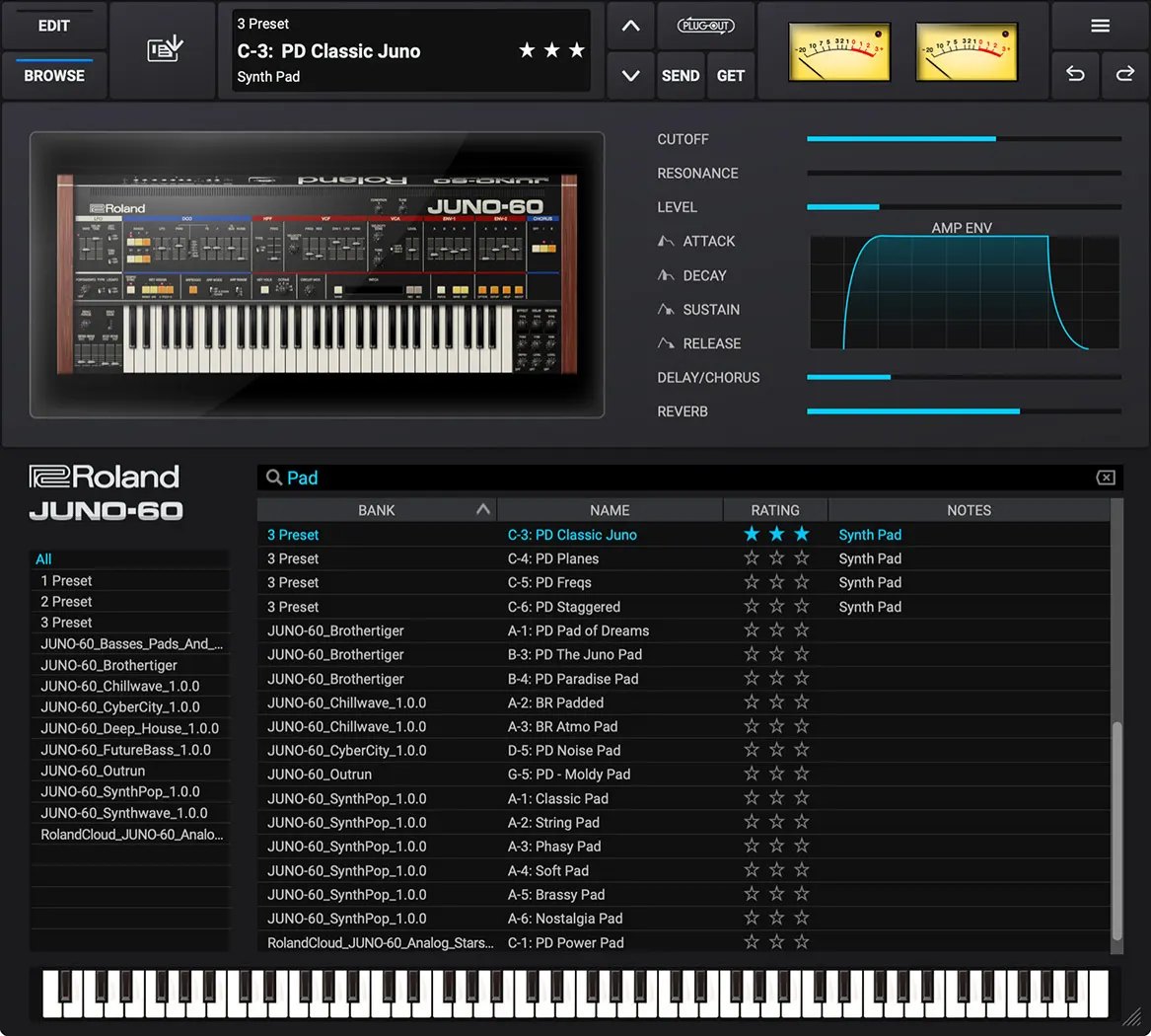
It includes many presets by sound designers, such as bass, lead, pad and pluck sounds (per the manufacturer).
Official video
After you buy: installation and activation
This is the flow for Roland products bought at Plugin Boutique (a Roland Cloud account plus Roland Cloud Manager). Steps and screen names can change when the manufacturer updates its software.
- Create a Roland Cloud account from “Download” in your Plugin Boutique account, or at roland.com/cloud/login. Press “ACTIVATE ACCOUNT” in the confirmation email to enable it.
- After you log in, paste the “Key” from your Plugin Boutique account and press “SUBMIT”.
- Download and install “Roland Cloud Manager” for your operating system, then sign in.
- In “My Library”, choose the product you bought and press “Install”.
- Open your DAW and load the plug-in.
Before you buy
- The end date is the one shown on Plugin Boutique. Offers can change, so confirm on the product page before you buy.
- Check the supported operating systems, plug-in formats (VST3, AU, AAX and so on) and the licensing method on the product page before buying.
Where to buy
- JUNO-60: View at Plugin Boutique









Comments