
Roland’s synth bundle Analog Polysynth Collection is 60% off at Plugin Boutique: $199 instead of $499 (USD). The product page says the offer runs until October 31.
Disclosure: This article contains affiliate links. If you buy through them, SoundBounty may earn a commission at no extra cost to you. Prices are as of the date we checked them and can change.
The deal
| Product | Regular price | Sale price | Discount | Ends |
|---|---|---|---|---|
| Analog Polysynth Collection | $499 | $199 | 60% off | Oct 31 |
Prices are in US dollars as shown on Plugin Boutique, checked on October 24, 2026. The discount and end date come from the Plugin Boutique product page. Taxes, fees and availability can vary by country, so check the checkout page.
Where to buy
- Analog Polysynth Collection: View at Plugin Boutique
What is Analog Polysynth Collection?
Analog Polysynth Collection is a bundle of software versions of five Roland analog polysynths from the late 1970s to the mid 1980s. They are built with Roland’s ACB technology, which recreates the behavior of the circuits (per the manufacturer).
Features
A collection of five Roland analog polysynths
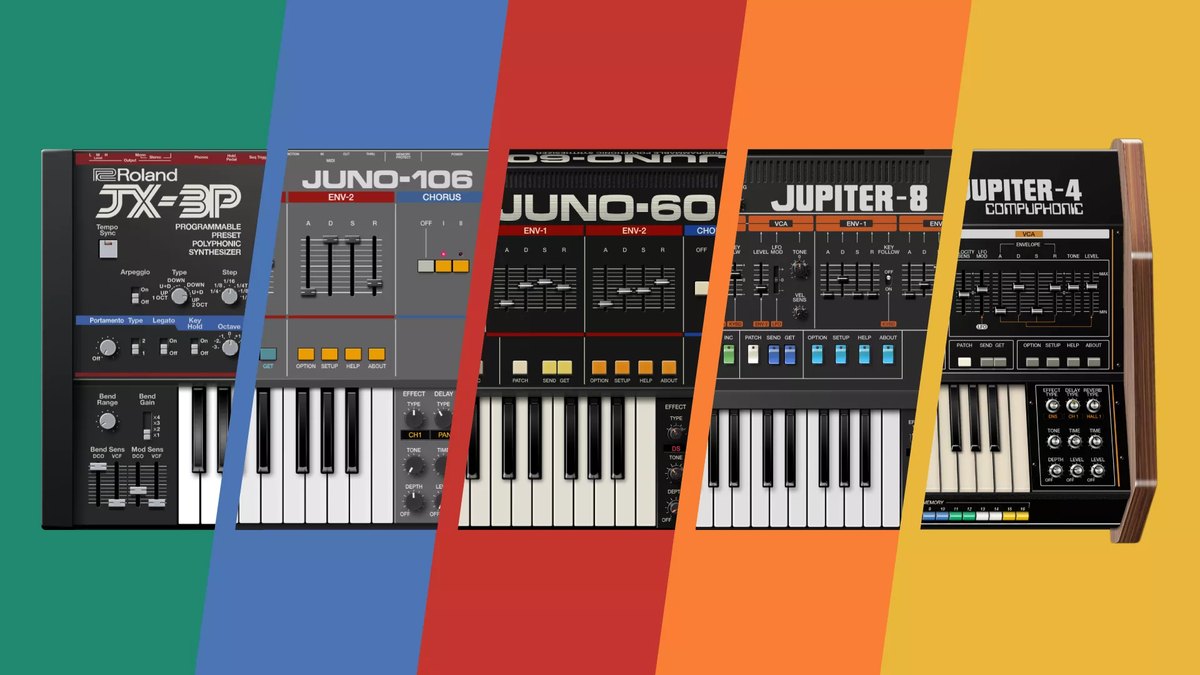
It contains five software synthesizers: the JUPITER-4, JUPITER-8, JUNO-60, JX-3P and JUNO-106. You can use Roland’s signature polysynths from the late 1970s to the early 1980s inside your DAW (per the manufacturer).
Recreated with ACB (Analog Circuit Behavior) technology
Roland’s own circuit-modeling technology, ACB, recreates the behavior of the circuits by analyzing the original schematics and materials (per the manufacturer).
The character of each of the five
The JUPITER-4, released in 1978, was the first synth to carry the JUPITER name (per the manufacturer). The JUPITER-8 is the classic released in 1981 (per the manufacturer). The JUNO-60, released in 1982, is known for the stable tuning of its digitally controlled oscillators (per the manufacturer). The JX-3P, a 1983 six-voice instrument, is introduced as a Roland synth with MIDI (per the manufacturer). The JUNO-106, released in 1984, is the third model in the JUNO series (per the manufacturer).
Recreated screens, and extended features
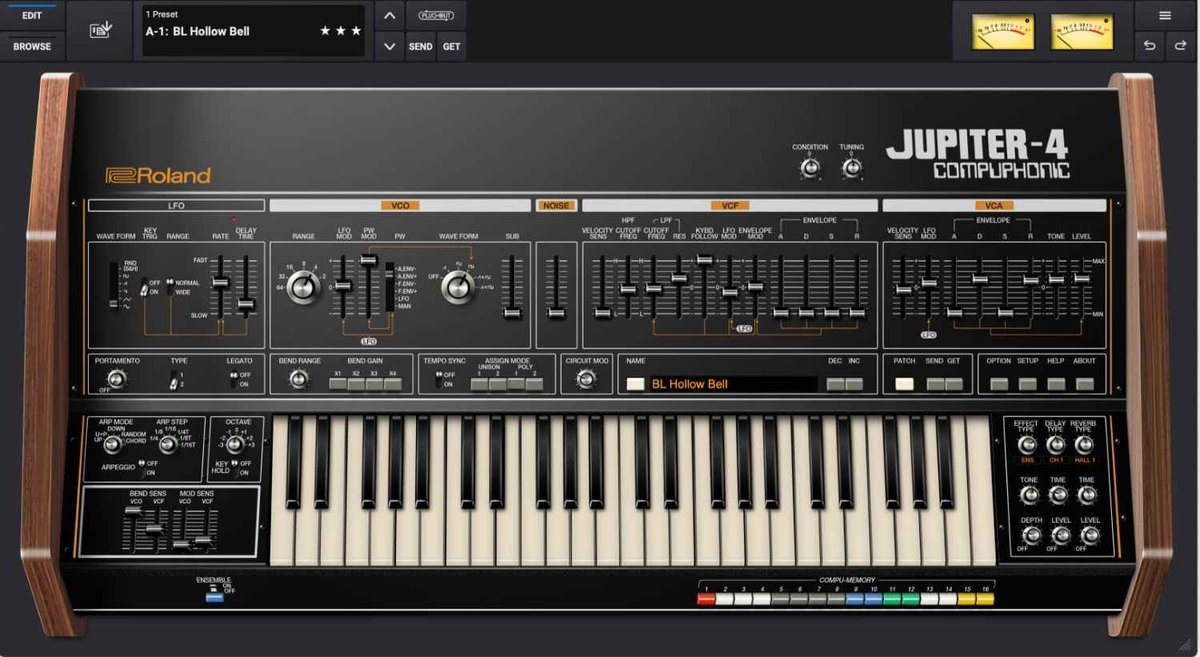
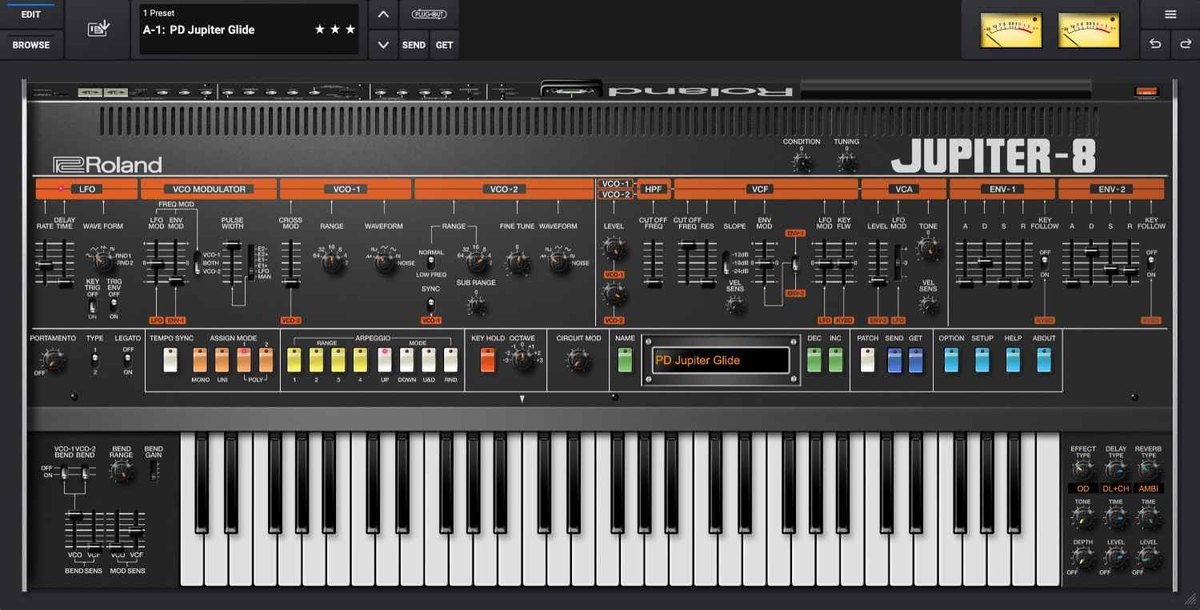
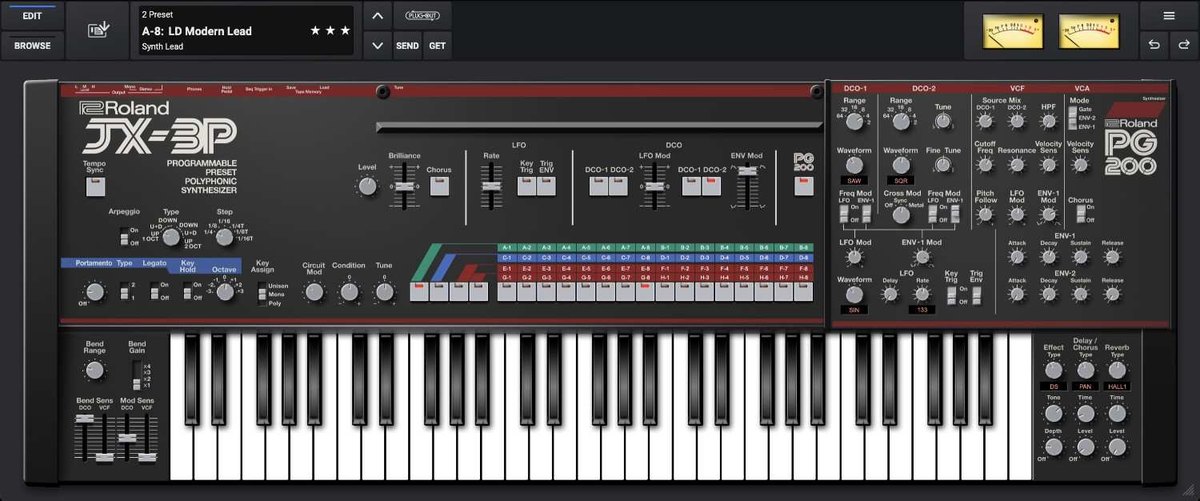
There are detailed screens that aim for the feel of the hardware. Some models have more polyphony (the number of notes you can play at once) than the original. Extended parameters, an enhanced arpeggiator and built-in effects are also included (per the manufacturer).
The original patches, and new sounds
All the original patches are included, and new sounds for modern music have been added. It also supports PLUG-OUT for the SYSTEM-8 (per the manufacturer).
Supported formats
It supports VST3, AU and AAX, with native Apple Silicon support (per the manufacturer).
After you buy: installation and activation
This is the flow for Roland products bought at Plugin Boutique (a Roland Cloud account plus Roland Cloud Manager). Steps and screen names can change when the manufacturer updates its software.
- Create a Roland Cloud account from “Download” in your Plugin Boutique account, or at roland.com/cloud/login. Press “ACTIVATE ACCOUNT” in the confirmation email to enable it.
- After you log in, paste the “Key” from your Plugin Boutique account and press “SUBMIT”.
- Download and install “Roland Cloud Manager” for your operating system, then sign in.
- In “My Library”, choose the product you bought and press “Install”.
- Open your DAW and load the plug-in.
Before you buy
- The end date is the one shown on Plugin Boutique. Offers can change, so confirm on the product page before you buy.
- Check the supported operating systems, plug-in formats (VST3, AU, AAX and so on) and the licensing method on the product page before buying.
Where to buy
- Analog Polysynth Collection: View at Plugin Boutique









Comments