
A pitch correction plug-in is software that fixes the pitch of a vocal that drifts out of tune. They fall into two broad types: “real-time” types that correct automatically while you sing (or while the track plays), and “graph editing” types that let you fix each note on screen after recording.
For cover songs, graph editing suits you if you want a natural result, and real-time correction suits you if you want the robotic effect or correction during a stream. Some products do both in one.
This list compares 15 pitch correction plug-ins on 4 criteria: natural result, speed, real-time correction, harmony and multiple tracks. Scores are decided by how well each product serves its purpose, using the conditions for each criterion, and the basis is official manufacturer information. Price is not part of the score.
Disclosure: This page contains affiliate links. If you buy through them, SoundBounty may earn a commission at no extra cost to you. Prices are as of the date checked and can change.
Picks by purpose
- If you want a natural result: Melodyne 5 assistant (rank A). The most affordable edition that can fix vibrato, formants and sibilance note by note.
- If your cover has many harmonies: Melodyne 5 studio (rank S). It lines up several vocal tracks on one screen and fixes them together. RePitch Standard also supports multiple tracks if you want to keep the budget down.
- For streaming or recording while you sing: AutoTune Advanced (rank B). Its live latency mode of under 1 ms suits correction while you sing.
- If you want one product that does everything: AutoTune Pro 11 (rank A). Real-time correction, graph editing and automatic harmony generation are all in one.
- To try it for free first: MAutoPitch (rank C). You can try automatic correction for free.
Picks by budget
The highest-scoring product in each price range. Prices are the regular prices in US dollars shown on Plugin Boutique on October 10, 2026; sale prices change often, so check the store page. Price is not part of the score.
- Free: Graillon 3, MAutoPitch.
- $50 to $149: Melodyne 5 essential (rank B, $99). The highest-scoring product in this price range.
- $150 and over: Melodyne 5 studio (rank S, $699). The highest-scoring product in this price range.
Tier list by rank
Ranks are based on the manufacturer's official features and specifications, not on sound quality. Within a row, products are ordered by score. The basis is explained in How we rate specifications.
Tier table by criterion
Products with the same overall rank can have different strengths. Click a column heading to sort by the rank on that criterion, and use it when you choose by the feature you want.
| Product | Overall | Natural resultHow finely you can adjust to correct a vocal naturally | SpeedFeatures that make the correction work faster | Real-time correctionEase of use for streaming and recording through the plug-in | Harmony and multiple tracksEase of handling harmonies and backing vocals |
|---|---|---|---|---|---|
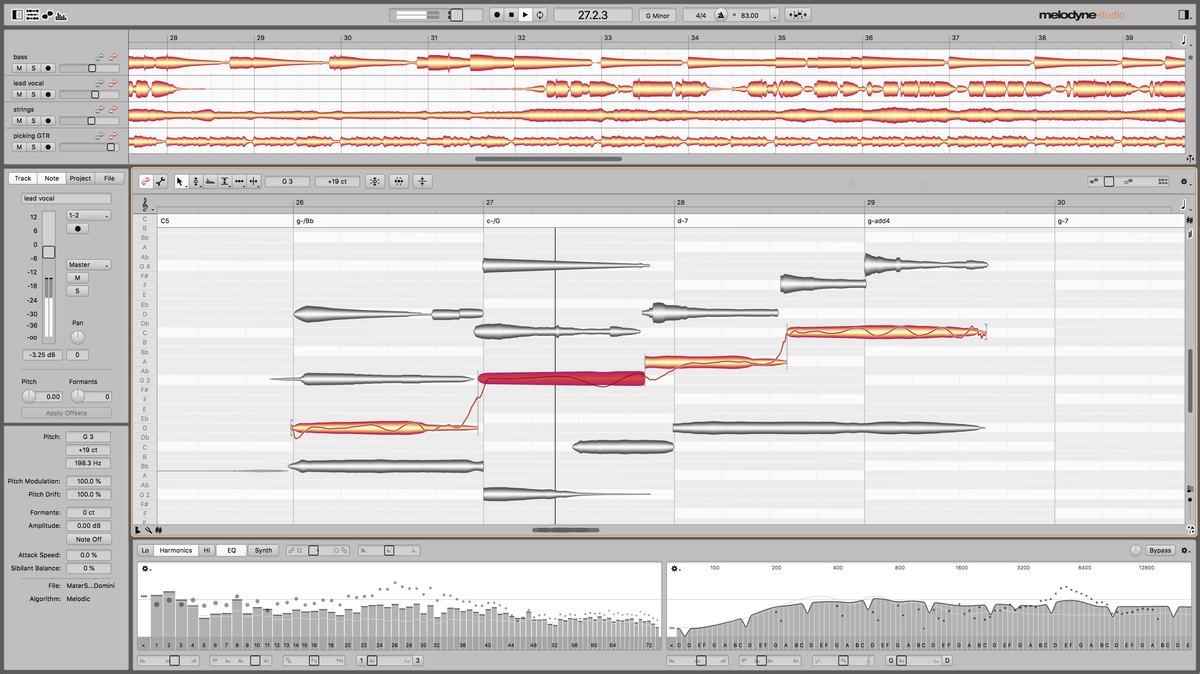 CelemonyMelodyne 5 studio CelemonyMelodyne 5 studio | S4.2 | SDown to wobble and sibilance | SMacros + ARA | CNone | SMultiple tracks + chords |
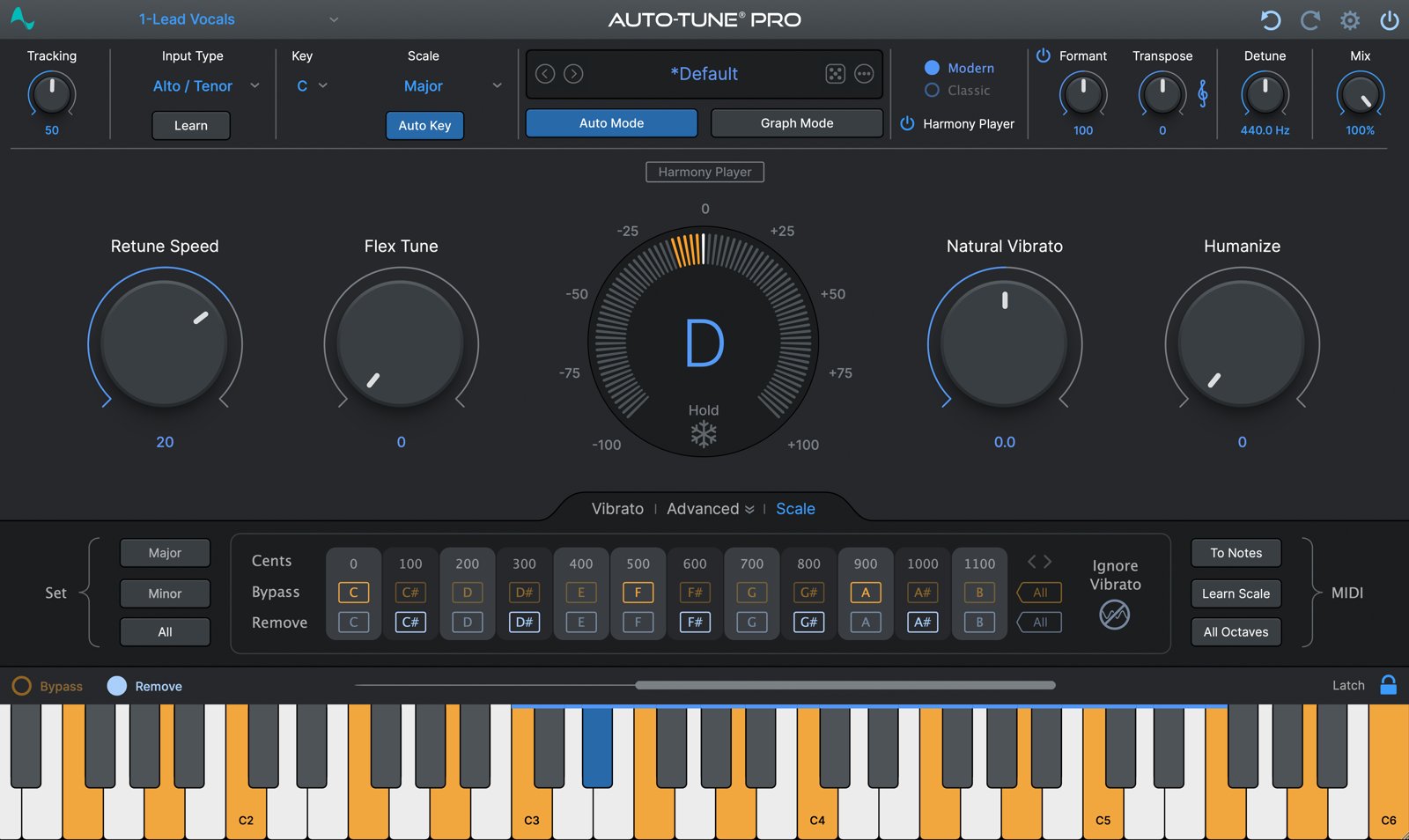 AntaresAutoTune Pro 11 AntaresAutoTune Pro 11 | A4.0 | AAdjust per note | AAutomatic + ARA | ALow latency + MIDI | AMakes harmonies automatically |
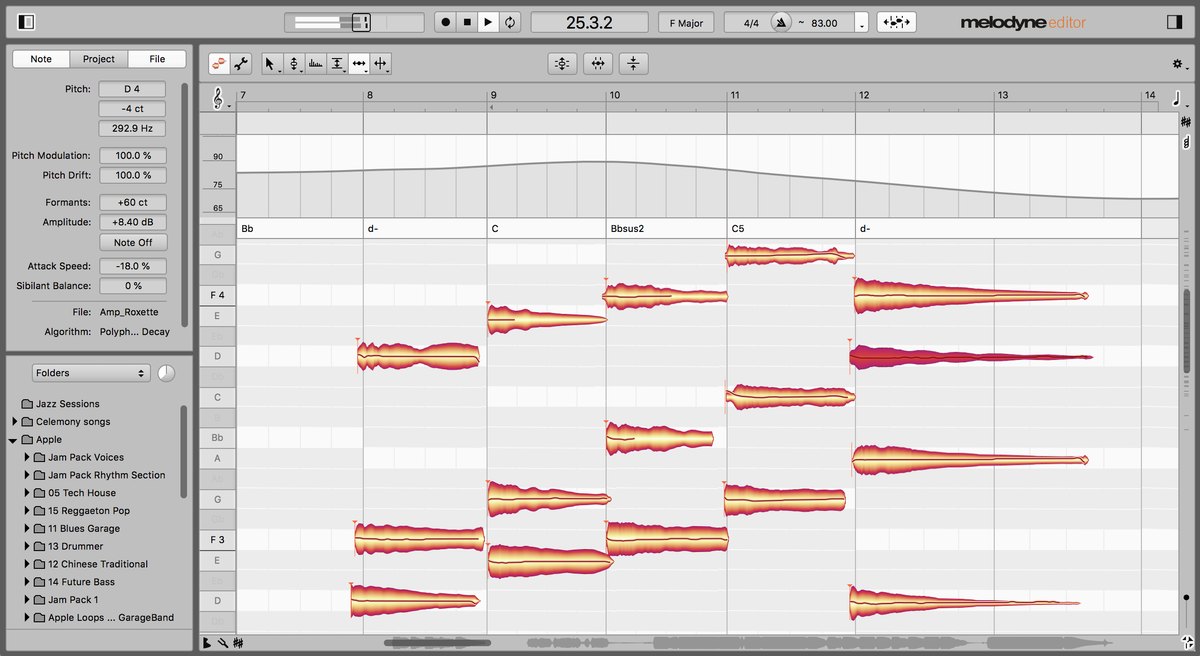 CelemonyMelodyne 5 editor CelemonyMelodyne 5 editor | A3.8 | SDown to wobble and sibilance | SMacros + ARA | CNone | BEdits chords too |
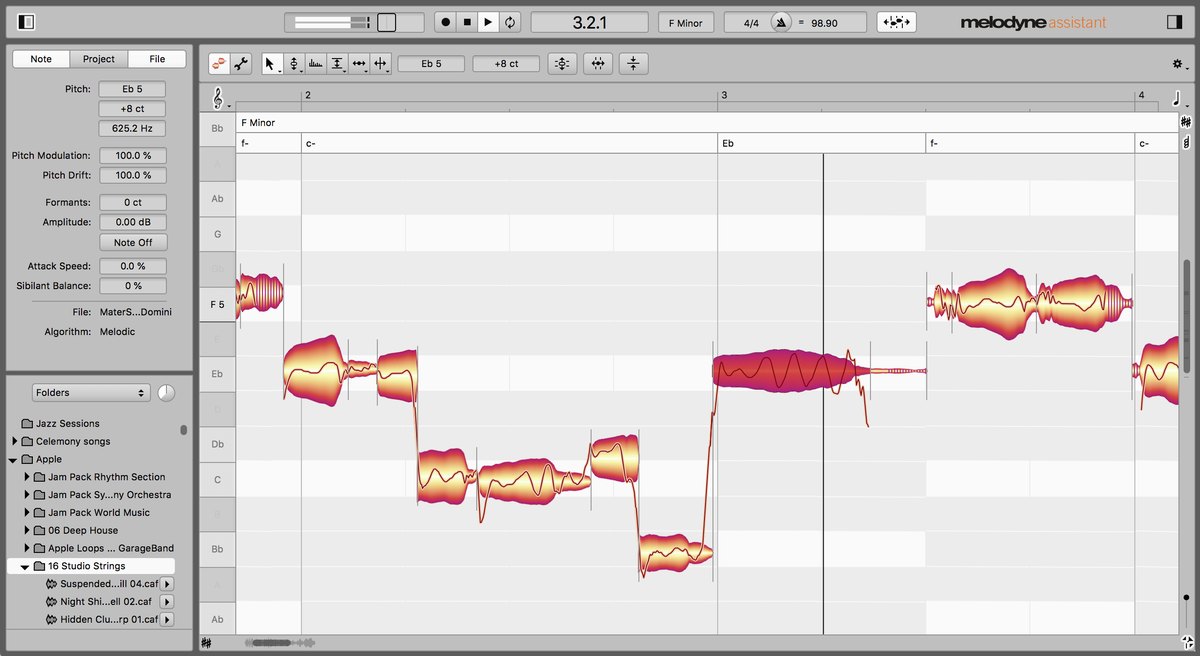 CelemonyMelodyne 5 assistant CelemonyMelodyne 5 assistant | A3.6 | SDown to wobble and sibilance | SMacros + ARA | CNone | CAudio to MIDI |
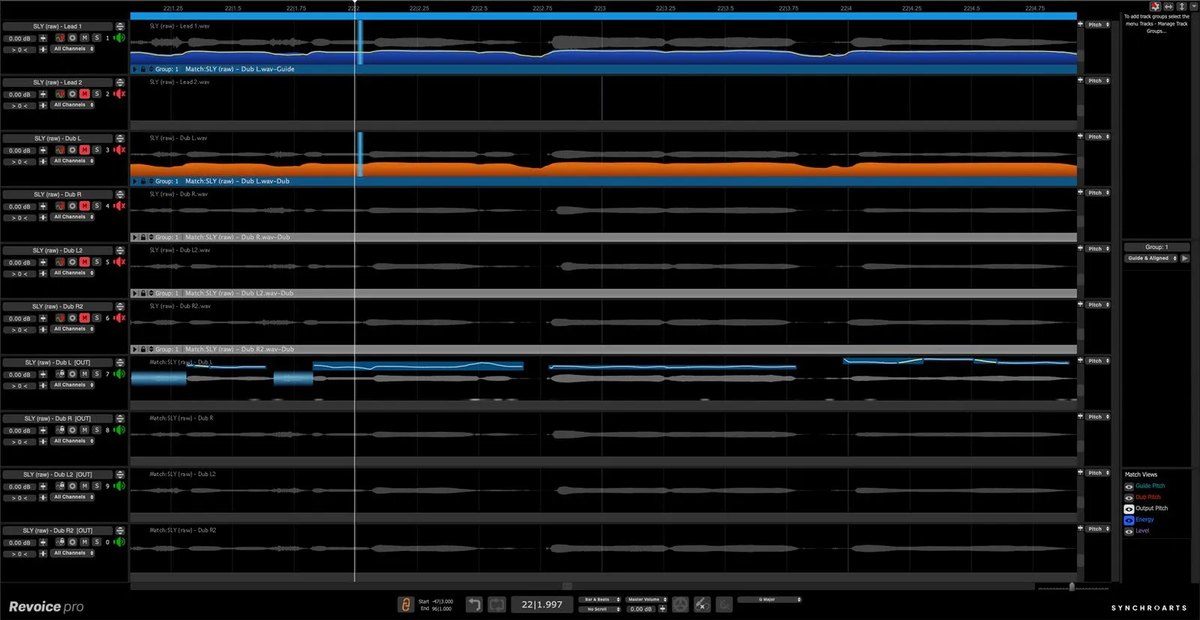 Synchro ArtsRevoice Pro 5 Synchro ArtsRevoice Pro 5 | A3.6 | SDown to vibrato, formants, sibilance | BARA + automatic matching | CNone | AMatches multiple tracks |
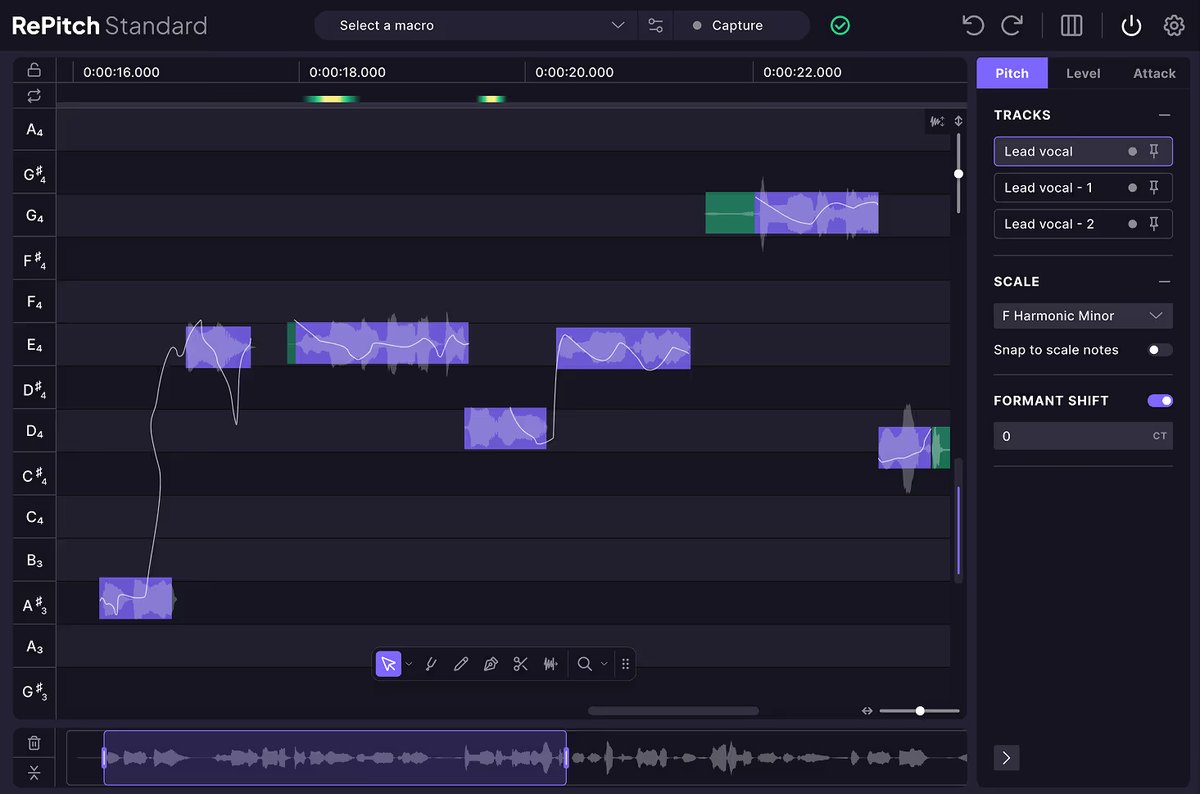 Synchro ArtsRePitch Standard Synchro ArtsRePitch Standard | A3.4 | AShape, formants | AMacros + ARA | CNone | AMultiple tracks |
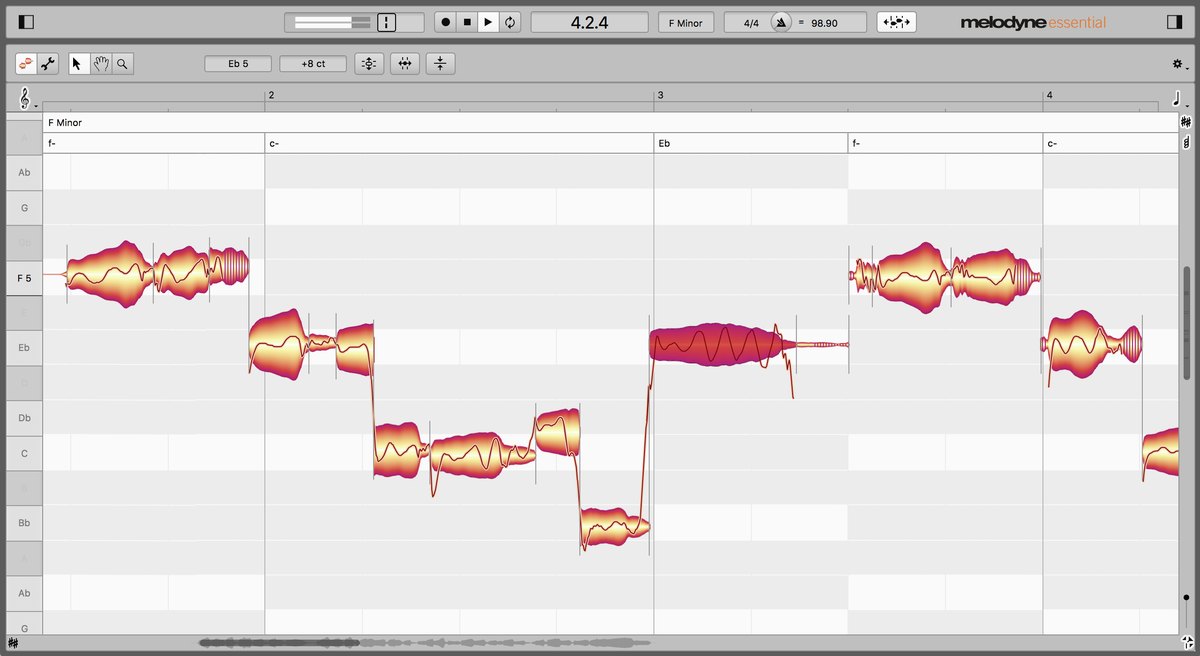 CelemonyMelodyne 5 essential CelemonyMelodyne 5 essential | B2.6 | BPitch and timing | SMacros + ARA | CNone | COne note line at a time |
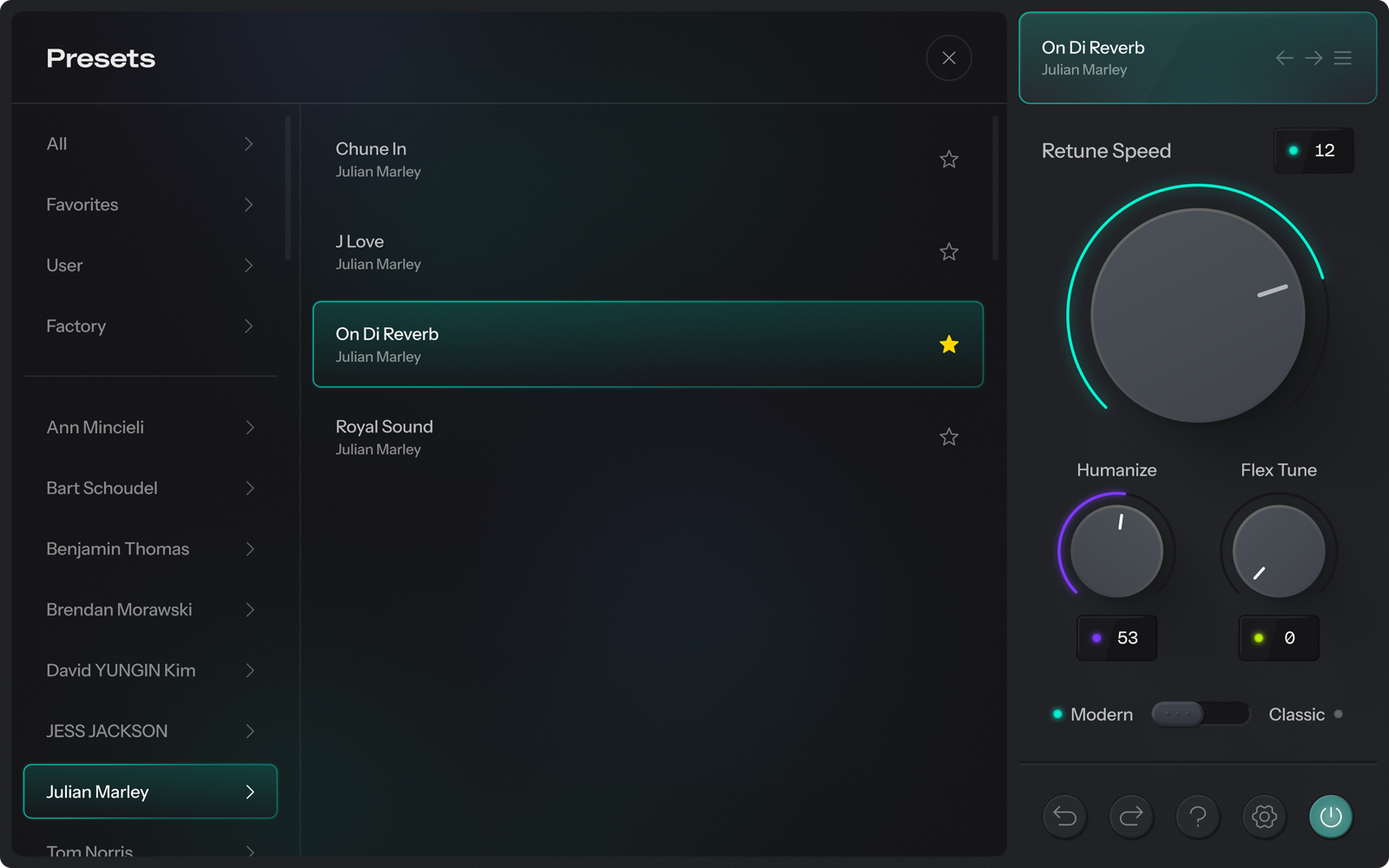 AntaresAutoTune Advanced AntaresAutoTune Advanced | B2.6 | CSpeed, Humanize | BAutomatic correction | SUnder 1 ms + MIDI | COne note line at a time |
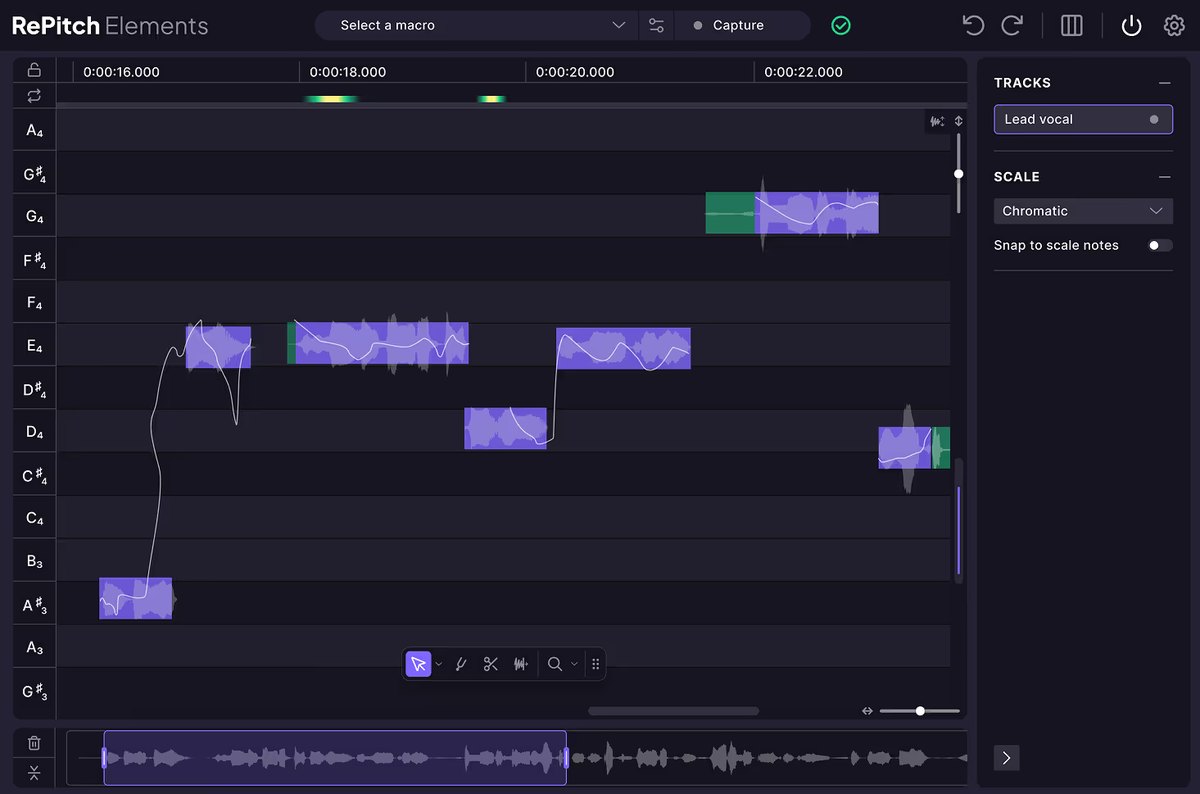 Synchro ArtsRePitch Elements Synchro ArtsRePitch Elements | C2.4 | BPitch and timing | AMacros + ARA | CNone | COne note line at a time |
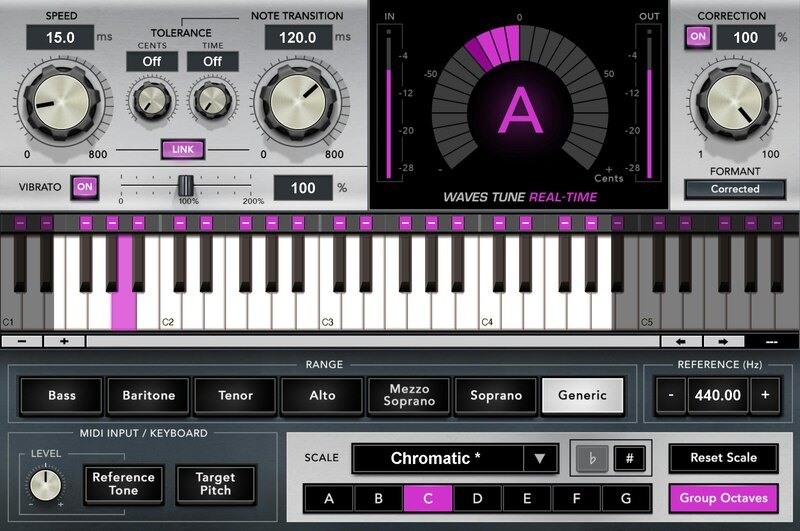 WavesWaves Tune Real-Time WavesWaves Tune Real-Time | C2.4 | CAutomatic only | BAutomatic correction | AUltra-low latency + MIDI | COne note line at a time |
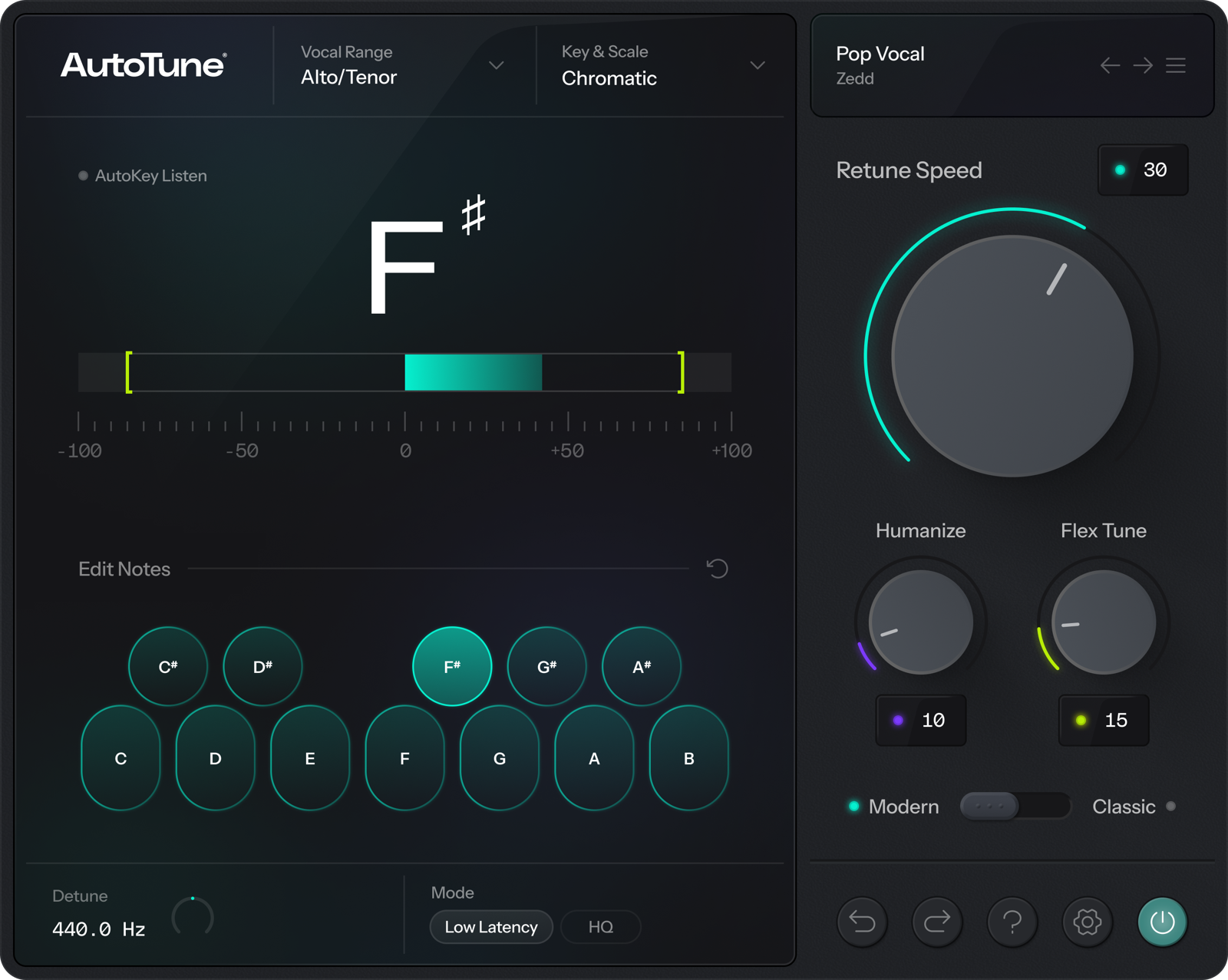 AntaresAutoTune AntaresAutoTune | C2.2 | CSpeed, Humanize | BAutomatic correction | BLow latency | COne note line at a time |
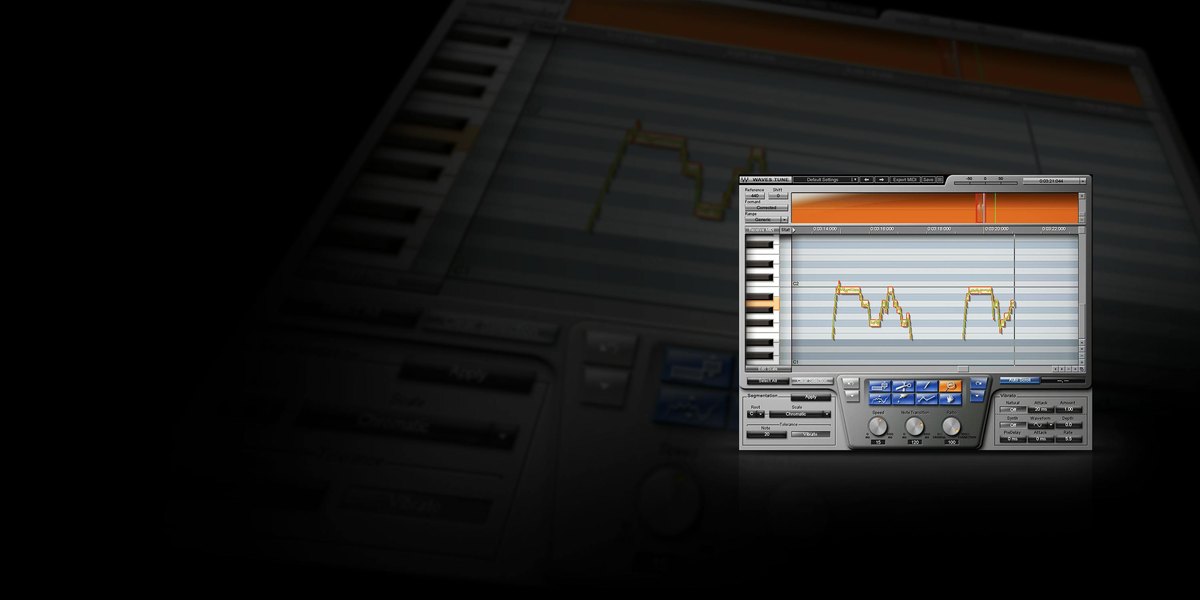 WavesWaves Tune WavesWaves Tune | C2.0 | BPitch and vibrato | CMostly manual | CNone | COne note line at a time |
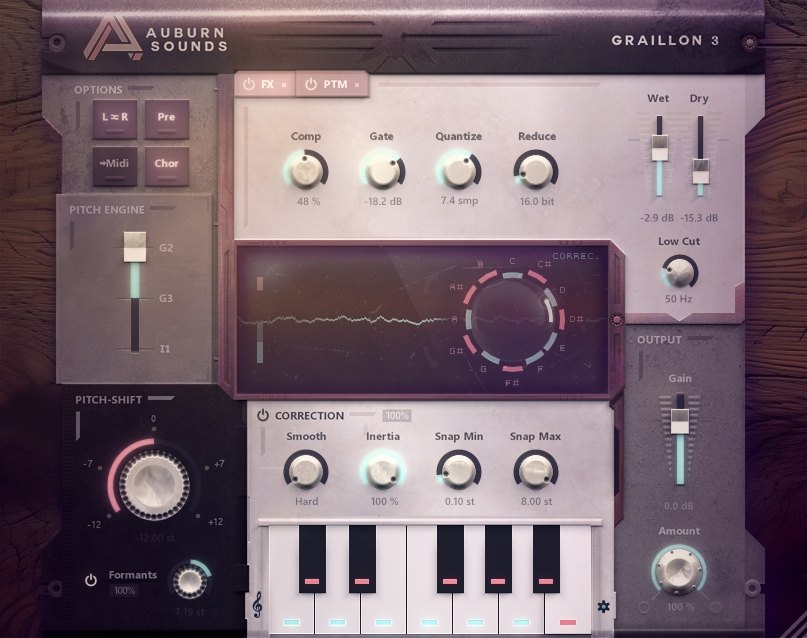 Auburn SoundsGraillon 3 Auburn SoundsGraillon 3 | C2.0 | CAutomatic only | BAutomatic correction | CReal time | COne note line at a time |
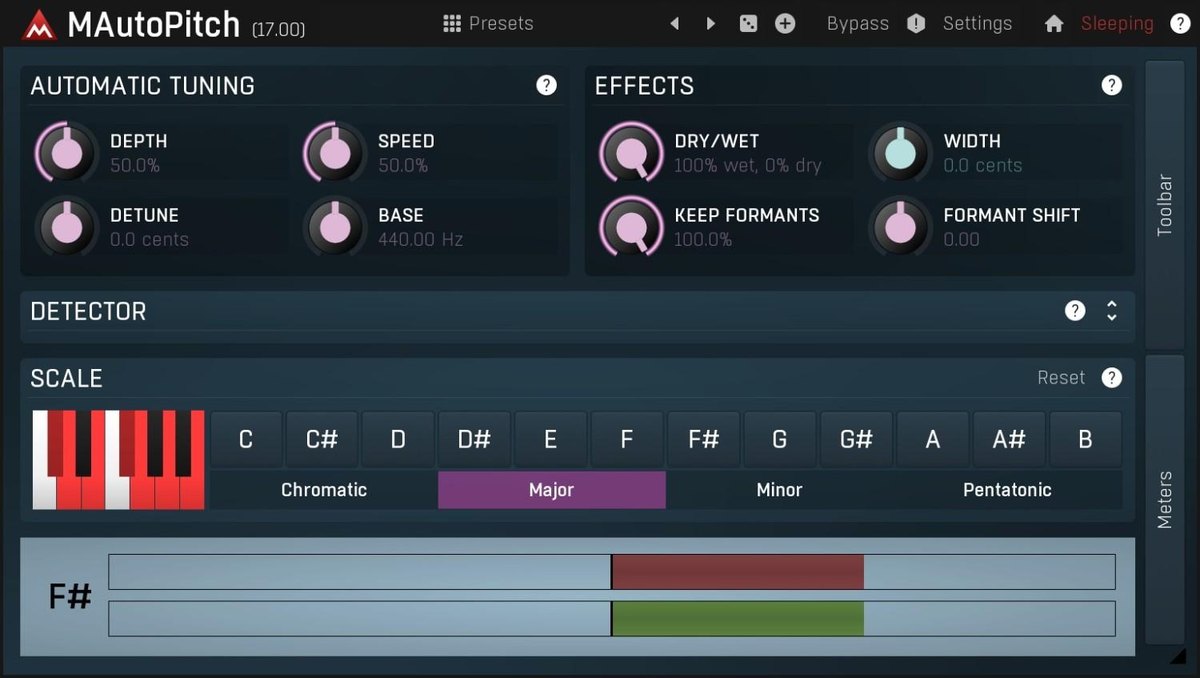 MeldaProductionMAutoPitch MeldaProductionMAutoPitch | C1.6 | CAutomatic only | BAutomatic correction | CReal time | COne note line at a time |
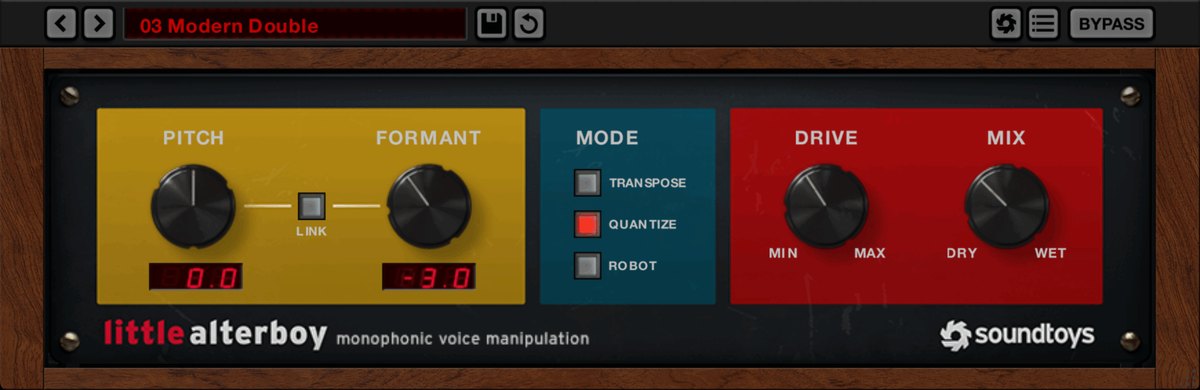 SoundtoysLittle AlterBoy SoundtoysLittle AlterBoy | C1.6 | CFor effects | BAutomatic correction | CReal time + MIDI | COne note line at a time |
Click a column heading to sort by that criterion (click again to reverse). Each cell shows the score (1 to 5) on that criterion as 5 = S, 4 = A, 3 = B, 2 or lower = C. A dash means the criterion is not scored. This is a rating of the manufacturer's official features and specifications, not of sound quality. See How we rate specifications.
Top-scoring products
 Melodyne 5 studioRank S
- AutoTune Pro 11Rank A
- Melodyne 5 editorRank A
- Melodyne 5 assistantRank A
- Melodyne 5 essentialRank B
- AutoTune AdvancedRank B
- AutoTuneRank C
- MAutoPitchRank C
Up to 9 products in order of score. Images are the manufacturers’ official press images or Plugin Boutique images. The overall order and the basis for each rank are in the tier tables above and on each product’s page.
Free ways to start
If you want to try something without spending money, or are looking for your first one, you can start with a product that is free to use. Check the free scope and conditions on each product’s page.
- Graillon 3 (rank C, free)
- MAutoPitch (rank C, free)
How to choose a pitch correction plug-in
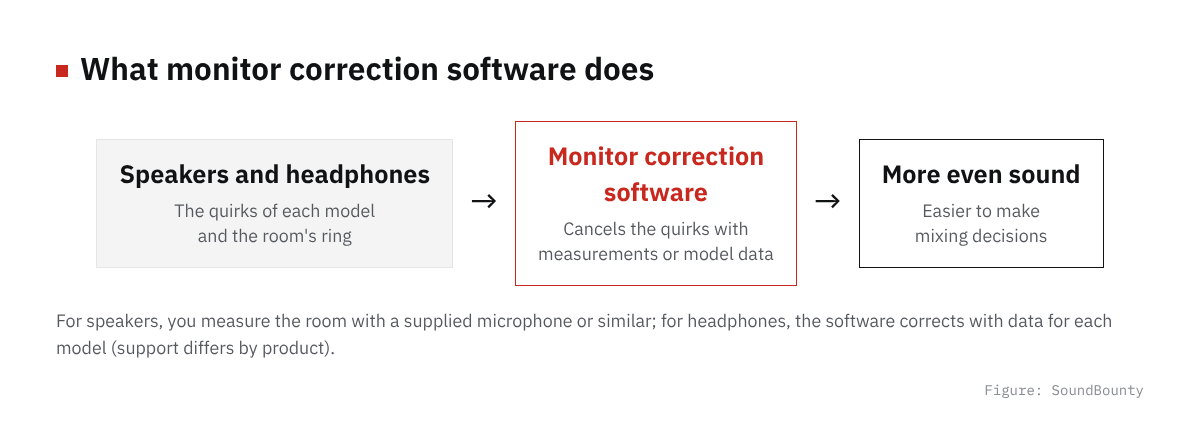
Figure: SoundBounty
Fix it after recording, or while recording?
Pitch correction comes in a type that fixes each note after you record, and a type that corrects automatically in real time as you sing. For a natural cover-song finish, the former suits you; for the robotic “auto-tune voice” effect or real-time correction in a stream, the latter.
How far do you want to refine naturalness?
If you only want to fix the pitch, an entry-level edition is enough. If you want to adjust the depth of vibrato and the thickness of the voice when the pitch changes (formants), choose an edition that can do it. Higher editions fix more, but you do not need to buy an expensive one for features you will not use.
Working with your DAW (ARA)
With a DAW and plug-in that both support ARA, you can fix things directly inside the DAW’s screen without re-importing the recording each time. It speeds up work, so it is reassuring to check whether your DAW supports it.
Do you also fix harmonies?
If you layer many harmonies and backing vocals, something that lets you line up several tracks and fix them together is handy. A type that fixes one track at a time can still do the job, but it is harder to compare the pitch and timing between tracks.
A word on each product
Prices in the headings are regular prices in US dollars shown on Plugin Boutique on October 10, 2026. They are not part of the score.
Revoice Pro 5 (rank A)
The Synchro Arts pitch-correction plug-in Revoice Pro 5 is software for production that fixes the pitch and timing of a vocal and can even make doubling (layering a voice over itself). It has SmartPitch, which lines up pitch, and automatic matching that copies pitch, timing and vibrato from another take.
Waves Tune Real-Time (rank C)
The Waves pitch-correction plug-in Waves Tune Real-Time automatically matches pitch while you sing (while the track plays). The manufacturer explains that it has ultra-low latency, formant correction (formants are the components that give a voice its gender-like quality and character), vibrato correction, and pitch specification by MIDI (performance information about which notes are played and how strongly).
Waves Tune (rank C)
The Waves pitch-correction plug-in Waves Tune fixes the pitch of a recorded vocal on screen. The manufacturer explains that it allows fine pitch adjustment including slides, snapping to 43 scales, setting the speed of correction, and adjusting vibrato.
Graillon 3 (rank C)
The Auburn Sounds pitch-correction plug-in Graillon 3 is a live voice changer that can correct pitch while you sing and change the pitch and formants (the character of the voice). Pitch correction and pitch shifting are available even in the free version.
MAutoPitch (rank C)
MeldaProduction’s MAutoPitch is a free plug-in that automatically corrects vocals and single-note instruments. It also includes formant shifting and a feature that widens the stereo image.
Little AlterBoy (rank C)
The Soundtoys pitch-correction plug-in Little AlterBoy is a voice effect that changes the pitch and the formants (the quality that gives a voice its gender-like character) of a voice in real time. It can also make hard-tune style effects, robot voices, and vocoder-like effects that control pitch with MIDI (performance information about which notes are played and how strongly).
Frequently asked questions
Q. Is there free pitch correction?
In this comparison, MeldaProduction’s MAutoPitch is free. It centers on automatic correction and cannot do detailed note-by-note fixes. We recommend trying it for free first, and considering a paid one if it falls short.
Q. Which is better, Melodyne or AutoTune?
They are good at different things. Melodyne is good at detailed note-by-note fixes after recording, and AutoTune is good at real-time automatic correction. For a natural cover-song finish people tend to pick Melodyne, and for correction as an effect or for streaming, AutoTune.
Q. Does pitch correction make the voice sound unnatural?
If you set the correction too strong, the voice can sound like a robot. The basics are to choose a product where you can adjust things, such as making the correction speed and amount gentle and keeping the vibrato, and to apply it little by little.
How we score
How we score (Pitch-correction plug-ins)
| Criterion | Basis | 5 pt | 4 pt | 3 pt | 2 pt | 1 pt |
|---|---|---|---|---|---|---|
| Natural result | How finely you can adjust to correct a vocal naturally | Per note, you can adjust wobble, vibrato, formants and even sibilance | Per note, you can adjust vibrato and formants | Per note, you can correct pitch and timing | You can adjust only how the automatic correction is applied (speed and so on) | Automatic correction only, with no stated way to adjust naturalness |
| Speed | Features that make the correction work faster | Automatic macros, ARA and detection of key or chords are all included | Automatic correction (macros) and ARA | Either automatic correction or ARA | Mostly manual work | — |
| Real-time correction | Ease of use for streaming and recording through the plug-in | An ultra-low-latency mode (such as under 1 ms) and pitch specification by MIDI | Low-latency real-time correction and pitch specification by MIDI | Low-latency real-time correction | Real-time correction, but low latency is not stated | No real-time correction (the type you use after recording) |
| Harmony and multiple tracks | Ease of handling harmonies and backing vocals | You can edit several tracks side by side and also fix notes inside chords | You can edit several tracks side by side, or make harmonies automatically | You can fix notes inside chords (one track at a time) | Single notes only, but with aids such as turning a vocal into MIDI | You fix single-note tracks one at a time |
Each criterion is scored from 1 to 5 on how well the product serves one goal: correcting a cover-song vocal. Scores follow the conditions in the table above, and the rank is based on an average in which "Natural result", the most important criterion for cover songs, counts double. The basis is official manufacturer information. Sound quality and CPU load are not measured, so they are not scored; reviews from trade magazines are introduced in the articles for reference. Price is not part of the score. Features that cannot be confirmed from the manufacturer's or a retailer's description are scored as if absent.
The thinking behind scores and ranks is summarized in How we rate specifications. We add products in order.
More comparisons
For free options
Pages about free products in this category: