
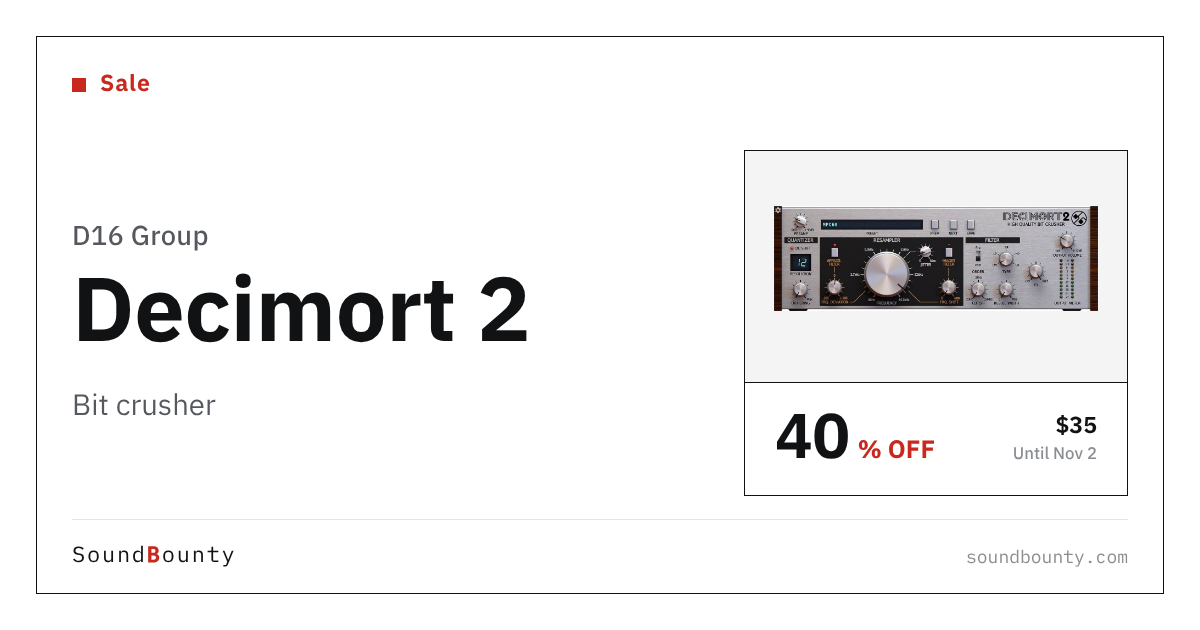
D16 Group’s bit crusher Decimort 2 is 40% off at Plugin Boutique: $35 instead of $59 (USD). The product page says the offer runs until November 2.
Disclosure: This article contains affiliate links. If you buy through them, SoundBounty may earn a commission at no extra cost to you. Prices are as of the date we checked them and can change.
The deal
| Product | Regular price | Sale price | Discount | Ends |
|---|---|---|---|---|
| Decimort 2 | $59 | $35 | 40% off | Nov 2 |
Prices are in US dollars as shown on Plugin Boutique, checked on October 26, 2026. The discount and end date come from the Plugin Boutique product page. Taxes, fees and availability can vary by country, so check the checkout page.
Where to buy
- Decimort 2: View at Plugin Boutique
What is Decimort 2?
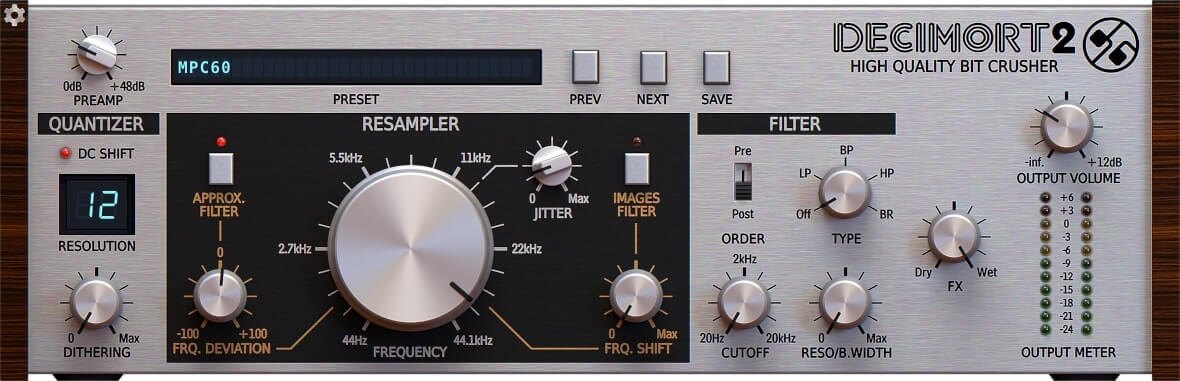
Decimort 2 is a bit crusher from D16 Group (an effect that deliberately lowers bit depth and sample rate for a gritty texture). The manufacturer explains that it recreates the grit and warmth of classic samplers such as early Akai and E-MU units (per the manufacturer).
It runs on Windows 7 or later (VST2, VST3, AAX) and Mac OS X 10.13 to macOS 26 (VST2, VST3, AU, AAX; Intel and Apple silicon, 64-bit only). It is not standalone, so a host application is needed. A demo is available on the official site (per the manufacturer).
Features
Far more than a bit crusher
The manufacturer lists an approximative anti-alias filter and image filter, adjustable jitter and dithering, and two alternative quantization algorithms for control over the process (per the manufacturer).
Vintage sampler coloration on any sound
Run loops, basslines or any other sound through it to add the “grit” and “color” of old samplers. The manufacturer says producers, especially in hip-hop, have long known this character (per the manufacturer).
Multimode filter
The filter works before or after the crusher, along with a resampler module for further sculpting of the signal (per the manufacturer).
Under the hood
It uses ADC-emulating resampling with no internal aliasing. Several UI sizes and HiDPI support are included, and MIDI Learn makes controller assignment easy (per the manufacturer).
After you buy: installation and activation
This is the general flow for products bought at Plugin Boutique. Activation differs by product (serial number, a manufacturer account, iLok and so on), so check the instructions in your library after purchase.
- Log in to your Plugin Boutique account and find the product in “Library”.
- Download the installer (you can switch between the Windows and Mac versions). Depending on the product, you also get a serial number, an unlock code or a key file.
- Product-specific steps are under “…” → “Installation Instructions” next to the product in your library, and also near the bottom of the product page.
Before you buy
- The end date is the one shown on Plugin Boutique. Offers can change, so confirm on the product page before you buy.
- Check the supported operating systems, plug-in formats (VST3, AU, AAX and so on) and the licensing method on the product page before buying.
Where to buy
- Decimort 2: View at Plugin Boutique









Comments