
Disclosure: This page may contain affiliate links. Prices were checked on the date shown and may change.
An introduction to IK Multimedia ReSing MAX, based on information from the maker and distributors: what it does, how to use it and who it may suit. It is not scored.
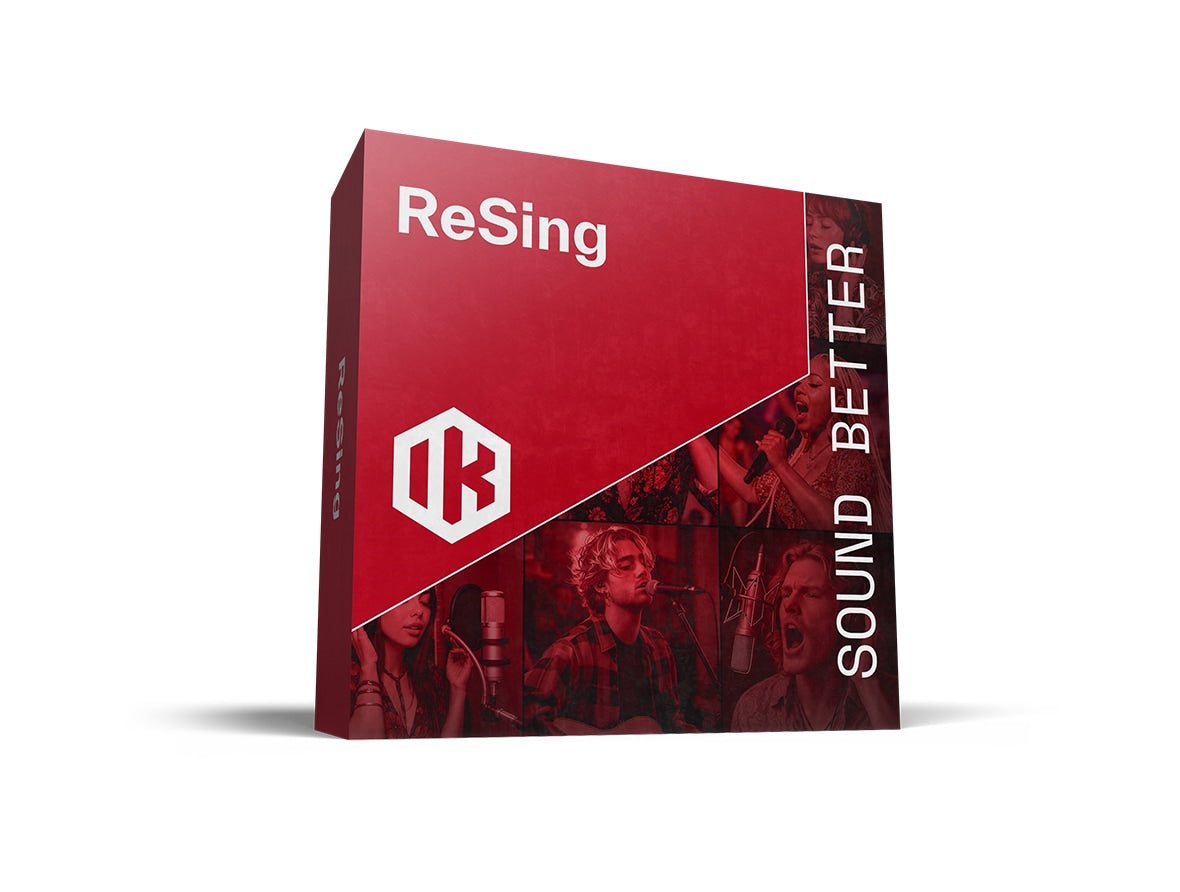
ReSing modifies vocal tracks by replacing their timbre and phonetic features with those of high-quality AI voice models of real artists.
— IK Multimedia official site
What is ReSing MAX?
ReSing MAX is the higher edition of IK Multimedia's AI voice-modeling product ReSing. The official description says it replaces the timbre and phonetic features of an existing vocal with those of high-quality AI voice models based on real artists.
It runs on your own computer rather than in the cloud, so no uploading or queues are needed. It works as a plug-in and as a standalone app, and in ARA (Audio Random Access) compatible DAWs it can take and process audio directly.
It works with instrument models as well as voices. You can sing a line and replace it with an instrument model to build basslines, riffs and hooks, and you can combine the timbre and accent of two models to create hybrids.
The license is a one-time perpetual license, not a subscription. It also includes the ability to model your own voice locally on your computer.
Key features
Replacement with AI voice models
Swaps the timbre and phonetic features of the original vocal for those of an AI voice model. It may help when you want to replace a scratch vocal with another voice quality to test the feel of a song.
Works even with phone recordings
The maker says even a rough vocal recorded on a phone can be imported into a DAW and processed. It may serve as a first step for turning an idea into something concrete, without needing a perfect take.
ARA support and built-in effects
In ARA-compatible DAWs it can process audio directly, with built-in dynamics, EQ, reverb and pitch correction tools that come with presets. This may help when you want to finish without moving back and forth between tools.
Instrument models
Any vocal or instrumental track can be replaced with an instrument from the model browser, with the same controls available as for voices, including transposing. Humming a phrase and turning it into an instrument line is one possible use.
Blending two models
Combine the timbre and accent of two models to create hybrid voices. Favorite voices and settings can be saved to keep a consistent sound.
Modeling your own voice
You can model your own voice locally in guided steps. Finished models appear in ReSing's model browser and are protected from unauthorized use outside ReSing. The maker notes that training speed depends on your computer's hardware.
RVC import and perpetual license
RVC voice models can be imported. The license is a one-time perpetual one with no subscription lock-in, according to the maker.
Specifications
| Item | Details |
|---|---|
| Maker | IK Multimedia |
| Type | AI voice modeling / voice replacement |
| License | One-time perpetual (no subscription) |
| Formats (Mac) | Audio Units, VST 2, VST 3, AAX (64-bit) |
| Formats (Windows) | VST 2, VST 3, AAX (64-bit) |
| Mac requirements | Apple M1 or Intel Core i5, 8 GB RAM, macOS 10.15 or newer (macOS 11+ for Apple Silicon), 9 GB disk space, OpenGL 2 graphics |
| Windows requirements | Intel Core i5 or equivalent, 8 GB RAM, Windows 10 (64-bit) or newer, 9 GB disk space, ASIO sound card, OpenGL 2 graphics |
| Model languages | English and Spanish (per Plugin Boutique); the official site's list also shows Japanese and Portuguese models |
What is included and system requirements
- ReSing MAX (plug-in and standalone app)
- Voice and instrument models (check the official page for the number included)
- The feature for creating voice models (ReSing Modeler)
- ARA support and built-in dynamics, EQ, reverb and pitch correction tools
- Formats: AU, VST2, VST3 and AAX on Mac; VST2, VST3 and AAX on Windows (64-bit)
How to use it
- Buy ReSing MAX on the IK Multimedia site or at Plugin Boutique and receive your license.
- Install it with IK Product Manager or similar, making sure you have about 9 GB of free space.
- Open the plug-in in your DAW or launch the standalone app.
- Bring in the vocal track you want to replace; in an ARA-compatible DAW it can be processed directly.
- Choose the voice or instrument model from the model browser.
- Adjust vocal energy, tone and style, and blend two models if you wish.
- Finish with the built-in dynamics, EQ, reverb and pitch correction.
- Render it out and compare against the original vocal.
Where it may come in handy
Trying a scratch vocal in another voice
Replacing a scratch vocal with a model voice is one way to test where a song might go.
Making instrument parts from humming
Singing a phrase and swapping it for an instrument model can build basslines or riffs.
Backing vocals and doubling
The maker also describes a function for automatically creating double-tracked vocals, backing vocals and vocal stacks.
Modeling your own voice
You could model your own voice and use it in songwriting. Check the maker's terms for how voices and rights are handled.
Who it may suit
- People who want to try scratch vocals or humming as other voices or instruments
- People who want to process voices locally without the cloud
- People who prefer a one-time purchase to a subscription
- People who want to build a model of their own voice
Good to know before you buy
- Plugin Boutique notes that an internet connection is required for Custom Shop operations such as model creation.
- Training speed depends on your hardware. The maker says Intel Macs, using CPU only, are least efficient, while Apple Silicon and Windows with an NVIDIA GPU (CUDA) are faster.
- About 9 GB of free disk space is required.
- Some individual voice models are sold separately through the Singer Showcase. The number and content of included models differ by edition, so check the official comparison chart.
How it differs from similar products
We do not pick a winner; the official figures are placed side by side.
Baby Audio Humanoid
Both turn a vocal into something else, but the approach differs. The maker says ReSing MAX replaces the timbre and pronunciation of a vocal using AI voice models, while Humanoid builds artificial voices with FFT-based re-tuning and a wavetable synth. Regular prices at Plugin Boutique are 199.99 USD for ReSing MAX and 129 USD for Humanoid.
Price
$199.99 (Plugin Boutique, checked 2026-10-27). Prices can vary by region and promotion, so check the official page before buying.
See ReSing MAX on the product page
Past sales
Sales we have confirmed so far. A sale with the same terms may not be held again.
| Ended | Regular | Sale | Discount | Store, date checked |
|---|---|---|---|---|
| Nov 11, 2026 | $199.99 | $99.99 | 50% off | Plugin Boutique, checked 11/6 |
More of the same kind
Other introduction articles of the same kind.
- Waves TRACT System Calibration
- Boz Digital Labs Panther Stereo Manipulation
- Digital Brain Instruments Midi Player Pro
- sonible pure:unmask
- Apogee Soft Limit Native Plugin – Analog Tape Emulation
- Blue Cat Audio Blue Cat's Connector
We have introduced 45 other products from IK Multimedia.
- IK Multimedia AmpliTube Leslie
- IK Multimedia T-RackS Sunset Sound Studio Reverb
- IK Multimedia AmpliTube SVX 2
- IK Multimedia Classic T-RackS Clipper
- IK Multimedia AmpliTube Metal
See the full list in Product database: Effects.
Sources: ikmultimedia.com pluginboutique.com (checked 2026-10-27)










Comments