
Disclosure: This page may contain affiliate links. Prices were checked on the date shown and may change.
An introduction to IK Multimedia Tape Machine 80, based on information from the maker and distributors: what it does, how to use it and who it may suit. It is not scored.
When it comes to professional analog multi-track tape machines, there’s perhaps none more respected than the Studer A80.
— IK Multimedia official site
What is Tape Machine 80?
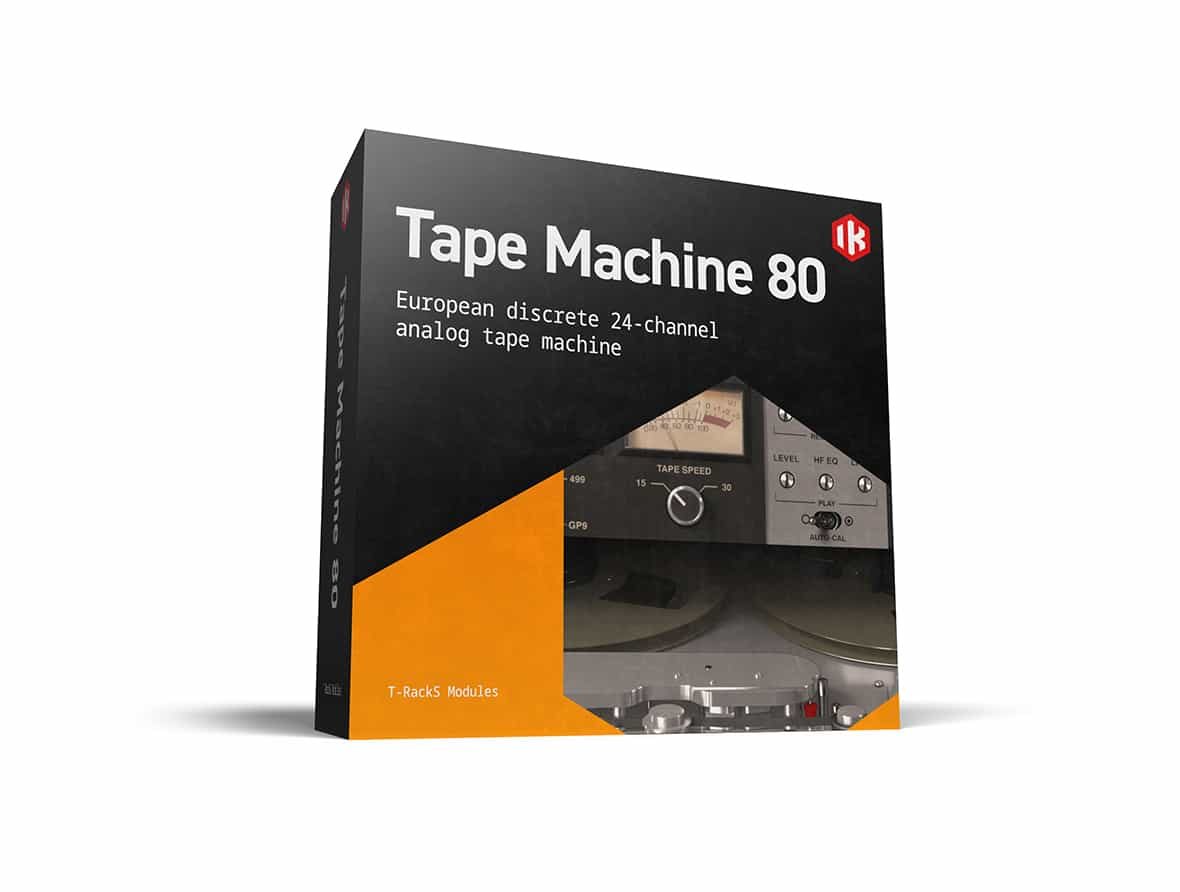
Tape Machine 80 is a plug-in in IK Multimedia's T-RackS line, based on the Swiss Studer A80 analog multi-track tape recorder. The official page notes that the A80 was produced from 1970 to 1988 and presents the plug-in as a recreation of its recording process inside a DAW.
It combines dynamic convolution with physical modeling. According to the official description, the real machines were electronically and mechanically restored, each stage was analyzed, and the whole magnetic tape recording process was modeled. The aim is to reproduce how several interdependent factors act together, not just distortion or EQ.
Its four tape formulas (250, 456, GP9 and 499) are a distinguishing feature. The official text describes 250 as the most colored, 456 as warm and round, GP9 as accepting higher levels with little distortion and compression, and 499 as handling even more level with added high-frequency definition.
Controls such as signal path (Input or Repro), True Stereo, tape speed (15 to 30 ips), transport modeling and record bias share one layout. It is also part of the T-RackS Tape Machine Collection but is sold on its own as well.
Key features
Four tape formulas
You can choose 250, 456, GP9 or 499. The official text says each differs in coloration and the level it accepts.
Signal path: Input / Repro
Input uses only the recorder's input and output electronics, while Repro runs through the full record and playback chain including tape. This lets you separate the effect of the electronics from that of the tape.
True Stereo
This reproduces the slight left and right differences found on real machines. It can be disabled if identical processing on both channels is needed.
Tape speed
Speed can be set between 15 and 30 ips. The official text says higher speed gives more fidelity and lower speed a warmer, rounder tone.
Transport modeling and bias
Transport modeling reproduces small irregularities in tape movement. Record bias is described as warmer when over-biased and brighter in the highs when under-biased.
Specifications
| Item | Details |
|---|---|
| Modeled hardware | Studer A80 |
| Modeling method | Dynamic convolution plus physical modeling |
| Tape formulas | 250 / 456 / GP9 / 499 |
| Tape speed | 15 to 30 ips |
| Formats (Mac) | AU, VST2, VST3, AAX |
| Formats (Windows) | VST2, VST3, AAX |
| Requirements | Mac: Apple M1 or Intel Core i5, 8 GB RAM, macOS 10.15 or newer (macOS 11 or newer for Apple silicon), 9 GB disk space. Windows: Intel Core i5 or equivalent, 8 GB RAM, Windows 10 64-bit or newer, ASIO-compatible sound card |
| Other | Internet connection required because Custom Shop operations are web based |
What is included and system requirements
- Tape Machine 80 plug-in (T-RackS)
- Sold on its own and also included in the T-RackS Tape Machine Collection
- See the specifications for system requirements
How to use it
- Activate the license with your IK Multimedia account and install the plug-in.
- Load it as an insert on a track or bus in your DAW.
- Switch the signal path between Input and Repro to hear the difference.
- Try the four tape formulas one by one.
- Compare tape speeds of 15 and 30 ips.
- Check True Stereo and transport modeling on and off.
- Move record bias in small steps and watch how the texture changes.
Where it may come in handy
Finishing the mix bus
If you want the feel of running a mix through tape, you can insert it on the bus and try the different formulas.
Drums and bass
On individual tracks you can move speed and bias to explore thickness and the way highs appear.
Texture on recorded sources
For digitally recorded material, the Repro path may help add the atmosphere of tape recording.
Who it may suit
- People who want to try tape processing based on the Studer A80
- T-RackS users looking to add a tape module
- Those who want to control details such as formula and bias
Good to know before you buy
- An internet connection is required.
- The T-RackS Tape Machine Collection also bundles other machines (Ampex 440B, MCI JH24, Revox PR99).
How it differs from similar products
We do not pick a winner; the official figures are placed side by side.
AIR Tape Saturator
Tape Machine 80 is modeled on the Studer A80 with four tape formulas and 15 or 30 ips speeds. Tape Saturator is adjusted through four saturation models and a tape-condition control.
Price
$99.99 (IK Multimedia official site, checked 2026-10-27). Prices can vary by region and promotion, so check the official page before buying.
See Tape Machine 80 on the product page
More of the same kind
We have introduced 82 saturation and distortion effects. Here are some of the others.
- AudioThing Valves
- W. A. Production Heat by 22Bullets
- W. A. Production Punchy Worm
- Signum Audio SKYE Clipper Surround
- MeldaProduction MDistortionMB
- Three-Body Technology Tape Vibe
We have introduced 45 other products from IK Multimedia.
- IK Multimedia T-RackS TASCAM PORTA ONE
- IK Multimedia Tape Echo
- IK Multimedia AmpliTube MESA/Boogie 2
- IK Multimedia CSR Room Reverb
- IK Multimedia T-RackS Leslie
For a side-by-side comparison scored on the same criteria, see our comparison of saturation and distortion effects.
See the full list in Product database: Effects.
Sources: ikmultimedia.com pluginboutique.com (checked 2026-10-27)










Comments