
Disclosure: This page may contain affiliate links. Prices were checked on the date shown and may change.
An introduction to W. A. Production BassShaper, based on information from the maker and distributors: what it does, how to use it and who it may suit. It is not scored.
Features include subtone generation, musical saturation, surgical transient shaping, and controls specifically designed to clean and polish your bass sounds.
— W. A. Production official site
What is BassShaper?
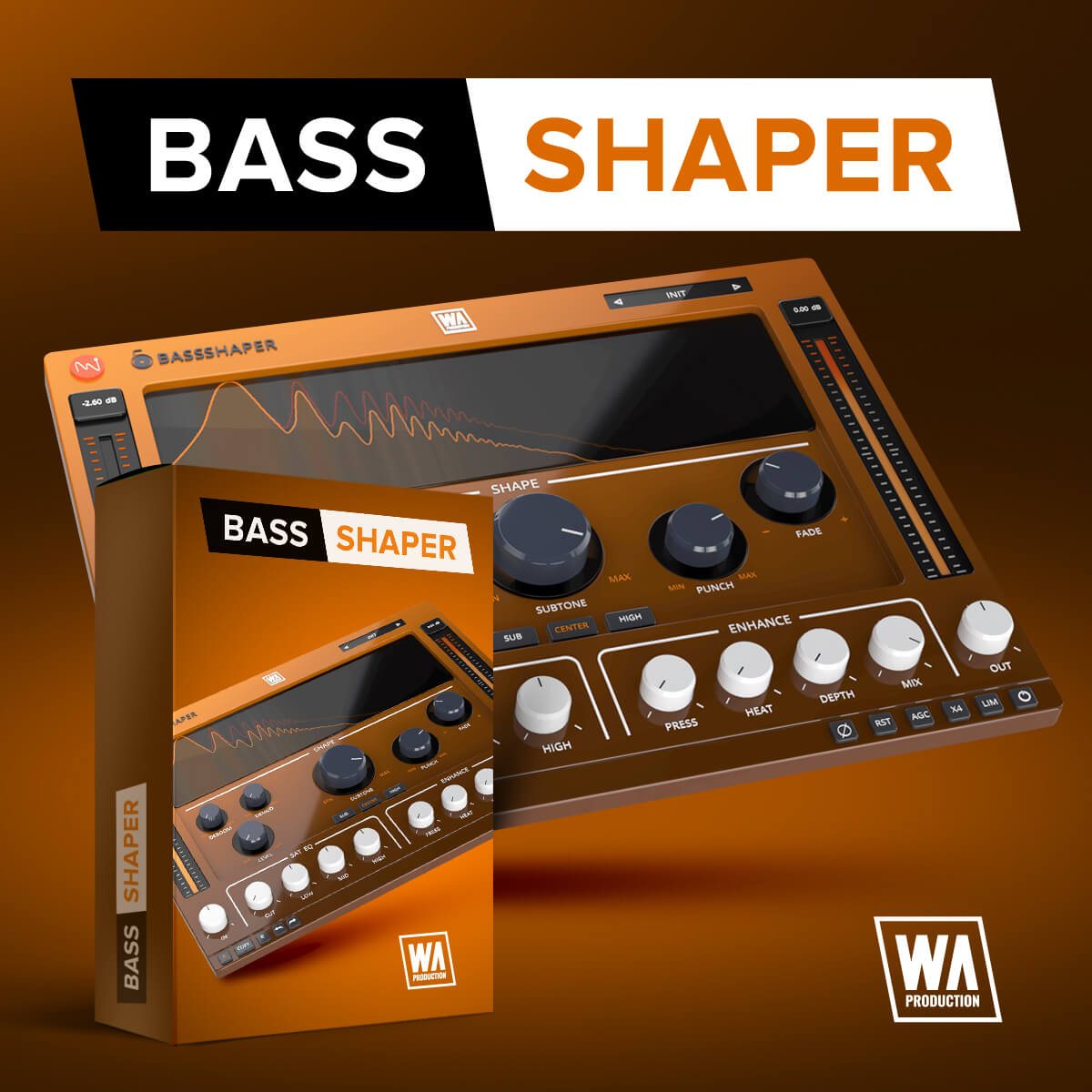
BassShaper is a bass-focused processing plugin from W. A. Production. The maker presents it for problems such as muddy lows, weak sub-bass and flabby 808s, and combines subtone generation, saturation, transient shaping and clean-up controls in one plugin.
The top controls are Deboom, Demud and Level. Deboom tames boominess in response to amplitude, and Demud uses pitch tracking to dynamically reduce muddiness caused by note transitions and resonances. Level evens out amplitude swings using a pink-noise-referenced approach.
Punch and Fade treat the start and tail of a note separately. Punch compresses or expands only the transient-heavy start (the first milliseconds). Fade works inversely on the tail, which can shorten long notes or lengthen short ones.
It also has Subtone (SUB one octave below, HIGH one octave above), a three-band EQ and Enhance section (Press, Depth, Heat, Mix), a real-time display and A/B comparison, with many factory presets. A demo is available on the official site.
Key features
Deboom, Demud and Level
Deboom reduces boominess based on amplitude, Demud uses pitch tracking to reduce muddiness dynamically, and Level smooths level swings against a pink-noise reference. This may be a starting point when low-end clean-up takes time.
Punch and Fade
Punch applies compression or expansion only to the start of notes and Fade only to the tail. It may help shape note length and outline in a way different from compressing the whole bass evenly.
Subtone
SUB generates content one octave below and HIGH one octave above, adding complementary frequencies. The maker mentions bass lines that translate from club systems to home audio.
Three-band EQ and Enhance
The signal is split into three linear bands with band gain and proportional saturation. Cut is a gentle 6 dB/octave slope.
Press, Depth, Heat and Mix
Press is a 670-style compression algorithm, Depth uses analog hardware convolution, Heat adds saturation and Mix is a dry/wet control for parallel processing.
Display and comparison
The display shows processing in real time, with A/B comparison, undo/redo, auto gain compensation, oversampling and limiting options. The interface is resizable.
Specifications
| Item | Details |
|---|---|
| Type | Bass multi-processor (transient shaping / sub generation / saturation / EQ) |
| Formats | VST, AU, AAX, VST3 |
| OS | Windows 8 or later (64-bit), macOS 10.10 or later (64-bit), AAX for Pro Tools 11 or later |
| Interface | Vector graphics, resizable |
| Bands | 3 (linear) |
What is included and system requirements
- BassShaper plugin (VST / AU / AAX / VST3)
- Many factory presets
- PDF manual and tutorial video
- A demo version is available
How to use it
- Install it and rescan plugins in the DAW.
- Insert BassShaper on a bass or 808 track.
- Start by choosing a preset with a similar feel.
- Use Deboom, Demud and Level to tidy muddiness and uneven level.
- Adjust the start and tail of notes with Punch and Fade.
- Add content an octave below (SUB) or above (HIGH) with Subtone if needed.
- Set bands and saturation in the EQ and Enhance section and compare with the original using A/B.
Where it may come in handy
Muddiness in 808s
You might insert it on long 808s and use Demud to reduce muddiness at note transitions.
Shaping a bass outline
You could treat the start and tail separately with Punch and Fade to leave room beside the kick.
Small-speaker playback
You might add harmonics with Subtone HIGH or the Enhance section so the low end stays noticeable on small speakers.
Saving time in a mix
Starting from a preset may reduce the effort of opening separate EQ and compressor plugins.
Who it may suit
- Those for whom low-end clean-up takes a long time
- Producers who use 808s and synth basses often
- Those who want bass processing in one plugin
- Those who prefer to adjust quickly from presets
Good to know before you buy
- For Macs with Apple Silicon, the maker advises checking its compatibility information before buying.
- Deboom shares its name with the one in the sister plugin Kickshaper, but the maker says the algorithm is entirely different and designed for bass.
- A demo is available on the official site.
Price
$39.90 (W. A. Production official site, checked 2026-10-27). Prices can vary by region and promotion, so check the official page before buying.
See BassShaper on the product page
More of the same kind
Other introduction articles of the same kind.
- Audified RZ062 Equalizer
- Zynaptiq UNVEIL
- McDSP 6034 Ultimate Multi-band Native v7
- Blue Cat Audio Blue Cat's Chorus
- New Audio Technology Spatial Sound Card – Spatial Sound Card Pro
- Boz Digital Labs Little Foot
We have introduced 42 other products from W. A. Production.
- W. A. Production MixBoss
- W. A. Production Obsidian
- W. A. Production ChopBeast 2
- W. A. Production Detroubler
- W. A. Production TriVox
See the full list in Product database: Effects.
Sources: waproduction.com pluginboutique.com (checked 2026-10-27)










Comments