
Disclosure: This page may contain affiliate links. Prices were checked on the date shown and may change.
An introduction to W. A. Production KickShaper, based on information from the maker and distributors: what it does, how to use it and who it may suit. It is not scored.
KickShaper is here to make your kicks punch harder and sound better than ever before.
— W. A. Production official site
What is KickShaper?
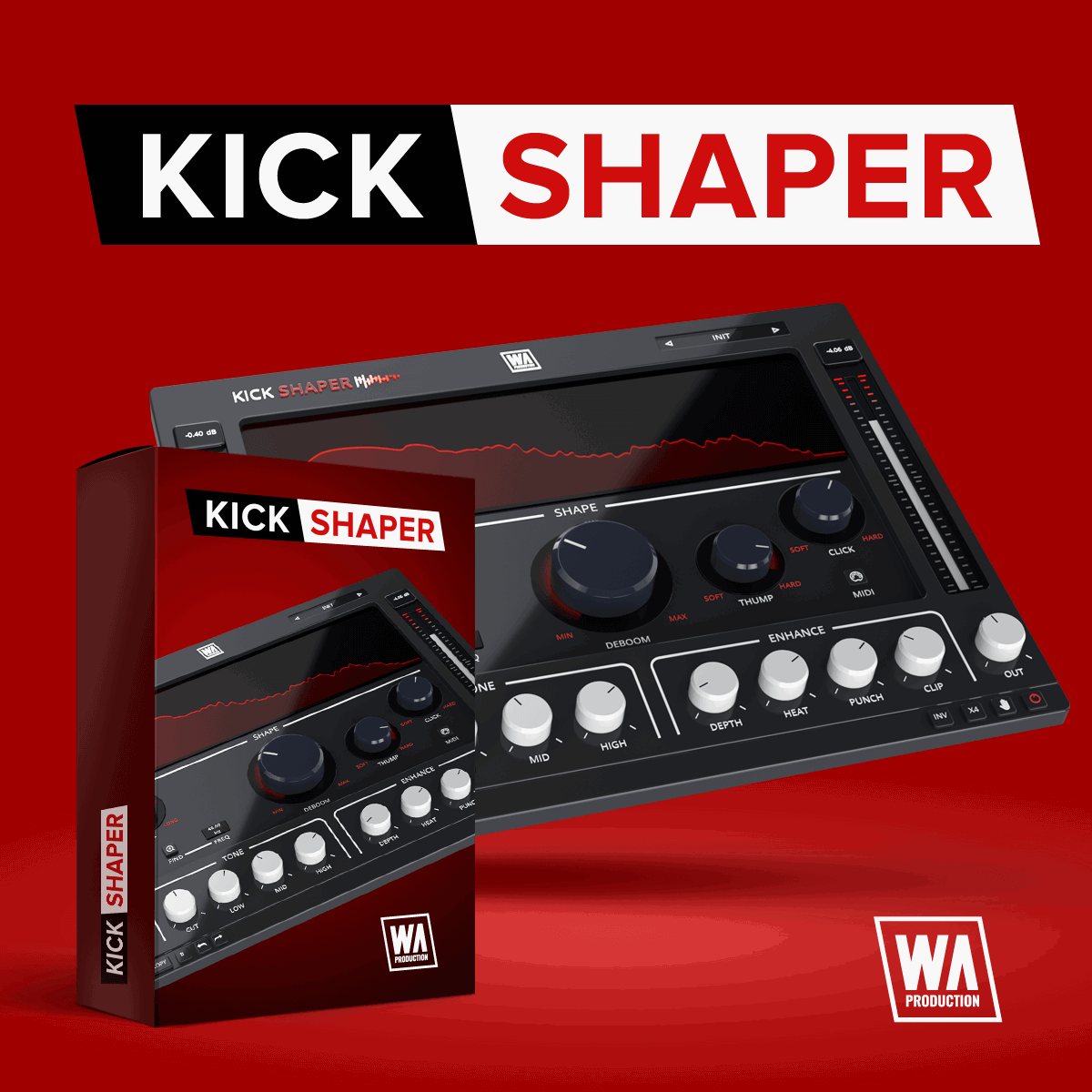
KickShaper is a plugin from W. A. Production designed specifically for processing kick drums. You can insert it on a kick sample or on a kick track in a mix and shape the tail, attack, low-end amount and tone from a single screen.
According to the official description, engineer Emrah Celik tested the algorithms on thousands of kick samples. The design aims at a workflow of a few controls, so it is also aimed at people who are not yet used to mixing or mastering.
The core features are the Frequency Finder, which looks for the dominant frequency of the kick; Deboom, which shortens the wavelength of low frequencies; Tails, which builds the kick tail; Thump, which adjusts low-frequency sustain; and Click, which shapes the transient. Tone and Enhance controls add tonal balance and character.
The interface is resizable vector graphics, and a central window displays the live signal as it is processed. A/B comparison, undo/redo, many genre-spanning factory presets, a PDF manual and a tutorial video are included.
Key features
Frequency Finder
Pressing the Finder button detects the dominant frequency of the kick and sets the tail processing to match that pitch. It can also be adjusted manually, so it may serve as a starting point when you want the kick to sit in the key of the song.
Deboom shortens low-frequency wavelengths
Deboom shortens the wavelength of low frequencies so that the kick stays punchy but concise. The official description says it works differently from a low cut or compressor. It may be useful when a kick clashes with the bass or an 808.
Tails module
This module extracts the sub-frequency content of the original kick and resonates it with filters to build a tail. The official page describes it as different from simply adding a sub generator. It could be tried when a short kick needs more sustain.
Thump and Click
Thump analyzes low-frequency wavelengths to fine-tune sustain, and Click analyzes high-frequency wavelengths for transient shaping. The design is described as handling rapid kick patterns and varying tempos.
Tone and Enhance
Tone offers Cut for light low trimming plus Low, Mid and High knobs. Enhance includes Depth (analog hardware convolution), Heat (light saturation), Punch (console-style compression) and Clip (peak control).
Visual feedback and A/B comparison
The central window shows the signal in real time. A/B comparison and undo/redo make it easy to compare settings while experimenting.
Specifications
| Item | Details |
|---|---|
| Type | Kick drum processing plugin |
| OS | Windows 8 or higher (64-bit) / macOS 10.10 or higher (64-bit) |
| Formats | Includes AAX (Pro Tools 11 or higher); check the store or official page for other formats |
| Interface | Resizable vector graphics |
| Included | Factory presets, PDF manual, tutorial video |
What is included and system requirements
- Many factory presets across genres
- PDF manual and tutorial video
- Windows 8 or higher / macOS 10.10 or higher (both 64-bit)
- AAX for Pro Tools 11 or higher
- Apple Silicon Mac users are advised to check the official compatibility information before purchase
How to use it
- Insert the plugin on a track with a kick sample or on the kick track in a mix.
- Press the Finder button to detect the dominant frequency of the kick, and correct it manually if needed.
- Raise Deboom gradually and check whether the low end is no longer too long.
- Add tail with Tails and adjust low-frequency sustain with Thump.
- Shape the attack with Click.
- Adjust tone with Cut, Low, Mid and High, then add character with Heat, Punch and Clip in Enhance.
- Compare against the original with A/B and use a preset as a starting point if needed.
Where it may come in handy
Preparing kick samples
When a kick sample feels thin or squashed, you could add tail and attack to shape it. It may work as preparation for building your own kick sound.
Sorting out bass and 808 overlap
When low frequencies overlap and get muddy, you could tighten the length with Deboom and look for a better split with the bass.
Translation to small speakers
Controlling peaks with Clip or Punch may help the kick keep its outline on small speakers. Check this in your own environment.
Who it may suit
- People who do not want to spend long on kick sound design
- People who want to shape kicks in EDM, hip-hop, rock or other genres
- People still getting used to mixing and mastering
- People who want to try sorting low end against bass or 808s
Good to know before you buy
- Check the official compatibility information before purchase, especially on Apple Silicon Macs.
- It is designed specifically for kick drums rather than other instruments.
- Sound quality is not rated here because the plugin has not been auditioned.
How it differs from similar products
We do not pick a winner; the official figures are placed side by side.
W. A. Production Ignition
KickShaper is dedicated to kick drums and adjusts tail, attack, low end and tone. Ignition is a multi-effect with six reorderable modules: Dynamics, Saturate, Clipper, EQ, Clean Up and Transient.
Price
$39.90 (Plugin Boutique, checked 2026-10-27). Prices can vary by region and promotion, so check the official page before buying.
See KickShaper on the product page
More of the same kind
Other introduction articles of the same kind.
- Arturia Pre TridA
- UJAM Finisher BOOST
- NUGEN Audio NUGEN Audio Monofilter Elements
- Apogee FX Complete Bundle
- United Plugins Bassment
- Sound Particles Beat Panner
We have introduced 42 other products from W. A. Production.
- W. A. Production BassShaper
- W. A. Production MixBoss
- W. A. Production Zqueezer
- W. A. Production Obsidian
- W. A. Production Biggifier by Aden
See the full list in Product database: Effects.
Sources: waproduction.com pluginboutique.com (checked 2026-10-27)










Comments