
Disclosure: This page may contain affiliate links. Prices were checked on the date shown and may change.
An introduction to Waves V-Series, based on information from the maker and distributors: what it does, how to use it and who it may suit. It is not scored.
Based on the legendary 1066/1073/1081 mic pre/EQs and the 2254 compressor, these plugins replicate their distinctive sonic behavior and analog warmth.
— Waves official site
What is V-Series?
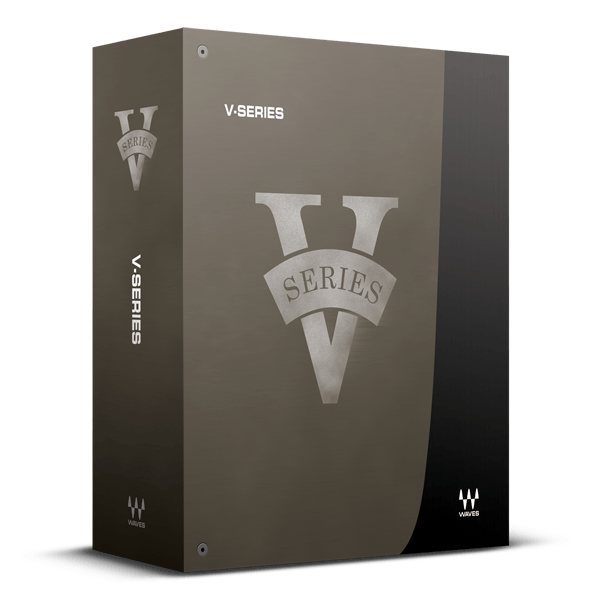
V-Series is a Waves bundle of EQs and a compressor. It contains three plug-ins: V-Comp, V-EQ3 and V-EQ4.
According to the product description, it is based on 1066 / 1073 / 1081 mic pre/EQs and the 2254 compressor.
A feature is the behavior of driving transformers hard, and the transformer distortion emulation can be turned on or off.
It is described as offering both general tone shaping and more precise EQ.
Key features
V-Comp
A plug-in modeled on the 2254 compressor.
V-EQ3
An EQ modeled on mic pre/EQs, described for general tone shaping.
V-EQ4
Described as suited to more precise EQ work.
Transformer distortion toggle
The harmonic distortion emulation can be turned on or off.
1970s console sound
The maker describes it as delivering the sound of classic 1970s consoles.
Specifications
| Item | Details |
|---|---|
| macOS | Monterey 12, Ventura 13, Sonoma 14, Sequoia 15 |
| Windows | Windows 10 or later |
| Formats | Mac: VST / AU / AAX; Windows: VST / AAX |
What is included and system requirements
- V-Comp
- V-EQ3
- V-EQ4
How to use it
- Create a Waves account, or log in to an existing one.
- Register the serial number shown in your Plugin Boutique user account under 'Register New Products' in your Waves account.
- Download and install the Waves Central app.
- Log in to Waves Central and choose the products to install on the 'Install Products' tab.
- Click 'Install & Activate' to install and authorize them.
- Open your DAW and load the Waves plugin from an effect slot.
- Step through the presets and adjust the input level to start working.
Where it may come in handy
EQ on vocals and guitars
V-EQ3 may help shape overall tone.
Compressing drums
V-Comp may be tried on drums or bass.
Precise adjustment
V-EQ4 could be used for finer band adjustments.
Who it may suit
- People who want vintage-style EQ and compression easily
- People who want to choose whether transformer distortion is engaged
Good to know before you buy
- A Waves account and serial registration are required.
- This article is based on the Plugin Boutique product page.
Price
Please check the official page for the price.
See V-Series on the product page
More of the same kind
Other introduction articles of the same kind.
- Apogee Pultec FX Bundle
- AIR Music Technology Vocal FX Collection
- McDSP Classic Pack
- Cherry Audio Voltage Modular Core + Electro Drums
- Slate Digital Virtual Tube Collection
- NUGEN Audio Modern Mastering
We have introduced 215 other products from Waves.
- Waves Eddie Kramer Signature Series
- Waves Signature Series Vocals
- Waves Masters
- Waves Content Creator Audio Toolkit
- Waves Restoration
See the full list in Product database: Bundles.
Sources: pluginboutique.com (checked 2026-10-27)










Comments