
Roland’s software synthesizer ZENOLOGY PRO is 56% off at Plugin Boutique: $99 instead of $229 (USD). The product page says the offer runs until October 31.
Disclosure: This article contains affiliate links. If you buy through them, SoundBounty may earn a commission at no extra cost to you. Prices are as of the date we checked them and can change.
The deal
| Product | Regular price | Sale price | Discount | Ends |
|---|---|---|---|---|
| ZENOLOGY PRO | $229 | $99 | 56% off | Oct 31 |
Prices are in US dollars as shown on Plugin Boutique, checked on October 24, 2026. The discount and end date come from the Plugin Boutique product page. Taxes, fees and availability can vary by country, so check the checkout page.
Where to buy
- ZENOLOGY PRO: View at Plugin Boutique
What is ZENOLOGY PRO?
ZENOLOGY PRO is a software synthesizer from Roland. It uses ZEN-Core, the sound engine also found in Roland’s hardware synthesizers, and you can keep expanding it with more sounds (per the manufacturer). It runs as a plug-in inside your DAW (music production software).
Features
Over 50 years of synth development in one plug-in
Roland describes ZENOLOGY as a product that brings together more than 50 years of synthesizer research and development. It turns the ZEN-Core Synthesis System sound engine into an expandable plug-in.
Classic analog, vintage digital and modern hybrid
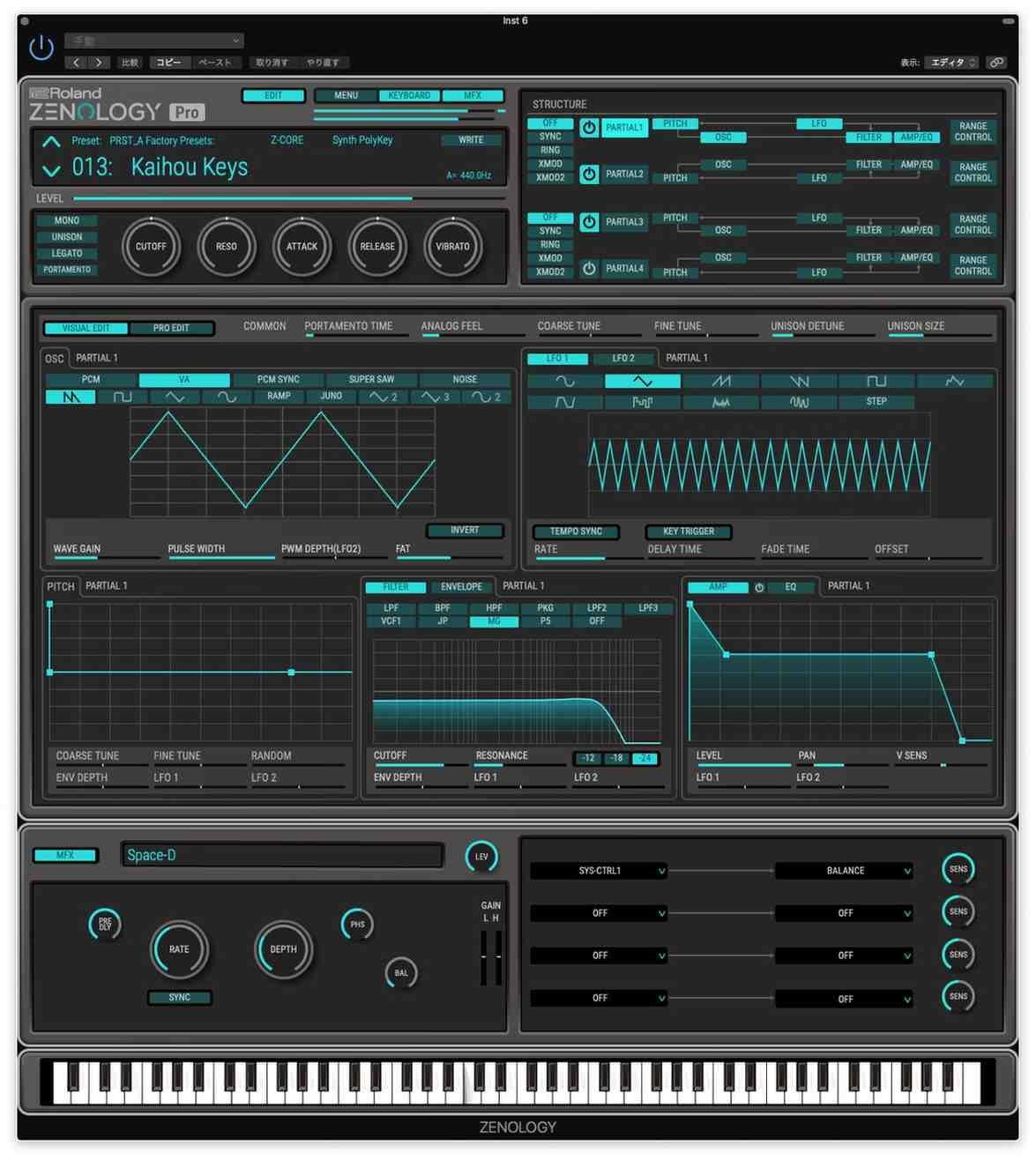
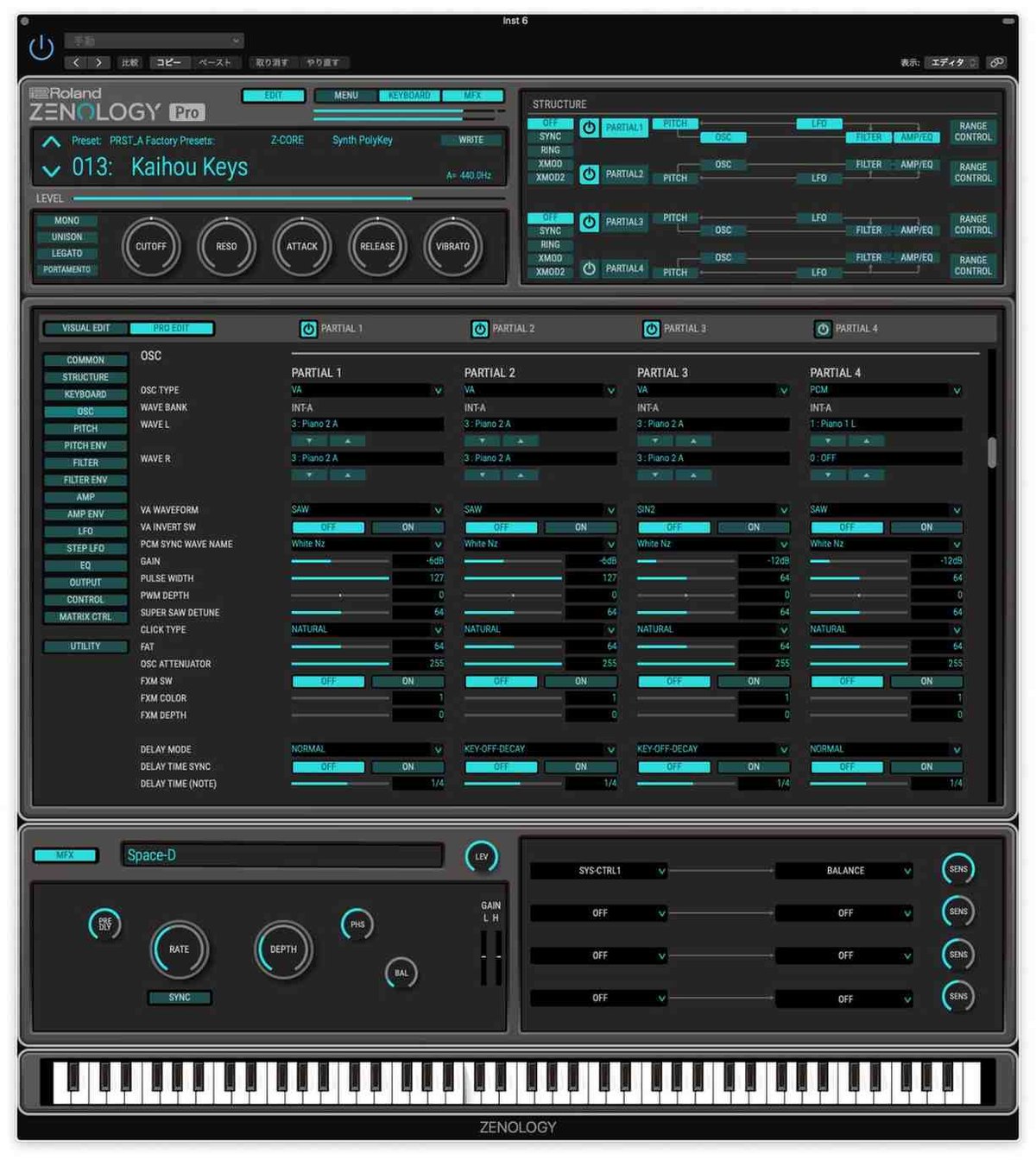
ZEN-Core is built around individual synth voices. Each voice has an oscillator, a filter, an amp, two LFOs and effects. It combines oscillators and filters from classic Roland instruments with PCM waveforms, and lets you mix several synthesis methods (per the manufacturer).
More than 90 effects
You can shape sounds with more than 90 effects, including spacious reverbs and delays, the JUNO-106 and CE-1 choruses, the SDD-320 Dimension D and the DJ-FX Looper (per the manufacturer).
Thousands of patches and hundreds of drum kits
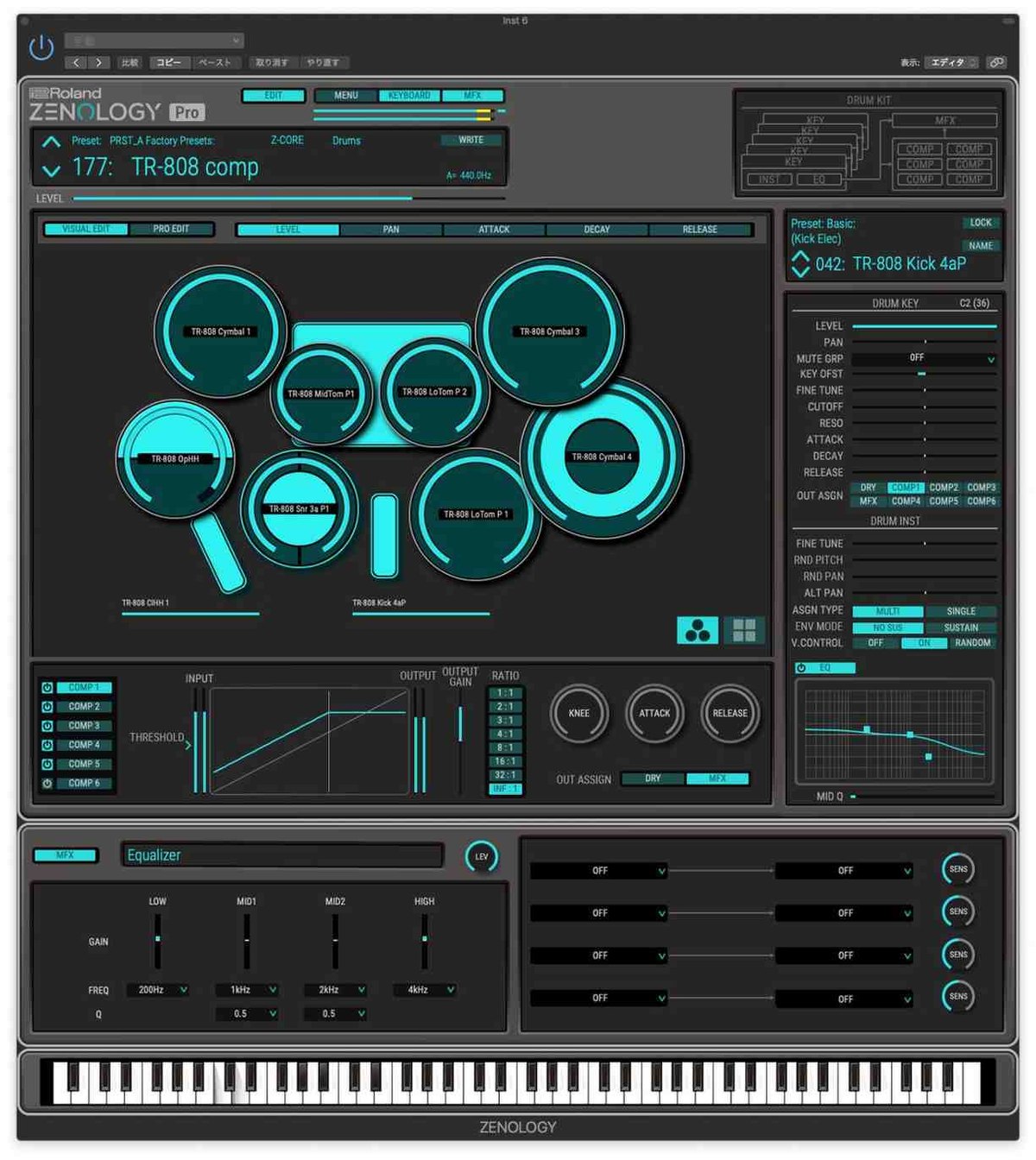
It includes thousands of patches, hundreds of drum kits and the tools to build almost any sound from scratch. You can keep adding new sounds from Roland Cloud (per the manufacturer).
Model expansions that turn it into other instruments
You can add model expansions that capture the character of famous instruments such as the JUPITER-8, JUNO-106, SH-101, JX-8P and JD-800, so ZENOLOGY PRO can behave like a different instrument (per the manufacturer).
A browser that makes sounds easy to find
The browser lets you filter and organize sounds, rate your favorites and build your own banks (per the manufacturer).
Deep sound design
You can control every ZEN-Core function on a large computer screen. You can tweak existing sounds or build new ones from scratch (per the manufacturer).
Official video
After you buy: installation and activation
This is the flow for Roland products bought at Plugin Boutique (a Roland Cloud account plus Roland Cloud Manager). Steps and screen names can change when the manufacturer updates its software.
- Create a Roland Cloud account from “Download” in your Plugin Boutique account, or at roland.com/cloud/login. Press “ACTIVATE ACCOUNT” in the confirmation email to enable it.
- After you log in, paste the “Key” from your Plugin Boutique account and press “SUBMIT”.
- Download and install “Roland Cloud Manager” for your operating system, then sign in.
- In “My Library”, choose the product you bought and press “Install”.
- Open your DAW and load the plug-in.
Before you buy
- The end date is the one shown on Plugin Boutique. Offers can change, so confirm on the product page before you buy.
- Check the supported operating systems, plug-in formats (VST3, AU, AAX and so on) and the licensing method on the product page before buying.
Where to buy
- ZENOLOGY PRO: View at Plugin Boutique









Comments