
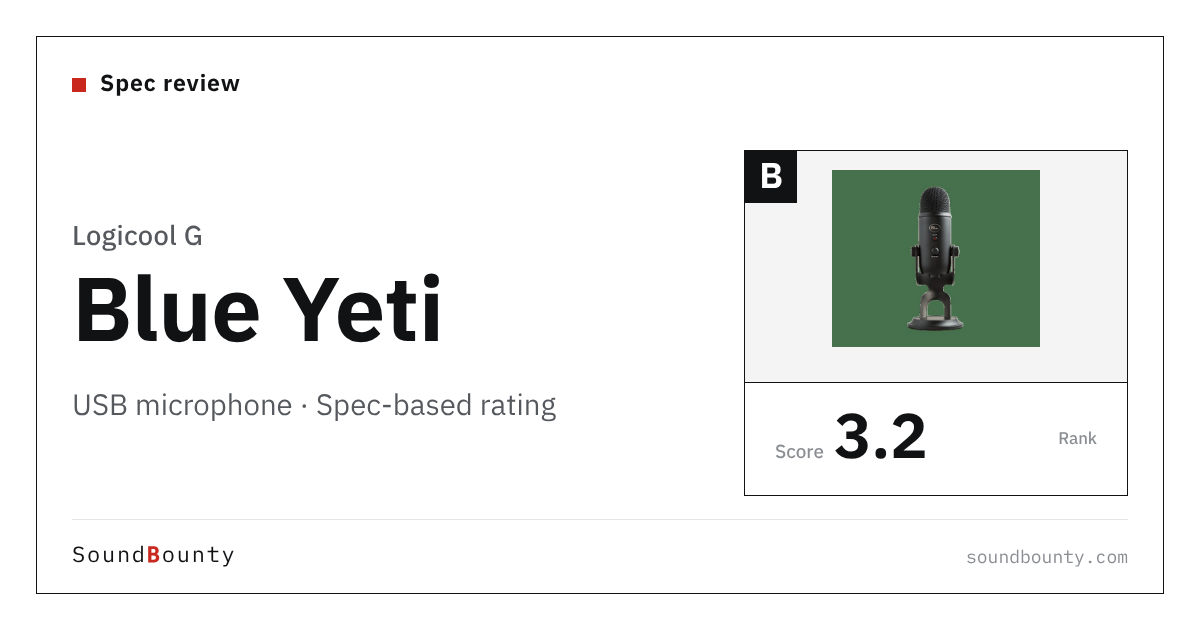
Logicool G’s Blue Yeti is a multi-pattern condenser USB microphone.
A USB microphone is a microphone you can plug straight into a computer by USB. You can start streaming or recording without an audio interface.
In this article we rate it on 4 criteria using only the specifications the manufacturer publishes, and show how it ranks among the 11 USB microphones we compare.
Disclosure: This site takes part in affiliate programs. Specifications are as of the date we checked them and can change.
Score 3.3 / 5 (average of the 11 models compared: 3.0)
- Specs last checked
- 2026/10/19
- Type
- Condenser
- Pickup pattern
- Cardioid / bidirectional / omni / stereo
- Recording
- 16bit/48kHz
- Connection
- USB
- Price (store, date)
- Not disclosed
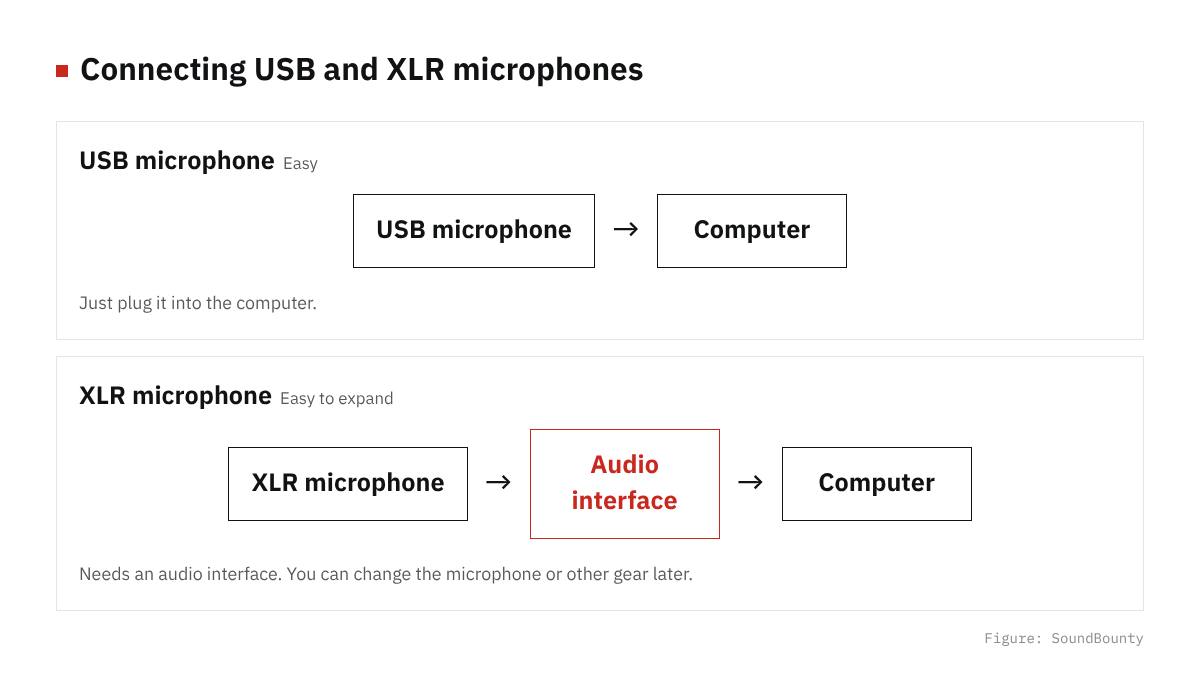
Figure: SoundBounty
Summary
Among the 11 USB microphones, Blue Yeti is rank B. The ranks run S, A, B and C, and B is third from the top. Averaging the scores for each criterion (out of 5) gives 3.3.
Strengths
- Switchable pickup patterns (4 patterns, 5 points): With one microphone you can switch the way you record, such as singing, conversation or ambient sound.
- Controls at hand (3 of 5, 4 points): You can control mute and volume at the microphone.
Things to keep in mind
- Range of connections (0 of 2, 1 point): It connects only one way, by USB.
Who it suits: judging from the specifications, it suits people who want to change how they record (singing, conversation and so on) with one microphone; people who want to control mute and volume at the microphone.
Main features of Blue Yeti
Four pickup patterns you can switch between
By combining three condenser capsules, it can switch between four ways of recording: cardioid, bidirectional, omnidirectional and stereo. With one microphone you can record a solo stream, a conversation between two people facing each other, a chat around a table, or a stereo recording with left-right width.
Gain, mute and a headphone jack
The body has a gain knob that changes the microphone’s sensitivity, a mute button that silences the sound at once and a headphone jack that lets you hear yourself without delay.
Sound shaping with Blue VO!CE (G HUB)
If you install the free software “G HUB”, Blue VO!CE gives you an EQ (adjustment by pitch), a limiter (to prevent distortion) and a de-popper that removes breath pops. There are also voice effects such as a pitch shifter, echo and reverb.
A stand is included, and it can move to an arm
A desktop stand is included, and you can also remove it and put the microphone on a microphone arm. Inside is a shock mount that protects the three capsules. The microphone alone weighs about 0.88 kg, and about 1.4 kg with the stand, so it is on the heavy side.
Where it is useful
- Handling both a solo stream and a two-person talk or conversation with one microphone
- Having fun with voice effects in game streaming
- Starting to record easily without an audio interface
Rating by criterion
Recording detail: 3 / 5
How finely it can record the sound (the sampling rate).
Blue Yeti: 16-bit/48 kHz. That is a standard rating among the products we compared.
Switchable pickup patterns: 5 / 5
How many pickup patterns (directions it listens in) you can choose from.
Blue Yeti: 4 patterns. That is a high rating among the products we compared. With one microphone you can switch the way you record, such as singing, conversation or ambient sound.
Controls at hand: 4 / 5
How many controls you can operate at hand, such as mute, a gain knob and a headphone jack.
Blue Yeti: 3 of 5. That is a high rating among the products we compared. You can control mute and volume at the microphone.
Range of connections: 1 / 5
How widely it connects: an XLR output, and whether it can be used with a smartphone.
Blue Yeti: 0 of 2. That is a modest rating among the products we compared. It connects only one way, by USB.
The gray marks in the figure below (the dotted line on the pentagon) show the average of the 11 products we compared. Price is not part of the score.
How we score (USB microphones)
| Criterion | Basis | 5 pt | 4 pt | 3 pt | 2 pt | 1 pt |
|---|---|---|---|---|---|---|
| Recording detail | Highest supported sampling rate | 192 kHz | 96 kHz | 48 kHz | 44.1 kHz | Lower |
| Switchable pickup patterns | Number of selectable pickup patterns | 4 or more | 3 | 2 | — | 1 (no switching) |
| Controls at hand | Mute, gain knob, headphone jack, headphone volume, mix control | 4 to 5 | 3 | 2 | 1 | None |
| Range of connections | XLR output and smartphone (iOS / Android) support | 2 | — | 1 | — | None |
Scored only on the specifications published by the manufacturer. Price and accessories are not part of the score. USB microphones often do not publish the sensitivity or self-noise that ordinary microphones do, so they are compared on the things that make a difference when you plug straight into a computer: recording detail, switchable pickup patterns, controls at hand and range of connections. Smartphone support counts only where the manufacturer states iOS or Android compatibility. Weight is shown in the table for reference.
Blue Yeti connection and getting started
| Connection | USB (directly to a computer). No driver is needed |
|---|---|
| Power | Runs on USB power (5 V, 150 mA) |
| In the box | Desktop stand (attached to the body), USB cable and manual |
| Other | Supported operating systems: Windows 10 or later and macOS 10.14 or later. Recording is 16-bit/48 kHz. Using Blue VO!CE needs G HUB (free) |
Checked on the manufacturer’s official pages on September 27, 2026.
Compared with other USB microphones
Click a heading to sort. On a phone, the table scrolls sideways.
| Product | RankAvg. score | Type | Pickup pattern | Recording | Connection | Mute | Headphone jack | Weightg | Price (store, date) |
|---|---|---|---|---|---|---|---|---|---|
| Audio-TechnicaAT2020USB-X | B 2.8 | Condenser | Cardioid | 24bit/96kHz | USB | ● | ● | 373 | Not disclosed |
| Audio-TechnicaAT2040USB | B 2.8 | Dynamic | Hypercardioid | 24bit/96kHz | USB | ● | ● | 600 | Not disclosed |
| Audio-TechnicaATR2100x-USB | B 3.3 | Dynamic | Cardioid | 24bit/192kHz | USB / XLR | ● | ● | 268 | Not disclosed |
| RØDEPodMic USB | B 3.0 | Dynamic | Cardioid | 24bit/48kHz | USB / XLR | — | ● | 900 | Not disclosed |
| RØDENT-USB+ | B 2.8 | Condenser | Cardioid | 24bit/48kHz | USB | — | ● | Not disclosed | Not disclosed |
| Logicool GBlue Yeti | B 3.3 | Condenser | Cardioid / bidirectional / omni / stereo | 16bit/48kHz | USB | ● | ● | 880 | Not disclosed |
| ShureMV7+ | B 3.3 | Dynamic | Cardioid | 24bit/48kHz | USB / XLR | ● | ● | 574 | Not disclosed |
| ShureMV7 | A 3.5 | Dynamic | Cardioid | 24bit/48kHz | USB / XLR | ● | ● | 550 | Not disclosed |
| SamsonQ2U | B 2.8 | Dynamic | Cardioid | 16bit/48kHz | USB / XLR | ● | ● | 320 | Not disclosed |
| SamsonQ9U | B 2.8 | Dynamic | Cardioid | 24bit/96kHz | USB / XLR | ● | ● | 970 | Not disclosed |
| RØDENT-USB Mini | C 2.5 | Condenser | Cardioid | 24bit/48kHz | USB | — | ● | Not disclosed | Not disclosed |
Specifications are the manufacturer's published values (official pages and datasheets), checked October 19, 2026. The official page for the RODE NT-USB+ does not state a weight. The weight of the Blue Yeti is the microphone body without the stand.
Before you buy
- It connects straight to a computer by USB. You can start recording without an audio interface. It cannot connect by XLR, so if you plan to use an audio interface later, compare models that also support XLR.
- It records at up to 16-bit/48 kHz. For ordinary streaming and singing, 48 kHz is enough. A bigger number records in finer detail, but the files are larger.
- Controls at hand: mute, gain knob, headphone jack. Anything not on that list (gain, for example) is adjusted in software on the computer.
Read next
- ATR2100x-USB: features and rating (rank B)
- MV7+: features and rating (rank B)
- MV7: features and rating (rank A)
- NT-USB Mini: features and rating (rank C)

Comments