
Disclosure: This page may contain affiliate links. Prices were checked on the date shown and may change.
An introduction to Native Instruments Driver, based on information from the maker and distributors: what it does, how to use it and who it may suit. It is not scored.
A versatile, creative distortion and filter effect. The smooth filter, powerful distortion, and audio modulation combine to take tracks from subtle filtering to all out mayhem.
— Native Instruments official site
What is Driver?
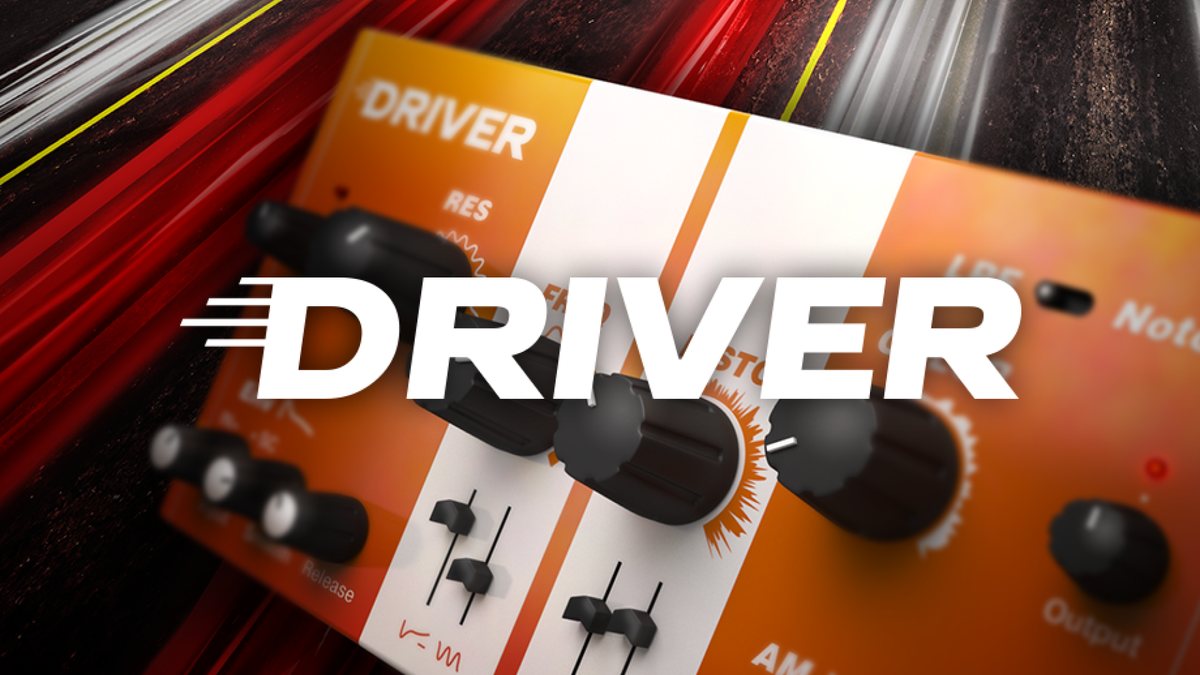
Driver is a creative effect from Native Instruments that combines a filter and a distortion unit. It is introduced as a product from the creator of MASSIVE.
A smooth filter, powerful distortion and audio modulation are combined, and it is described as covering everything from very subtle filtering to extreme destruction.
The filter offers low-pass and notch modes and can be moved with an envelope follower or audio modulation. Smooth and Release adjust how fast it responds, so movement can follow the incoming sound.
It runs as a stand-alone effect in a DAW and also as an effect in MASCHINE. It may be a candidate for people who want to add texture and motion to tracks.
Key features
Filter and distortion together
The product page describes this pairing as rare. Because tonal change from the filter and distortion are handled in one plug-in, it may be useful for build-ups.
Resonant low-pass and notch filter
A filter with resonance offering low-pass and notch settings. Raising the resonance strengthens the filter's characteristic sound.
Envelope follower
A function that moves the filter according to the level of the incoming sound. Smooth and Release adjust the response, and the signal can trigger motion in the sound.
Audio modulation (AM)
Modulation using audio can give the filter dramatic textural changes. In Audio Mode, Clip Cut takes the sound further toward heavy distortion.
Input-reactive distortion
It covers everything from light saturation to heavy destruction. Raising resonance and distortion moves from light crunchy overtones to thick fuzz, and the response varies with the input.
Also in Reaktor Blocks
It is also available as an individual module in REAKTOR Blocks. People who build modular-style in REAKTOR 6 can combine it with other Blocks.
Specifications
| Item | Details |
|---|---|
| Maker | Native Instruments |
| Type | KOMPLETE effect (filter / distortion) |
| Formats (Windows) | VST / VST3 / AAX (64-bit only) |
| Formats (Mac) | VST / VST3 / AU / AAX (64-bit only) |
| OS | macOS 13, 14, 15; Windows 10 and 11 (64-bit) |
| Requirements | Intel Core i5 or equivalent AMD CPU, 4 GB RAM (6 GB recommended) |
| Download size | 154.5 MB |
| Activation | Internet connection and OpenGL 2.1-capable graphics needed for download and activation; usable offline afterwards |
What is included and system requirements
- Driver plug-in (stand-alone effect)
- Usable as an effect inside MASCHINE
- A module version is separately offered in REAKTOR Blocks
How to use it
- Purchase with a Native Instruments account and install through Native Access.
- In your DAW, load Driver as an insert on the track you want to filter.
- Choose the filter type (low-pass or notch).
- Move cutoff and resonance and check the filter's response.
- Raise the amount of distortion little by little and listen to the change.
- Enable the envelope follower and adjust the response speed with Smooth and Release.
- If needed, try audio modulation to add a strong change of texture.
- Compare with the original sound and check that it is not too strong.
Where it may come in handy
Build-ups and breakdowns
Adding distortion while moving the filter may be worth trying to create points where the sound changes toward a new section.
Adding motion to static sounds
An envelope follower may add movement to pads or loops that feel monotonous.
Distorting drums or bass
Using the range from light saturation to heavy distortion may help adjust the presence of material.
Use in MASCHINE
As an effect in MASCHINE, it could add texture to patterns.
Who it may suit
- People who want filtering and distortion in one plug-in
- People who want to make build-up changes quickly
- People who want more effects for MASCHINE
- People looking for ways to add motion to sounds
Good to know before you buy
- Internet connection and OpenGL 2.1-capable graphics are required for download and activation.
- Officially supported OSes are macOS 13 to 15 and Windows 10 and 11.
- You may want to check the impression of the sound with the official audio demos before deciding.
How it differs from similar products
We do not pick a winner; the official figures are placed side by side.
Native Instruments KOMPLETE
Driver is built around a filter combined with distortion and has a download size of 154.5 MB.
Price
$49 (Native Instruments official site, checked 2026-10-27). Prices can vary by region and promotion, so check the official page before buying.
See Driver on the product page
More of the same kind
We have introduced 82 saturation and distortion effects. Here are some of the others.
- Safari Audio Rabbit Tape V2
- Solid State Logic SSL Native X-Saturator
- Universal Audio Ampex ATR-102 Mastering Tape Recorder
- Ohmforce Ohmicide-S
- MeldaProduction MWaveFolderMB
- Newfangled Audio Saturate
We have introduced 15 other products from Native Instruments.
- Native Instruments Kolor
- Native Instruments REPLIKA XT
- Native Instruments Super*Saw
- Native Instruments Blocks Primes
- Native Instruments FORM
For a side-by-side comparison scored on the same criteria, see our comparison of saturation and distortion effects.
See the full list in Product database: Effects.
Sources: native-instruments.com pluginboutique.com (checked 2026-10-27)










Comments