
Excite Audio’s sound-analysis (visualization) plug-in VISION 4X is 44% off at Plugin Boutique: $49 instead of $89 (USD). The product page says the offer runs until November 1.
Disclosure: This article contains affiliate links. If you buy through them, SoundBounty may earn a commission at no extra cost to you. Prices are as of the date we checked them and can change.
The deal
| Product | Regular price | Sale price | Discount | Ends |
|---|---|---|---|---|
| VISION 4X | $89 | $49 | 44% off | Nov 1 |
Prices are in US dollars as shown on Plugin Boutique, checked on October 27, 2026. The discount and end date come from the Plugin Boutique product page. Taxes, fees and availability can vary by country, so check the checkout page.
Where to buy
- VISION 4X: View at Plugin Boutique
What is VISION 4X?
VISION 4X is a sound-analysis plug-in from Excite Audio, developed together with the electronic music group NOISIA (per the manufacturer).
Features
Four visual analyses at once, in real time
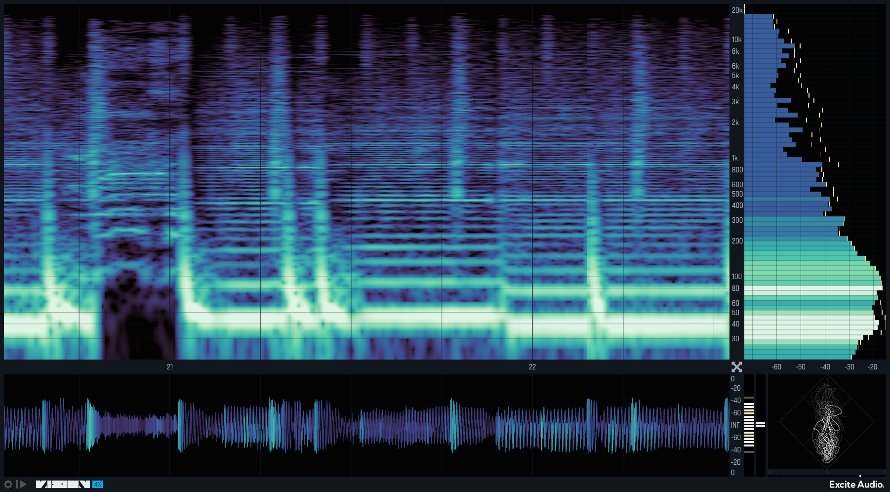
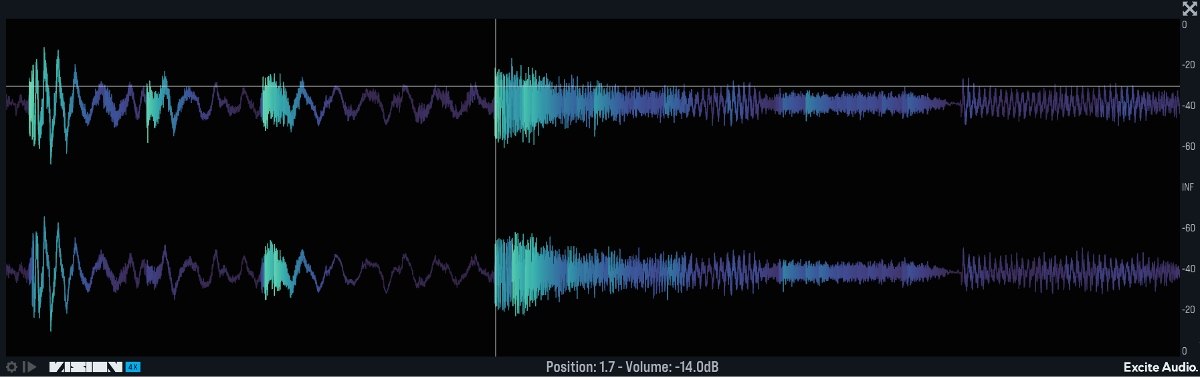
VISION 4X shows four analyses at the same time: a spectrogram, a bar graph, a waveform and a phase correlation meter. Each is a separate window you can resize. The manufacturer says it was developed together with the electronic music trio NOISIA.
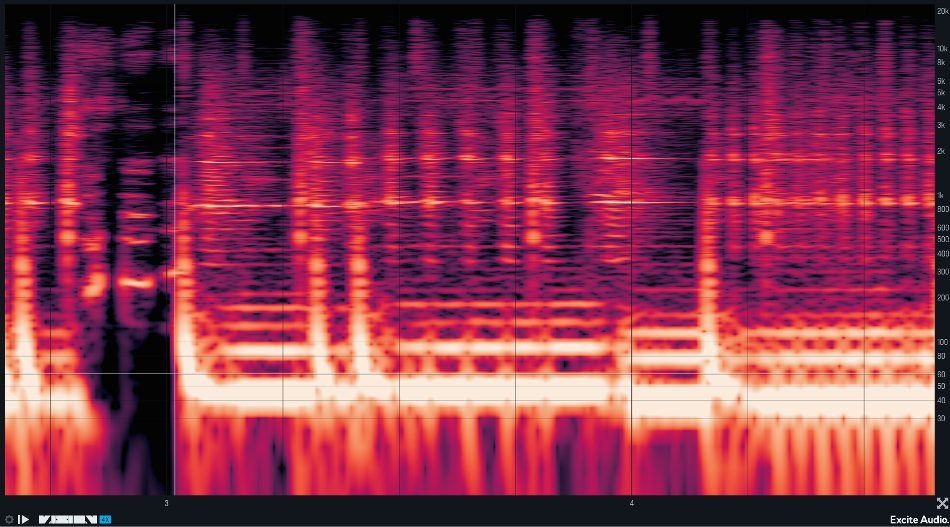
Spectrogram with high low-end resolution
It raises the resolution of the low end to show more frequency information in the mix. You can freeze the display to check or zoom in on a moment of sound. The display modes are Transient (the start and end of sounds), Harmonic (harmonics in detail) and All-round (the whole picture) (per the manufacturer).
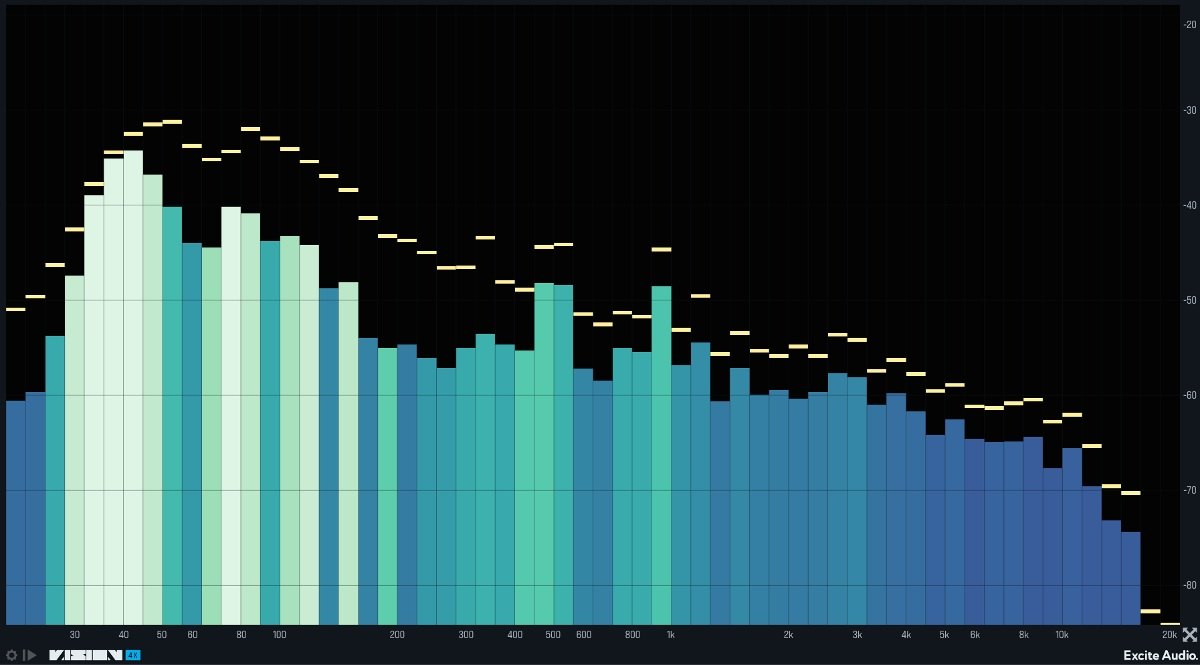
Bar graph that highlights resonant frequencies
A customizable spectrum analyzer shows the level of sustained frequencies. “Spectrum Highlight” points out resonating frequencies, and the sensitivity can be adjusted (per the manufacturer).
Compare with genre reference curves
You can compare your mix with genre reference curves made by analyzing hundreds of songs. The parts that exceed the reference are shown in red. You can also import songs by artists you like and make your own reference curve (per the manufacturer).
Waveform analyzer and VU/RMS meters
You can zoom into the waveform to see information about pitch, level and timing. VU and RMS meters let you check loudness, and there is an overshoot highlight that helps when checking headroom (per the manufacturer).
Sync with the DAW, and MIDI retrigger
It syncs with the DAW so you can set the length of time analyzed. You can run it continuously, loop a section and layer the results, or restart the analysis each time it receives MIDI, which suits comparing kicks (per the manufacturer).
After you buy: installation and activation
This is the general flow for products bought at Plugin Boutique. Activation differs by product (serial number, a manufacturer account, iLok and so on), so check the instructions in your library after purchase.
- Log in to your Plugin Boutique account and find the product in “Library”.
- Download the installer (you can switch between the Windows and Mac versions). Depending on the product, you also get a serial number, an unlock code or a key file.
- Product-specific steps are under “…” → “Installation Instructions” next to the product in your library, and also near the bottom of the product page.
Before you buy
- The end date is the one shown on Plugin Boutique. Offers can change, so confirm on the product page before you buy.
- Check the supported operating systems, plug-in formats (VST3, AU, AAX and so on) and the licensing method on the product page before buying.
Where to buy
- VISION 4X: View at Plugin Boutique









Comments