
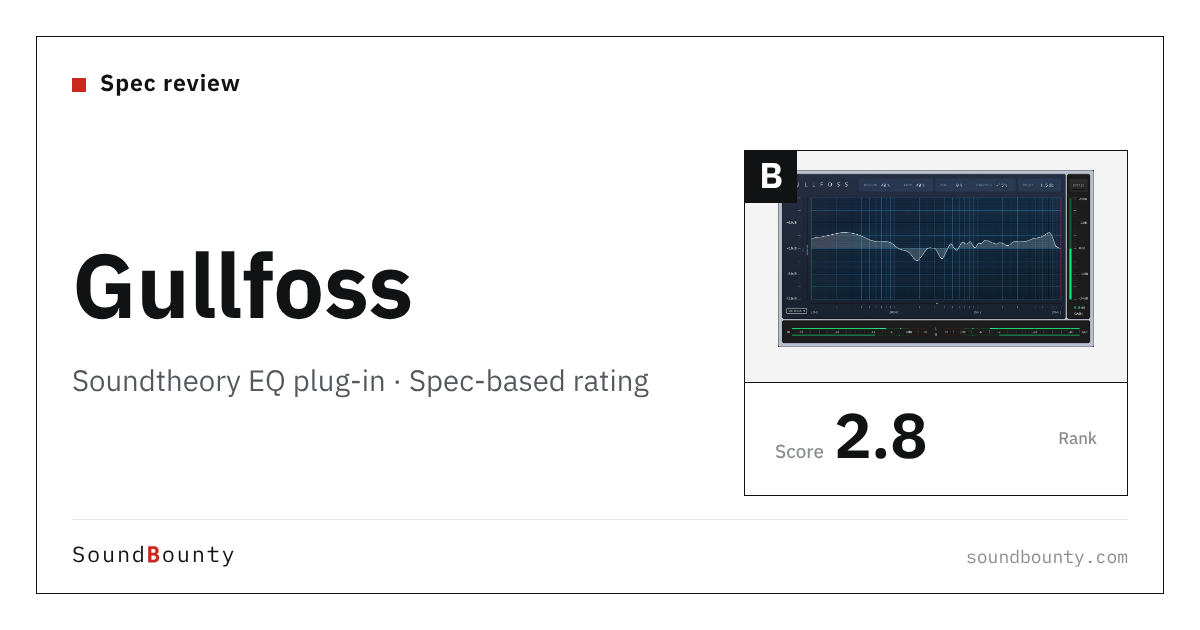
Soundtheory’s Gullfoss is a “smart EQ” that listens to the sound and automatically balances it, based on a model of how we hear. It has few knobs, and lets you adjust clarity and the sense of placement in a short time.
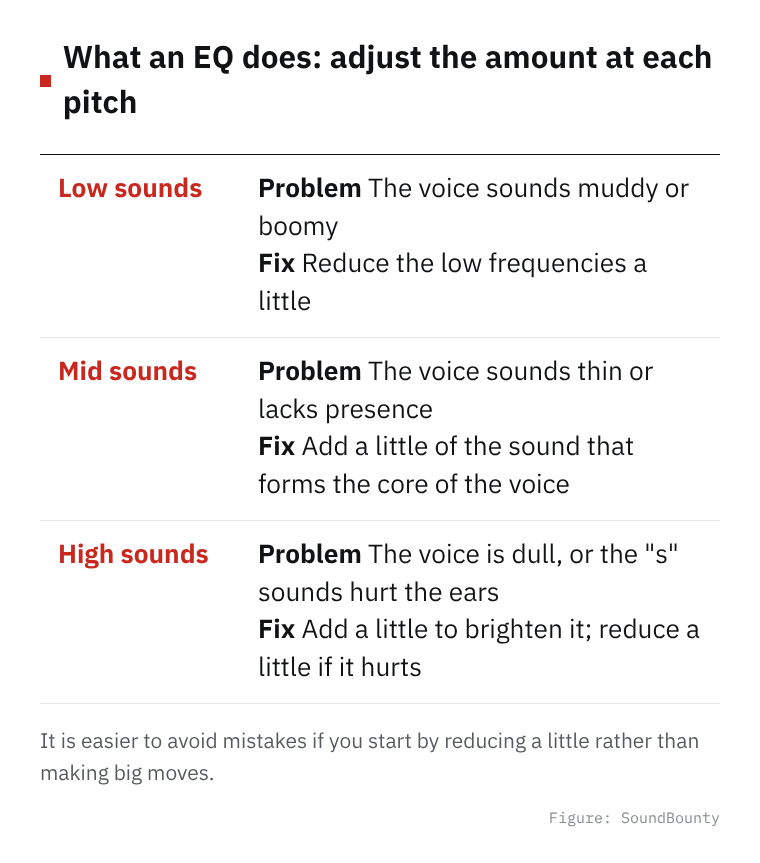
An EQ (equalizer) adjusts the amount of low and high frequencies in a sound. You use it to clear up a muddy voice or reduce sounds that hurt the ears.
In this article we compare Gullfoss with 15 EQ plug-ins and rate how well it serves its purpose on three criteria. The basis is official manufacturer information.
Disclosure: This article contains affiliate links. If you buy through them, SoundBounty may earn a commission at no extra cost to you. Prices and sale information are as of the date we checked them and can change.
Score 2.8 / 5 (average of the 15 products compared: 3.1)
- Specs last checked
- 2026/09/25
- Handling problem bands
- Auto peak/valley balancing
- Speed
- Auto EQ + sidechain
- Stereo processing
- Not listed
- Price (store, date)
- $199 [Official, checked Oct 26]
Summary
Among the 15 EQ plug-ins, Gullfoss is rank B. The ranks run S, A, B and C, and B is third from the top. Averaging the scores for each criterion (out of 5, with the one criterion that matters most for the purpose counted double) gives 2.8.
Strengths
- Speed (4 points): it has features that help you decide settings quickly, so it is easy to start even if you are new to EQ.
Things to keep in mind
- Stereo processing (1 points): it has no function for adjusting the center and the sides separately.
Who it suits: people who are not comfortable with detailed EQ operation but want to quickly improve the clarity of a mix or vocal.
Main features of Gullfoss
“Recover” and “Tame”, which listen and adjust automatically
The core of Gullfoss is two knobs, Recover and Tame. According to the manual, Recover pulls out components that are hidden behind other sounds and are hard to hear, while Tame holds down components that stick out too much. Instead of moving bands one by one as with an ordinary EQ, you only set the amount of the two knobs and the balance of the whole changes, so it is easy to try even if you are not confident with EQ.
Set the direction with Bias and Brighten
Bias decides how widely Recover or Tame is applied, and Brighten adjusts the balance of perceived brightness. You can set a direction such as “a bit brighter” or “a bit calmer” without thinking about frequencies.
The curve is updated about 300 times per second
The manual says that Gullfoss performs its listening calculation about 1,000 times per second and updates the EQ curve about 300 times per second. It can follow and adjust even as the sound keeps changing, and it is built to sound natural even on material that changes moment by moment, such as singing.
Three versions to match your use
The official page explains that the standard Gullfoss is for mixing and mastering with a delay of about 20 ms, Gullfoss Live is for live use and tracking (recording) with a delay of under 2 ms, and Gullfoss Master is for mastering with finer parameters. All users can use all three.
Sidechain that uses the sound of another track
From version 1.9.0, a sidechain input was added. It uses the sound of another track for analysis and moves the EQ in response to it. For example, you could let it hear the vocal and adjust the backing track only when needed. Note that, depending on the host software, the sidechain delay may not be compensated, and in that case you need to align it by hand.
Where it is useful
- Adding clarity to a finished mix of a cover song
- Quickly clearing up an acoustic guitar track that sounds muddy
- Using Gullfoss Live to balance your voice before a live stream
Rating by criterion
Handling problem bands: 3 / 5
We check whether you can target and fix only the sounds that bother you, such as boominess or harshness.
Based on a model of how we hear, it automatically changes the EQ curve about 300 times per second.
Speed: 4 / 5
We check whether it has features that get you to a good setting quickly, such as automatic settings and a function that matches a reference sound.
It is an automatic EQ that listens to the sound, lifts components that are buried (Recover) and holds down components that stick out too much (Tame). It also has a sidechain input that uses the sound of another track for analysis.
Stereo processing: 1 / 5
We check whether you can adjust the center sound (such as the vocal) and the sound spread to the sides separately.
It supports mono and stereo, and the manual says it can also be used on signals converted to M/S (a method that separates the center from the sides).
If “stereo processing” matters most to you, MAutoEqualizer and EQuilibrium (5 points) are a better fit.
How we score (EQ plug-ins)
| Criterion | Basis | 5 pt | 4 pt | 3 pt | 2 pt | 1 pt |
|---|---|---|---|---|---|---|
| Handling problem bands | The power to target and reduce boomy or harsh sounds | Dynamic EQ, plus processing that reacts only to specific frequencies inside a band | Dynamic EQ (works only when the sound gets loud), or separate processing of the attack and the sustained sound | A static EQ with many bands, or with a choice of processing quality such as linear phase | A static EQ with few bands | — |
| Speed | Features that help you decide settings quickly | AI balances the sound automatically and can also reduce overlap between tracks | Automatic EQ settings or EQ match, plus other aids | One aid, such as EQ match | Analyzer (a visual display of the sound) only | No aids listed |
| Stereo processing | Whether the center and the sides can be processed separately | Supports M/S, separate left/right and surround | Supports M/S plus either separate left/right or surround | M/S only | — | Not mentioned on the official page |
Each criterion is scored from 1 to 5 on how well the product serves one goal: balancing the sound of vocals and backing tracks in a mix. Scores follow the conditions in the table above, and the rank is based on an average in which "Handling problem bands" counts double. The basis is official manufacturer information. Sound quality and CPU load are not measured, so they are not scored; reviews from trade magazines are introduced in the articles for reference. Price is not part of the score. Features that cannot be confirmed from the manufacturer's or a retailer's description are scored as if absent. The "OBS (streaming)" column in the table shows whether the official page lists the VST2 format that the streaming software OBS Studio can use (○). OBS does not support the VST3 format. It is not part of the score.
Gullfoss system requirements and getting started
| Operating system | Windows 7 or later / Mac (macOS 10.9 or later, Apple silicon and Intel) |
|---|---|
| Plug-in formats | AU, VST, VST3, AAX (64-bit) |
| Other | iLok License Manager is used to activate the license (no dongle needed) |
| Trial | Trial available |
| OBS (streaming) | Works as it is (VST2 is listed) |
Checked on the manufacturer’s official pages on October 17, 2026. How to use plug-ins in the OBS streaming software is explained in How to use VST3 plug-ins in OBS.
Compared with other EQ plug-ins
Click a heading to sort. On a phone, the table scrolls sideways.
| Product | RankAvg. score | Handling problem bands | Speed | Stereo processing | Free | OBS (streaming) | Price (store, date) |
|---|---|---|---|---|---|---|---|
| FabFilterPro-Q 4 | S 4.5 | Dynamic + spectral | EQ match + aids | M/S + surround | — | ○ | $199 [PB, checked Oct 26] |
| soniblesmart:EQ 4 | A 4.0 | Dynamic | AI auto-correction | M/S | — | ○ | $129 [PB, checked Oct 26] |
| MeldaProductionMEqualizer | B 2.8 | 6 bands | Analyzer | M/S, L/R, surround | Free | ○ | Not listed |
| MeldaProductionMAutoEqualizer | A 3.8 | Linear phase | Auto EQ + match | M/S, L/R, surround | — | ○ | $165 [PB, checked Oct 26] |
| EventideSplitEQ | A 3.5 | Attack/sustain split | Analyzer | L/R + M/S | — | ○ | $149 [PB, checked Oct 26] |
| Slate DigitalInfinity EQ 2 | A 3.5 | Dynamic | Analyzer | M/S + L/R | — | ○ | $149 [PB, checked Oct 26] |
| Tokyo Dawn RecordsTDR Nova | A 3.5 | Dynamic | Analyzer | M/S + L/R | Free | ○ | Not listed |
| Universal AudioPultec Passive EQ Collection | C 1.5 | Few bands | Not listed | Not listed | — | × (VST3 only) | $39 (sale; regular $149) [PB, checked Oct 26] |
| WavesF6 | B 3.0 | Dynamic | Not listed | M/S | — | △ (via Waves StudioRack) | $39.99 (sale; regular $149) [PB, checked Oct 26] |
| Plugin Alliancebx_digital V3 | A 3.8 | Dynamic | Auto-Solo | M/S + L/R | — | ○ | Not listed |
| Tokyo Dawn RecordsSlickEQ | C 2.3 | 3 bands | Auto gain | M/S | Free | ○ | Not listed |
| DMG AudioEQuilibrium | A 3.5 | 32 bands + linear phase | Analyzer + Autolisten | M/S, L/R, surround | — | ○ | Not listed |
| SoundtheoryGullfoss | B 2.8 | Auto peak/valley balancing | Auto EQ + sidechain | Not listed | — | ○ | $199 [Official, checked Oct 26] |
| SonnoxOxford EQ | C 1.5 | 5 bands | Not listed | Not listed | — | × (VST3 only) | $279.99 [Official, checked Oct 26] |
| SonnoxOxford Dynamic EQ | C 2.5 | Dynamic | Not listed | Not listed | — | × (VST3 only) | $279.99 [Official, checked Oct 26] |
Features checked on each manufacturer's official website on September 25, 2026. Check the store page behind the buy button for the price.
Read next
- MEqualizer: features and rating (rank B)
- F6: features and rating (rank B)
- Pro-Q 4: features and rating (rank S)
- smart:EQ 4: features and rating (rank A)

Comments